Keeping your computer’s drivers up to date is one of the most overlooked yet essential parts of maintaining a healthy system. Drivers act as translators between your hardware and operating system, ensuring that every component—from your graphics card to your network adapter—functions properly. Tools like Snappy Driver Installer have become increasingly popular because they automate what can otherwise be a time-consuming and technically challenging task. But how do these tools work, and are they the right choice for you?
TLDR: Driver update tools like Snappy Driver Installer simplify the process of keeping hardware drivers current by automatically scanning, downloading, and installing the correct updates. They can save time, fix performance issues, and improve hardware compatibility. However, users should choose reputable tools, understand how they work, and use them carefully to avoid unnecessary or incorrect updates. When used properly, they are powerful utilities for both beginners and IT professionals.
Why Drivers Matter So Much
Every piece of hardware in your computer depends on a driver to function correctly. Whether it’s your GPU rendering high-resolution graphics or your sound card delivering crisp audio, drivers act as a communication bridge between the hardware and the operating system.
Outdated or corrupted drivers can lead to:
- System crashes and blue screen errors
- Poor gaming performance
- Audio or network connectivity issues
- Hardware not being recognized
- Security vulnerabilities
While Windows Update does handle many drivers automatically, it doesn’t always provide the latest versions. That’s where specialized driver update tools come into play.
What Is Snappy Driver Installer?
Snappy Driver Installer (SDI) is a free, open-source driver update utility designed to scan your computer and find the best matching drivers for your devices. Unlike many commercial driver updaters, it emphasizes transparency and offline functionality.
One of SDI’s standout features is that it offers a large driver database that can be downloaded in full, making it especially useful for technicians who work on multiple machines without internet access.
What makes SDI particularly appealing is its:
- Open-source structure, allowing transparency in how it operates
- Offline driver packs, ideal for environments without internet access
- Advanced filtering for experienced users
- Portable version that runs without installation
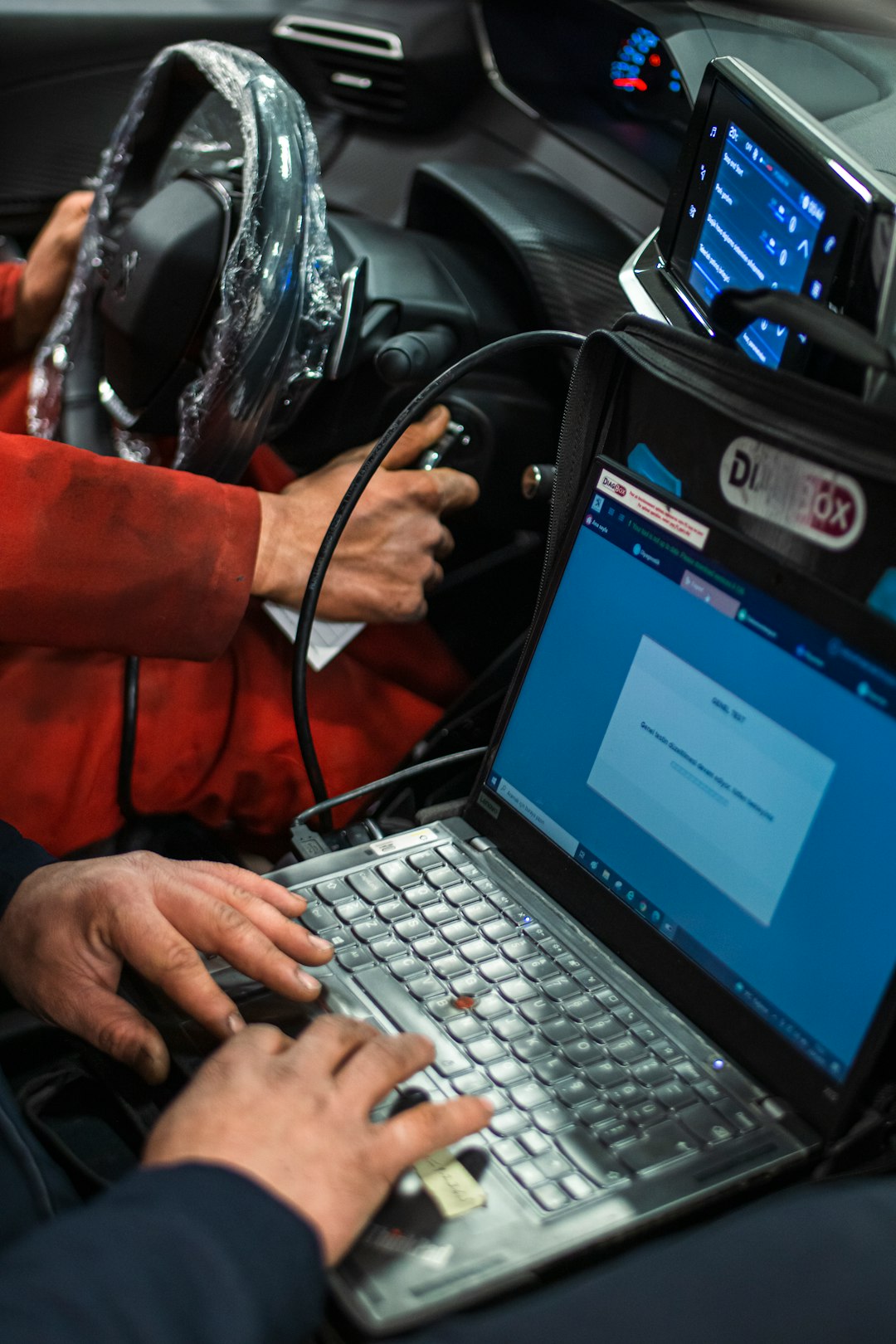
Because it is portable, IT technicians often load it onto a USB drive and use it across multiple systems.
How Driver Update Tools Work
To understand the value of tools like Snappy Driver Installer, it helps to know how they function behind the scenes.
- System Scan: The tool scans your computer’s hardware IDs and installed drivers.
- Database Comparison: It compares this information against its driver database.
- Match Ranking: Drivers are ranked by compatibility and version recency.
- Installation: The user selects drivers to install, and the tool handles deployment.
More advanced tools also create restore points before installing drivers, allowing you to roll back changes if something goes wrong.
Benefits of Using Driver Update Tools
1. Time Efficiency
Manually searching for drivers involves identifying your exact hardware model, visiting manufacturer websites, and ensuring compatibility with your OS version. A driver updater automates this entire workflow in minutes.
2. Improved Performance
Updated drivers, especially for GPUs and network cards, can significantly improve:
- Gaming FPS and stability
- System responsiveness
- Internet speed reliability
- Energy efficiency on laptops
3. Enhanced Compatibility
New operating system updates sometimes cause hardware conflicts. A driver update can restore proper functionality without requiring hardware replacement.
4. Offline Capability
Snappy Driver Installer stands out because of its offline driver packs. This is crucial in situations where:
- A network driver is missing and internet access is unavailable
- Multiple computers need updates in a workshop
- Enterprise deployment requires standardized driver sets
Potential Risks and Drawbacks
While driver update tools are extremely useful, they are not without risks.
Over-Updating
Not every driver needs to be updated unless there’s a problem. Installing unnecessary updates can occasionally introduce instability.
Incorrect Driver Matches
Although rare with reputable tools, incorrect driver suggestions can occur. That is why it’s important to:
- Review suggested drivers carefully
- Create restore points before installation
- Update critical components like BIOS manually when possible
Security Concerns
Some driver updater tools (not necessarily Snappy Driver Installer) bundle unwanted software or rely on aggressive marketing tactics. Always download from trusted sources and verify authenticity.
When Should You Use a Driver Updater?
Driver update tools are particularly useful in certain scenarios:
After a Fresh Windows Installation
A clean OS install often lacks optimized drivers. A driver updater can quickly bring the system to full functionality.
When Experiencing Hardware Issues
Sudden problems with audio, Wi-Fi, Bluetooth, or graphics performance may be solved with a proper driver update.
For IT Maintenance
Technicians maintaining multiple PCs benefit from automated scanning and batch updating capabilities.
Older Systems
Windows Update may not actively supply newer drivers for aging hardware. Specialized tools can fill this gap.
Manual Updates vs Automated Tools
Let’s compare both methods:
Manual Driver Updates
- More control
- Direct download from manufacturer websites
- Lower risk of unnecessary updates
- Time-consuming and sometimes confusing
Automated Driver Tools
- Fast and convenient
- Minimal technical knowledge required
- Bulk updates in one session
- Requires trust in the software’s database
For advanced users who understand hardware specifications, manual updates may offer precision. For everyday users, automated tools provide accessibility and speed.
Key Features to Look for in Driver Update Software
If you’re considering using a tool like Snappy Driver Installer, prioritize the following features:
- Large and regularly updated database
- Clear driver compatibility ranking
- Restore point creation
- Offline functionality
- No forced ads or bundled software
- Portable mode availability
Transparency and user control are vital. Tools that clearly label recommended versus optional drivers are much safer to use.
Best Practices for Safe Driver Updates
Even with powerful tools, responsible usage is critical. Follow these best practices:
- Create a Restore Point: Always ensure you can roll back changes.
- Update in Batches: Avoid installing too many drivers at once.
- Reboot After Installations: Properly apply changes.
- Test System Stability: Check performance before proceeding with additional updates.
- Prioritize Critical Drivers: Graphics, chipset, and network drivers often yield the most benefit.
Who Should Use Snappy Driver Installer?
While anyone can benefit, SDI is particularly suited for:
- IT technicians and system administrators
- PC repair shops
- Advanced home users
- Users restoring older or offline computers
Because of its advanced interface, it may look intimidating at first. However, once understood, it offers significant control compared to simpler commercial tools.
The Future of Driver Management
As operating systems evolve, driver management is becoming increasingly automated. Windows and other platforms are improving how they distribute hardware updates. However, no automated system is perfect. Hardware diversity, legacy components, and custom-built PCs still require flexible solutions.
Driver update tools like Snappy Driver Installer fill an important niche. They balance automation with control, offering users a middle ground between manual downloads and full OS dependency.
Final Thoughts
Maintaining updated drivers is essential for performance, security, and hardware longevity. While manual updates offer precision, tools like Snappy Driver Installer simplify and accelerate the process, especially for multiple systems or offline machines. Like any powerful utility, they should be used thoughtfully and carefully.
When chosen wisely and used responsibly, driver update tools can transform system maintenance from a frustrating chore into an efficient, streamlined process. Whether you are a casual PC user or a seasoned technician, understanding how these tools work empowers you to keep your system running smoothly for years to come.
