Deleting the Instagram app from your phone can feel like a major step, especially if you rely on it for friends, customers, memories, or daily communication. However, removing the app from your device is very different from deleting your Instagram account. In most cases, your profile, messages, followers, posts, reels, comments, and likes remain stored on Instagram’s servers, not on your phone.
TLDR: If you delete the Instagram app, your Instagram account does not disappear. Your messages, followers, posts, reels, stories archive, and profile generally remain intact and visible to others according to your privacy settings. You simply lose access from that device until you reinstall the app or log in through a browser. The main things that may be removed from your phone are temporary app data, cached files, login convenience, and possibly unsaved drafts.

Deleting the App Is Not the Same as Deleting Your Account
The most important distinction is between deleting the Instagram app and deleting your Instagram account. When you delete or uninstall the app, you are only removing the software from your phone. Your account still exists online, and Instagram still keeps your account information on its servers.
By contrast, deleting your Instagram account is a separate process that must be started through Instagram’s account settings. That process can eventually remove your profile, photos, videos, followers, likes, and comments from the platform. Simply removing the app from an iPhone or Android device does not start that process.
Think of the Instagram app as a doorway to your account. Deleting the app removes the doorway from your phone, but it does not demolish the house behind it. Your account remains accessible if you reinstall Instagram, use another device, or log in through a supported web browser.
What Happens to Your Instagram Messages?
Your Instagram Direct Messages, often called DMs, are not deleted just because you remove the app. Conversations remain linked to your account and are stored by Instagram. If you reinstall the app and log back in, your message inbox should still be there.
This includes most of the following:
- One to one conversations with friends, family, customers, or other users.
- Group chats you are part of.
- Shared posts, reels, and profiles sent through DM.
- Message requests, depending on your account settings and whether they were still available.
- Previously sent messages that have not been unsent or removed under Instagram’s own features.
Other people can still see the messages you sent them unless you unsent those messages or they delete the conversation from their own side. Deleting the app does not remove your messages from another person’s inbox. It also does not notify people that you uninstalled Instagram.
There is one practical effect: you will not receive Instagram DM notifications on that phone while the app is deleted. People may still send you messages, and those messages may wait in your inbox. You simply will not see them until you log back in through the app or, where available, through Instagram on the web.
What Happens to Your Followers?
Your followers remain exactly as they are when you delete the Instagram app. People who follow you will continue to follow your account unless they choose to unfollow you, you remove them, or your account is deleted or disabled for another reason.
Deleting the app does not:
- Remove your followers.
- Unfollow people on your behalf.
- Change your follower count by itself.
- Hide your profile from existing followers.
- Send an alert that you removed the app.
If your account is public, people can still find and view your profile, posts, reels, and other public activity according to Instagram’s normal rules. If your account is private, your approved followers can still see your content. Removing the app does not automatically make your account more private or invisible.
That said, if you stay away from Instagram for a long time, follower behavior may change naturally. Some people may unfollow inactive accounts, and your engagement may decrease because you are not posting, replying, or interacting. But these are social effects of inactivity, not technical effects of uninstalling the app.

What Happens to Your Posts, Reels, and Photos?
Your published Instagram posts, reels, carousels, and profile photos remain on your account after you delete the app. They are not stored only on your phone. Once published, they are part of your Instagram profile and remain available based on your account privacy and the visibility settings of each type of content.
This means your existing content can still be viewed, liked, commented on, shared, or saved by others if your settings allow it. If you have a public account, people may still discover your posts through search, hashtags, Explore, recommendations, or profile visits. If you have a private account, approved followers may continue to see them.
Deleting the app also does not delete:
- Comments you made on other users’ posts.
- Likes you gave to posts, reels, or comments.
- Tags of you in photos or videos.
- Saved posts associated with your account.
- Collections you created in your saved items.
- Archived posts and stories saved to your archive.
- Highlights displayed on your profile.
If you want content removed from Instagram, you must delete or archive that content from within your account before uninstalling the app, or log in again later and manage it. Removing the app is not a content deletion tool.
What Happens to Stories and Story Archives?
Active Instagram Stories continue to follow their normal lifespan. If you posted a story and then delete the app, the story will still remain visible for its usual period, typically 24 hours, unless you delete it before removing the app. Your followers may still view it and react to it while you are away.
If your story archive is enabled, expired stories may still be saved privately in your archive. Deleting the app does not normally erase the archive attached to your account. When you reinstall Instagram and log back in, your archived stories should still be accessible, subject to Instagram’s current features and policies.
Story Highlights also remain on your profile. If you have highlights that display old stories, they will continue to be visible to the audience allowed by your privacy settings. To remove them, you must edit or delete the highlights directly.
What Happens to Drafts?
Drafts are one of the few areas where deleting the app can matter. Instagram drafts, such as unfinished posts or reels, may be stored locally on your device or tied partly to the app’s local data. If you uninstall the app, those drafts may be lost and may not return when you reinstall it.
This is especially important for creators, businesses, and anyone preparing content in advance. Before deleting Instagram, it is wise to publish, save, export, or otherwise back up anything important that exists only as a draft. If the video, caption, edits, or creative work has not been published or saved elsewhere, you should not assume it will survive an uninstall.
Practical advice: If a draft matters, save the original media to your camera roll, notes app, or cloud storage before removing Instagram. Do not rely on the app to preserve unfinished work after it has been deleted from your device.
What Happens to Notifications?
Once you delete the Instagram app, it can no longer send push notifications to that device. You will not receive alerts for new messages, likes, comments, follows, story reactions, live videos, or account activity through the deleted app.
However, the activity may still happen on Instagram. Your posts may receive likes. People may comment. Someone may send a DM or follow your account. You simply will not receive app notifications until you reinstall Instagram and allow notifications again.
In some cases, Instagram may still send email notifications if you have those enabled in your account settings. These are separate from app notifications and depend on your preferences, region, and Instagram’s notification systems.
What Happens to Your Login and Local App Data?
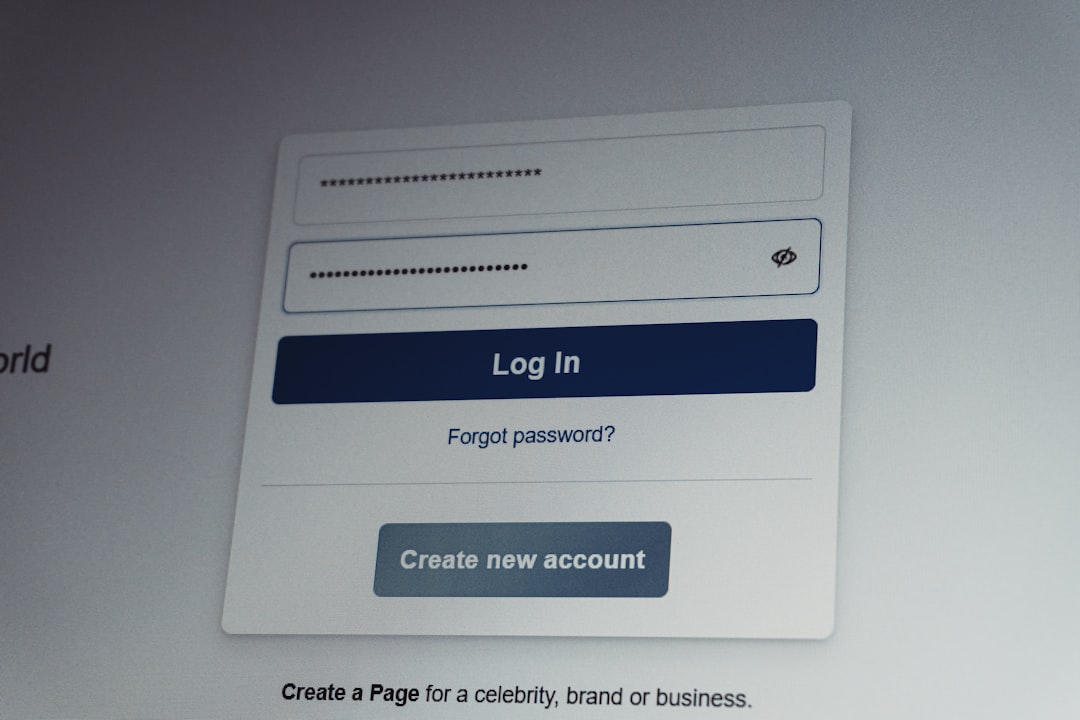
Deleting the app usually removes local app data from your device. This may include cached images, temporary files, app settings, and stored login convenience. On some devices, you may need to enter your username, email, phone number, and password again after reinstalling.
On iPhone and Android, the exact behavior can vary depending on whether you fully uninstall the app, offload it, clear data, or use device backup features. For example, iOS may offer an option to offload an app while retaining certain documents and data. Android may allow you to clear cache or clear storage separately. These device-level options are different from deleting Instagram content from your account.
If you use two-factor authentication, make sure you can access your authentication method before deleting the app or logging out. Removing Instagram itself usually does not affect your authentication app or SMS number, but losing access to login methods can make it harder to return to your account.
Can People Still See Your Profile After You Delete the App?
Yes. Unless you deactivate or delete your account, people can still see your profile according to your privacy settings. If your account is public, your profile may still appear in search results inside Instagram, and possibly in some external search contexts depending on indexing and availability. If your account is private, people who are not approved followers will generally see limited information.
Your online status may be affected because you are no longer using the app, but your account does not announce that you deleted Instagram. Friends may notice only if you stop replying, stop posting, or stop viewing stories.
What If You Want to Take a Real Break?
If your goal is simply to reduce distraction, deleting the app can be an effective temporary step. It removes easy access and prevents constant notifications while keeping your account intact. This is often a good option for people who want a break without losing their profile, memories, audience, or conversations.
If you want your profile hidden for a while, consider temporarily deactivating your account instead. Deactivation is different from uninstalling the app. When you deactivate, your profile is generally hidden until you log back in and reactivate it. This is more private than just deleting the app, but it still is not the same as permanent deletion.
If you want Instagram to remove your account permanently, you must use the official account deletion process. This is a serious decision because it can eventually remove your profile, posts, followers, messages associated with your account access, and other account data. Instagram may provide a grace period, but once permanent deletion is completed, recovery may not be possible.
Before Deleting the App: A Short Checklist
Before you remove Instagram from your phone, consider taking a few careful steps:
- Save important drafts because they may disappear after uninstalling.
- Check your login details so you can return to your account later.
- Confirm two-factor authentication access if it is enabled.
- Download important photos or videos if they are not saved elsewhere.
- Tell close contacts if you expect delayed replies to messages.
- Review privacy settings if you do not want people viewing your profile while you are away.
Final Answer: What Actually Changes?
When you delete the Instagram app, the main change is on your device, not on Instagram’s servers. Your phone no longer has the app installed, so you cannot easily open Instagram, receive push notifications, or access local app features. Some temporary files and possibly drafts may be removed from the device.
Your account, however, remains active unless you separately deactivate or delete it. Your messages remain in your inbox, your followers remain connected, and your published posts remain visible according to your account settings. People can still interact with your profile, send messages, and view content if they normally have permission to do so.
In short, deleting the Instagram app is best understood as removing access from your phone, not erasing your Instagram presence. If you want a simple break, uninstalling the app is usually safe. If you want privacy, invisibility, or permanent removal, you need to use Instagram’s account deactivation or deletion options instead.
