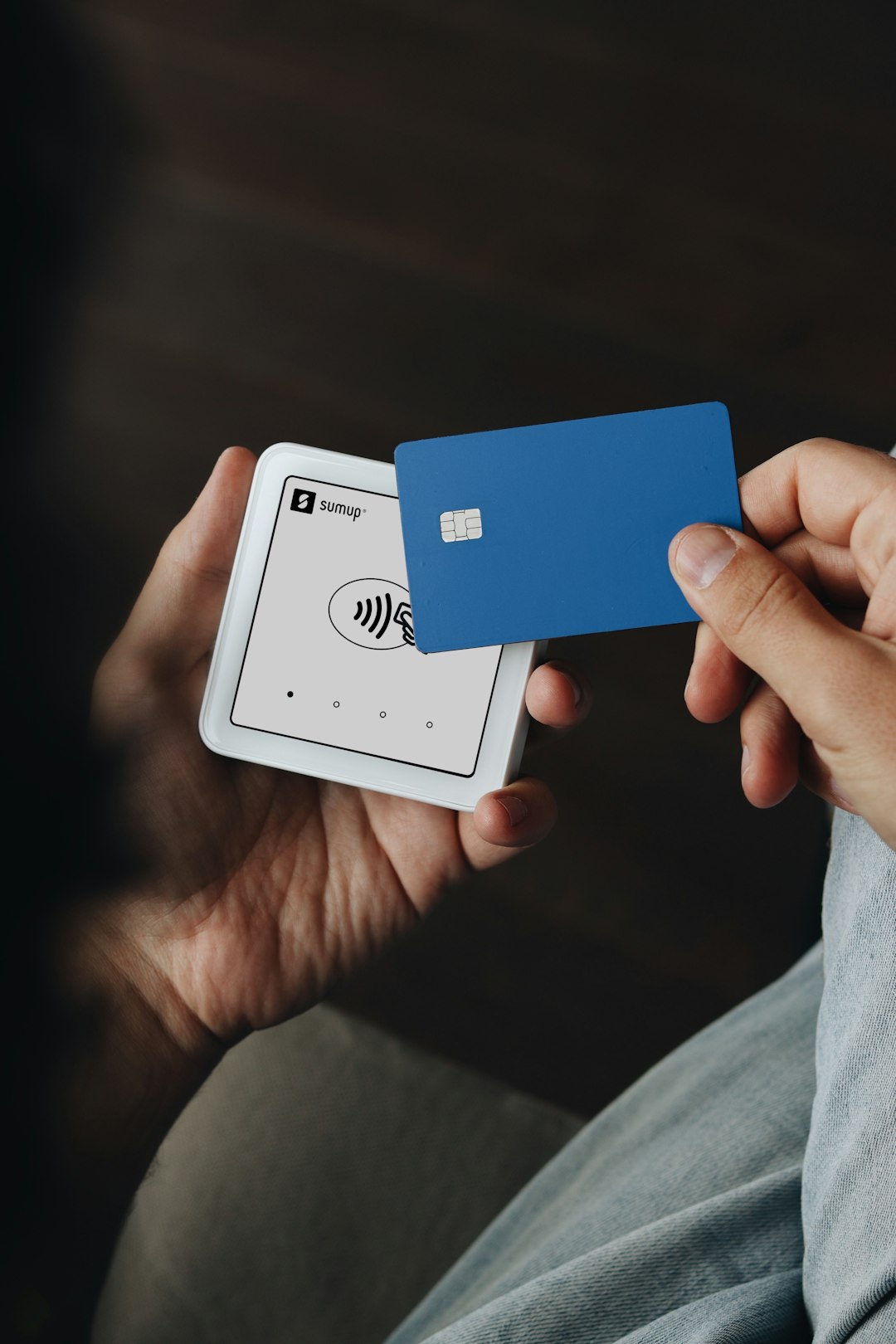
Paper business cards are cute. They also get lost fast. Switchit tries to fix that with a digital card you can share from your phone. In this review, we will look at the main features, how they feel, and who may like the tool most.
TLDR: Switchit is a simple digital business card tool for people who want faster networking. It lets you share contact details, links, photos, videos, and more from one smart profile. It is easy to use and feels modern. If you meet people often, it can save time and make follow-ups smoother.
What Is Switchit?
Switchit is a digital business card platform. Think of it like a mini website for your professional self. It holds your contact info, social links, company details, and other useful items.
Instead of handing someone a paper card, you send your Switchit card. You can share it by text, email, QR code, or other quick methods. The other person can open it on their phone. No app is needed for them in many cases.
That is the big idea. Less paper. Less typing. Less “Oops, I lost your card.” More quick connections.
It is useful for sales teams. It is useful for real estate agents. It is useful for consultants, coaches, freelancers, recruiters, and small business owners. It is also useful for anyone who says, “Let me give you my card,” more than once a week.
First Impression
Switchit feels clean. The idea is easy to understand. You create a card. You add your info. You share it. Done.
That matters. A digital business card should not feel like filing taxes. It should feel quick and light. Switchit mostly does that well.
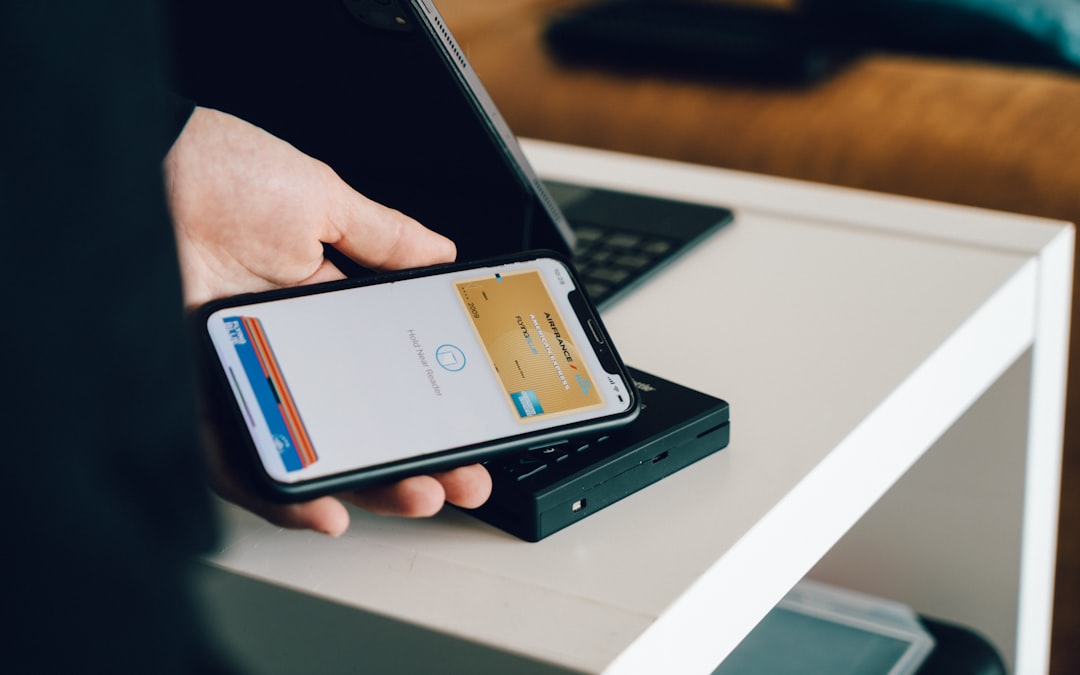
The layout is made for phones. This is good because most people will open your card on a phone. Buttons are easy to see. Contact details are simple to tap. Links are grouped in a friendly way.
The best part is that your card can do more than paper ever could. Paper sits there. Switchit moves. It can guide people to your website, calendar, social pages, videos, and contact form.
Main Digital Business Card Features
Let us get into the good stuff. Here are the main Switchit features in plain English.
1. Easy Card Creation
Making a card is simple. You add the basics first.
- Name
- Job title
- Company name
- Phone number
- Email address
- Website
- Photo or logo
You can then adjust the card to fit your professional style. This helps your card feel like you, not like a dull spreadsheet with a haircut.
You do not need to be a designer. You do not need to know code. You just fill in the fields and choose what to show.
2. Contact Saving
This is one of the most useful parts. When someone receives your card, they can save your contact details to their phone.
That is huge.
With a paper card, the other person needs to type everything by hand. That is boring. It also leads to mistakes. One wrong number, and your hot lead vanishes into the fog.
With Switchit, the save process is much easier. Your details can go straight into their contacts. It feels smooth and modern.
3. QR Code Sharing
Switchit includes QR code sharing. This is great for in-person events.
You can show your QR code on your phone. The other person scans it. Your card opens. Simple.
You can also place the QR code in other spots, such as:
- Email signatures
- Event badges
- Printed flyers
- Store counters
- Presentation slides
- Social media graphics
A QR code is like a tiny doorway. People scan it and walk right into your contact world.
4. Link Sharing
Switchit also lets you share a link to your card. This is very handy for remote work.
You can paste your card link in a message. You can add it to your email. You can put it in a chat after a video call.
This makes networking feel less awkward. Instead of saying, “Please find me online,” you can send one link. It has everything.
5. Social Media Links
Your digital card can include social media buttons. This is helpful because people connect in different ways.
One person may want LinkedIn. Another may want Instagram. Another may want your website. Switchit lets you give options without making the card messy.
This is especially nice for people with personal brands. If your online presence matters, your card should show it.
6. Video Support
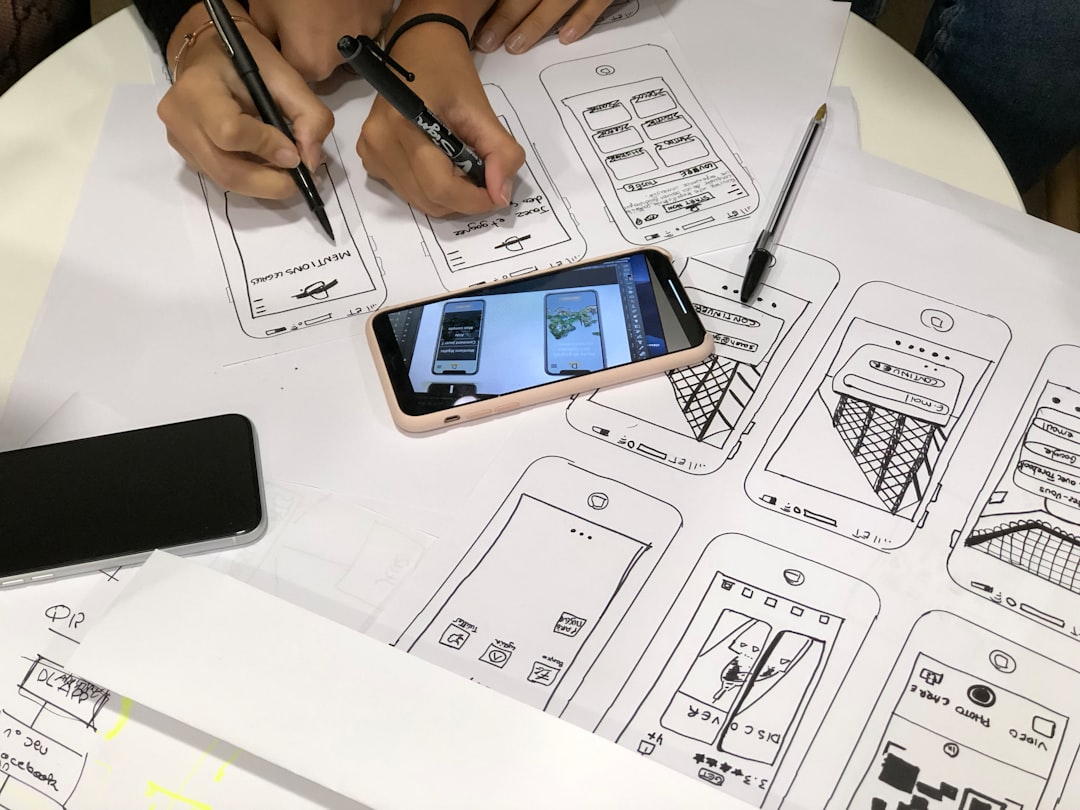
Some Switchit cards can include rich media, such as video. This can make your card feel more alive.
A short intro video can do a lot. You can say hello. You can explain what you do. You can show your face. That builds trust faster.
Keep videos short, though. Nobody wants a 14-minute life story after a quick handshake. Aim for friendly and useful.
A good video could say:
- Who you are
- Who you help
- What problem you solve
- How someone can reach you
That is enough. Short is powerful.
7. Lead Capture
This is where Switchit becomes more than a card. It can help you collect contact details from people you meet.
Instead of only giving your info, you can also ask for theirs. This is helpful at trade shows, conferences, open houses, and networking events.
Why does this matter? Because giving out a card is only half the job. The real magic is follow-up.
If Switchit helps you capture leads, you can build a list of people to contact later. That can turn a quick chat into a real business chance.
8. Follow-Up Tools
Networking often fails after the meeting. People talk. They smile. They say, “Let’s connect.” Then everyone forgets.
Switchit helps reduce that problem by making follow-up easier. Depending on the plan and setup, users may have tools that help manage contacts and notes.
This is useful because memory is not perfect. You may meet twenty people at one event. By the end, they all become “the person in the blue jacket.”
Notes help. Lead details help. Saved contacts help. Your future self will thank you.
9. Analytics
Some digital card tools offer analytics, and Switchit may provide useful tracking features depending on your plan. Analytics can show how people interact with your card.
For example, you may see card views or engagement. This helps you understand if people are opening your card and clicking your links.
Analytics are fun if you like numbers. They are also useful if you are in sales or marketing.
If nobody clicks your calendar link, maybe it is hidden. If many people view your card after events, great. That means your sharing method is working.
10. Team Features
Switchit can also be useful for teams. A company may want everyone to have a clean, matching digital card.
This helps with brand consistency. That is just a fancy way of saying, “Everyone looks like they belong to the same company.”
Team cards can be helpful for:
- Sales teams
- Recruiting teams
- Real estate groups
- Event staff
- Customer success teams
Instead of each person making a random card, the company can keep things tidy. That looks more professional.
What Makes Switchit Fun?
Switchit is fun because it makes a boring thing feel fresh. Business cards have been around forever. They are useful, sure. But they are not exciting.
A digital card feels different. It can have buttons. It can have links. It can be updated. It can be shared in seconds.
Also, it gives you a tiny “wow” moment. When someone asks for your card and you show a QR code, it feels slick. Not in a show-off way. More like, “Yes, I have my life together today.”
That is a nice feeling.
What Is Easy About It?
The easiest part is updating your info. With paper cards, a new phone number is a disaster. You may need to print new cards. You may also stare sadly at a box of useless old ones.
With Switchit, you update the card online. The new details appear on the digital card. No trash pile. No reprint cost. No drama.
This is great if you change roles, add links, launch a new service, or update your calendar page.
Where Switchit Works Best
Switchit works best when you meet people often. It is made for motion. It shines in places where conversations happen fast.
Good places to use it include:
- Networking events
- Trade shows
- Client meetings
- Open houses
- Conferences
- Workshops
- Local business meetups
It also works well online. Add it to your email signature. Drop it in a chat. Share it after a Zoom call. It fits into daily work without much fuss.
Possible Downsides
No tool is perfect. Switchit has a few things to think about.
First, some people still love paper. That is okay. You may still want a few paper cards for certain events or older-school contacts.
Second, digital cards depend on phones and internet access. Most of the time, that is fine. But not always.
Third, features may depend on your plan. If you want team tools, analytics, or advanced options, check the current pricing and feature list before you sign up.
Finally, a digital card is only as good as the content on it. If your photo is blurry, your links are broken, or your bio sounds like a robot wrote it during a thunderstorm, the card will not help much.
Tips To Make Your Switchit Card Better
Want your card to feel sharp? Try these simple tips.
- Use a clear photo. People remember faces.
- Keep your title simple. Do not make people decode it.
- Add your best links. Do not add every link you own.
- Use a short bio. Two or three lines can be enough.
- Check your buttons. Make sure every link works.
- Add a calendar link. This is great for booking calls.
- Update often. Old info is sneaky and annoying.
Also, think about the next step. What do you want someone to do after opening your card? Call you? Book a meeting? View your portfolio? Follow you on LinkedIn?
Make that action easy to find.
Who Should Use Switchit?
Switchit is a strong fit for people who care about fast, clean networking.
It is especially good for:
- Sales professionals who meet many prospects
- Real estate agents who need quick contact sharing
- Freelancers who want to look polished
- Consultants who book calls often
- Recruiters who connect with candidates
- Small business owners who wear many hats
- Teams that want matching cards
If you only share your contact info twice a year, you may not need it. But if networking is part of your work, Switchit can be a handy little power tool.
Final Verdict
Switchit is a smart digital business card option. It makes sharing contact info fast. It helps people save your details. It can support links, media, lead capture, and team use.
The best thing about it is simple. It removes friction. You meet someone. You share your card. They tap, save, and connect. No paper shuffle. No typing marathon.
It also helps you look current. That matters. A modern card sends a quiet message. It says you are prepared. It says you are easy to reach. It says you do not want your contact details lost in someone’s jacket pocket.
Bottom line: Switchit is worth a look if you want a cleaner way to network. It is simple, useful, and more flexible than paper. Your old business card may feel a little jealous.
