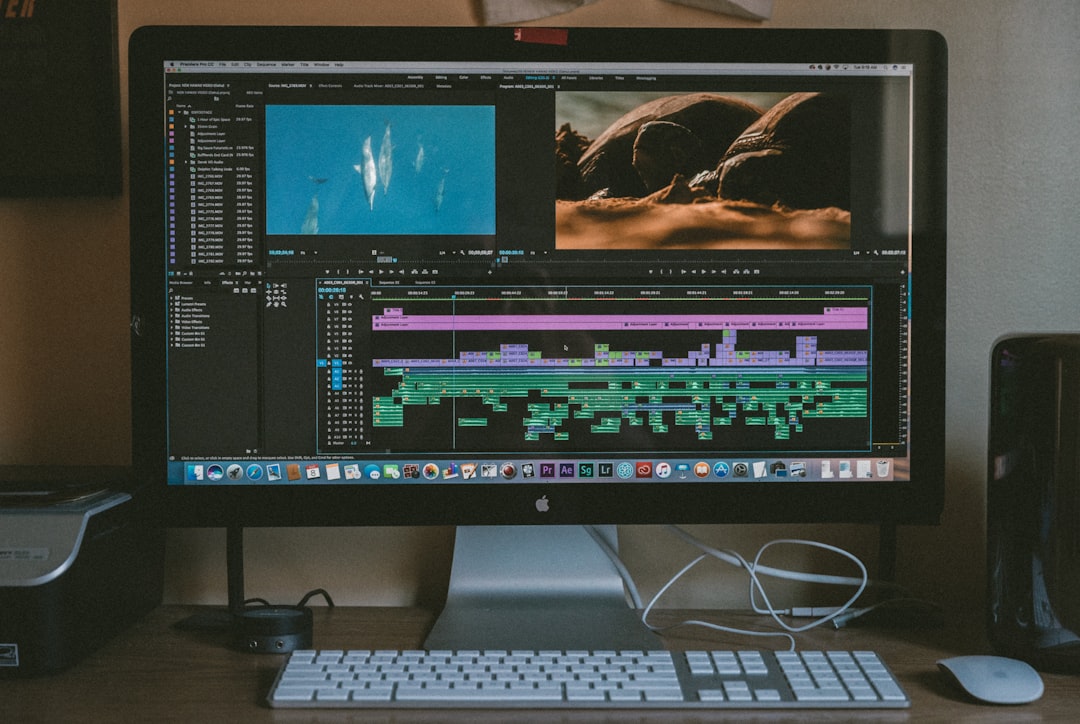
Making videos for social media can feel like cooking for a crowd. Everyone wants a different snack. TikTok wants it fast. YouTube Shorts wants it sharp. Instagram Reels wants it stylish. LinkedIn wants it useful. That is where AI video splitter platforms jump in like tiny robot editors with coffee in their circuits.
TLDR: AI video splitter platforms turn long videos into short social clips. They can find highlights, add captions, resize videos, and suggest better hooks. They save creators time and make it easier to post often. They are not magic, but they are very helpful little editing buddies.
What Is an AI Video Splitter?
An AI video splitter is a tool that cuts long videos into smaller clips. It uses artificial intelligence to understand the video. It listens to the words. It looks at faces. It spots exciting moments. Then it suggests short clips that might work well on social media.
Think of it like a smart pair of scissors. But instead of cutting paper, it cuts video. And instead of guessing, it studies your content first.
You can upload a podcast, webinar, gaming stream, interview, tutorial, vlog, or product demo. The platform then breaks it into short parts. Some tools even rank the clips. They may say, “This part has strong viral potential.” That sounds fancy. It mostly means the clip has a clear point, energy, and a good hook.
Why Social Media Creators Love These Tools
Creators are busy. Very busy. They plan, film, edit, post, reply, and repeat. Then the algorithm asks for more content. Rude, but true.
AI splitting tools help remove the boring work. They make it easier to post more often without burning out. A one hour video can become ten short clips. A podcast can become a week of posts. A livestream can become a content buffet.
Here is why creators like them:
- They save time. Manual editing can take hours.
- They find hidden gems. Great moments are easy to miss.
- They add captions. Most people watch videos with sound off.
- They resize clips. One video can fit TikTok, Reels, Shorts, and more.
- They help with consistency. Posting often becomes less painful.
That last one is big. Social media rewards creators who show up. AI tools help you show up without living inside your editing software.
How AI Chooses the Best Moments
AI video splitters use several tricks. They check the transcript. They look for emotion. They notice fast speech, laughter, questions, and strong statements. They may detect scene changes. They may also track faces and speakers.
For example, if you say, “Here are the three biggest mistakes beginners make,” the AI may flag that section. Why? Because it sounds like a strong hook. People like lists. People like mistakes. People like quick lessons. The AI knows this.
It may also find moments with:
- A surprising opinion.
- A funny reaction.
- A clear lesson.
- A strong question.
- A before and after result.
- A dramatic pause.
Of course, AI is not perfect. Sometimes it picks a weird clip. Sometimes it cuts too early. Sometimes it thinks your dog barking is the main event. Honestly, maybe the dog is the main event.
The Best Features to Look For
Not every platform is the same. Some are simple. Some are packed with tools. Some feel like a spaceship dashboard. Pick one that matches your style.
Here are the most useful features for social media creators:
1. Smart Highlight Detection
This is the main feature. The platform should find strong clips automatically. It should not just cut every 60 seconds. That is not smart. That is just a video pizza slicer.
2. Automatic Captions
Captions are a must. They help viewers follow along. They also make your content more accessible. Good platforms let you edit the text, change fonts, and highlight key words.
3. Social Media Resizing
Each platform has its own shape. TikTok, Reels, and Shorts love vertical video. YouTube also supports horizontal content. LinkedIn may prefer square or vertical. A good AI splitter can reframe your video for each format.
4. Speaker Tracking
If two people are talking, the tool should keep the right face in frame. This is useful for podcasts and interviews. Nobody wants a clip showing an empty chair while the guest says something brilliant.
5. Hook Suggestions
Some tools suggest opening lines. They may help you start with a bold statement. This matters because the first two seconds are tiny but mighty.
6. Brand Templates
Templates keep your videos looking consistent. You can use the same colors, caption style, logo placement, and layout. This helps people recognize your content faster.
Who Should Use AI Video Splitter Platforms?
These tools are not only for big creators. They are great for almost anyone who makes video content.
- Podcasters can turn episodes into snackable clips.
- Coaches can share quick tips from long calls or webinars.
- Educators can split lessons into mini lessons.
- Gamers can pull out funny wins, fails, and reactions.
- Business owners can reuse demos, talks, and Q and A sessions.
- Influencers can create more clips from one shoot.
If you already create long videos, you are sitting on a content gold mine. AI video splitters bring the shovel.
What Makes a Clip “Social Media Ready”?
A good social clip is not just short. It has structure. It starts fast. It gives value. It makes people want to watch until the end.
A strong clip often has three parts:
- The hook. This grabs attention right away.
- The payoff. This gives the tip, joke, insight, or moment.
- The finish. This ends cleanly or invites action.
For example, a weak clip starts with, “So, um, yeah, I was thinking about this yesterday.” A stronger clip starts with, “Most creators make this mistake in their first five seconds.” Big difference.
AI can help find the stronger start. But you should still review it. You are the creator. You know your audience better than the robot does.
Popular Types of AI Video Splitter Platforms
There are many tools in this space. Some focus on podcasts. Some focus on marketing. Some focus on simple social clips. You do not need the fanciest one. You need the one you will actually use.
Most platforms fit into these groups:
- Clip generators: They find highlights and make short videos fast.
- Caption editors: They focus on clean, stylish subtitles.
- Repurposing suites: They turn one video into clips, captions, titles, and posts.
- Team tools: They help agencies and brands manage many videos.
Some well known tools in this category include Opus Clip, Vidyo, Munch, Vizard, Descript, and Kapwing. Each has different strengths. Some are better for podcasts. Some are better for fast captions. Some are better for teams.
How to Use an AI Video Splitter Without Making Boring Clips
AI can speed things up. But you still need taste. Do not accept every clip it creates. That is how you get bland content soup.
Try this simple workflow:
- Upload your long video. Start with clear audio if possible.
- Let the AI scan it. Wait while it finds moments.
- Review the suggested clips. Keep the useful ones.
- Edit the beginning. Make sure the hook is strong.
- Fix captions. AI captions are good, but not flawless.
- Add your style. Use colors, fonts, and layout that fit your brand.
- Export in the right format. Match the platform you are posting on.
Also, give each clip a job. One clip can teach. One can entertain. One can build trust. One can sell. Do not make every clip do everything. That gets messy fast.
Common Mistakes to Avoid
AI tools are powerful. But creators still make mistakes with them. The biggest mistake is posting clips without watching them first. Please do not do that. The AI may cut off the punchline. Or worse, it may leave in a sentence that makes no sense alone.
Watch out for these problems:
- No context. The clip needs to make sense by itself.
- Bad captions. Wrong words can change the meaning.
- Weak hooks. Slow starts lose viewers.
- Too much clutter. Huge captions, stickers, and emojis can overwhelm people.
- No call to action. Tell viewers what to do next, but keep it simple.
A good call to action could be, “Follow for more tips.” It could also be, “Save this for later.” Simple works.
How AI Splitters Help You Post More Often
Consistency is hard. One day you feel inspired. The next day you stare at the screen like it owes you money. AI tools help by creating a bank of clips.
Imagine recording one weekly podcast. It is 45 minutes long. An AI splitter creates 12 clips. You choose the best 6. Now you have content for several days. Add a few stories, posts, or live updates, and your week looks full.
This does not mean you should flood every platform with random clips. Quality still matters. But it does mean you can stop starting from zero every morning.
Do AI Video Splitters Replace Human Editors?
No. Not fully. Human editors understand humor, timing, brand voice, and emotion better. They can make bold creative choices. AI mostly helps with the first draft.
Think of AI as an assistant. It sorts the laundry. You still choose the outfit.
For solo creators, AI may be enough. For brands and bigger channels, AI can help editors work faster. It can handle rough cuts, captions, and resizing. Then humans can polish the final result.
Tips for Better Results
Want better clips? Start with better raw video. AI works best when your content is clear.
- Use good audio. Clear speech helps the AI and your viewers.
- Speak in complete ideas. Short, clear points make better clips.
- Use strong phrases. Say things like, “The biggest lesson is…”
- Pause between topics. This makes cutting easier.
- Record with social clips in mind. Build mini moments into long videos.
Here is a fun trick. During a podcast or webinar, say a clear line before a good section. Try, “Here is the part most people miss.” That gives the AI a shiny marker to notice.
The Future of AI Video Splitting
These platforms are getting smarter fast. Soon they may understand your audience better. They may learn which clips your followers like most. They may suggest titles, thumbnails, music, hashtags, and posting times with more accuracy.
We may also see better emotion detection. Better translation. Better voice cleanup. Better editing styles. More tools will create versions for different platforms automatically. One clip may become a TikTok, a Reel, a Short, and a LinkedIn post in one click.
That sounds exciting. It also means creators will need to stay human. Your point of view matters. Your taste matters. Your weird little jokes matter. AI can cut the video. It cannot be you.
Final Thoughts
AI video splitter platforms are like a turbo button for social media creators. They help turn long content into short, shareable moments. They save time. They reduce editing stress. They make it easier to stay consistent.
But the best results come from teamwork. Let the AI find clips. Then use your human brain to choose, polish, and post. Add your voice. Add your style. Add the tiny sparkle that makes people stop scrolling.
If you create videos, try one of these tools on your next long recording. You may discover ten great clips hiding inside it. And if one of them features your dog barking at the perfect time, post it. The internet will understand.
