Handwriting recognition used to feel like magic. You scribble on paper. A computer reads it. Somehow, it understands your messy notes. Today, thanks to open source tools, this magic is something anyone can explore, build, and improve.
TLDR: Open source handwriting recognition tools let developers turn handwritten text into digital text using free and customizable software. Popular tools include Tesseract, Kraken, and deep learning frameworks like TensorFlow and PyTorch. These systems are used in education, healthcare, banking, and historical archives. With the right data and training, anyone can build a powerful handwriting recognition system.
What Is Handwriting Recognition?
Handwriting recognition is a type of optical character recognition (OCR). But instead of reading printed text, it reads writing made by hand.
That is much harder.
Why? Because:
- Everyone writes differently.
- Letters connect in strange ways.
- Ink can smudge.
- Paper can wrinkle.
A human can guess messy writing. A computer needs training. Lots of it.
Modern systems use machine learning. More specifically, they use deep learning models that learn patterns from thousands or millions of handwriting samples.

Why Open Source Matters
Open source means the code is free to use, change, and share.
This is important because:
- Developers can customize models for their needs.
- Researchers can improve accuracy together.
- Businesses save money on licensing fees.
- Communities can preserve rare languages.
Closed systems are often black boxes. You upload an image. You get text back. But you do not know how it works.
With open source, you can look inside. You can tweak the engine. You can build something new on top of it.
Popular Open Source Tools
Let’s look at the stars of the show.
1. Tesseract OCR
Tesseract is one of the most famous OCR engines in the world. It was originally developed by HP. Now it is maintained by Google and the open source community.
It supports many languages. It also uses LSTM (Long Short-Term Memory) networks for better recognition.
Why people love Tesseract:
- Free and well documented
- Works on multiple platforms
- Supports custom training
- Large user community
Tesseract works best with clean images. But with proper training, it can handle handwriting quite well.
2. Kraken
Kraken is designed for complex text recognition. It is very popular in academic projects and digital humanities.
It shines when working with:
- Historical manuscripts
- Old books
- Mixed scripts
Kraken is flexible. Researchers can train it for specific handwriting styles. That makes it perfect for archives and libraries.
3. Calamari OCR
Calamari focuses on high-performance OCR using deep learning. It supports GPU acceleration. That means faster training.
It also allows model voting. Multiple models can analyze the same text. The system chooses the best result. Very clever.
4. TensorFlow and PyTorch
These are not OCR tools directly. They are deep learning frameworks. But many handwriting models are built using them.
With these frameworks, developers create:
- CNN (Convolutional Neural Networks)
- RNN (Recurrent Neural Networks)
- LSTM networks
- Transformer-based models
This is where cutting-edge research happens.
How Handwriting Recognition Models Work
The process is simpler than it sounds.
Step 1: Data Collection
You need examples. Lots of them.
This data might include:
- Scanned pages
- Images from mobile phones
- Stylus input from tablets
Step 2: Preprocessing
Images are cleaned up.
- Noise is removed.
- Contrast is improved.
- Text lines are separated.
Garbage in, garbage out. Clean images matter.
Step 3: Feature Extraction
The model looks for patterns.
For example:
- Edges and curves
- Stroke direction
- Spacing between characters
Step 4: Sequence Prediction
Handwriting is not just about single letters. It is about sequences.
Modern systems use CTC (Connectionist Temporal Classification). This helps models predict text without needing perfectly segmented characters.
Step 5: Post Processing
The raw prediction is cleaned.
- Spell check can fix errors.
- Language models improve accuracy.
- Context helps guess unclear words.
That is how a messy scribble becomes clean digital text.
Real-World Use Cases
Handwriting recognition is not just for fun experiments. It solves real problems.
1. Digitizing Historical Documents
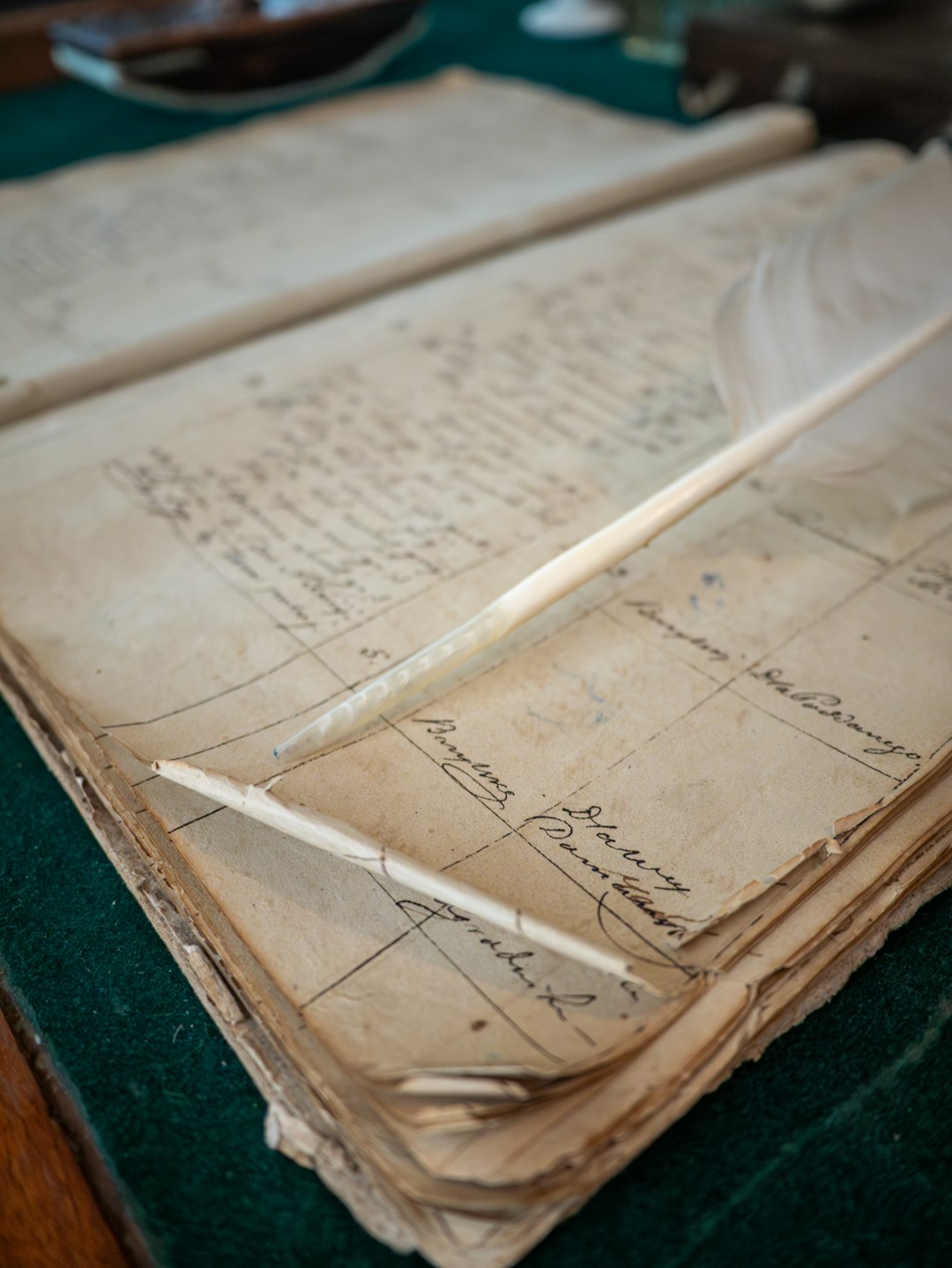
Museums and libraries sit on mountains of handwritten material.
Letters. Diaries. Government records.
Typing them manually takes years. Open source handwriting recognition speeds up the process.
Researchers can:
- Search archives instantly
- Preserve fragile documents
- Translate old languages
2. Education Technology
Students still write by hand. Especially in math and science.
Handwriting recognition allows:
- Automatic grading of handwritten assignments
- Converting notes into digital text
- Helping children improve writing skills
Some apps even give real-time feedback. Write a letter. Get corrections instantly.
3. Healthcare
Doctors are famous for messy handwriting.
Hospitals use recognition systems to:
- Digitize prescriptions
- Convert patient notes into health records
- Reduce medical errors
This saves time. It also improves patient safety.
4. Banking and Finance
Many banks still process handwritten forms and checks.
Open source tools can:
- Read handwritten amounts
- Verify signatures
- Process forms automatically
Automation reduces costs. It also reduces human error.
5. Mobile Apps and Note-Taking
Tablet users love writing with a stylus.
Recognition models turn handwriting into:
- Editable documents
- Searchable notes
- Shareable text files
This bridges the gap between paper and digital.
Challenges in Open Source Handwriting Recognition
It is not perfect.
Different Writing Styles
Some people write neatly. Others write like doctors in a hurry.
Models must generalize across styles. That is hard.
Low-Resource Languages
English has lots of training data.
Other languages do not.
Open source communities are working to fix this. But it takes time and volunteers.
Data Privacy
Handwritten documents may contain sensitive information.
Medical records. Financial data. Personal letters.
Organizations must handle data securely.
Computational Resources
Training deep models requires:
- Powerful GPUs
- Large datasets
- Time
Not everyone has these resources. However, pre-trained models make things easier.
How to Get Started
If you want to experiment, start small.
- Install Tesseract.
- Scan a few handwritten pages.
- Test recognition results.
Then level up:
- Collect your own dataset.
- Train a custom model.
- Use TensorFlow or PyTorch for fine control.
There are many tutorials online. The community is active and helpful.
You do not need a PhD to try it. Curiosity helps more.
The Future of Open Source Handwriting Recognition
The field is evolving fast.
Transformer models are improving sequence understanding. Self-supervised learning reduces the need for labeled data. Multimodal systems combine text and image understanding.
In the future, systems may:
- Understand messy notes in real time
- Translate handwriting instantly
- Recognize emotion in writing style
Imagine pointing your phone at an old handwritten letter. It becomes searchable text in seconds. In any language.
That future is not far away.
Final Thoughts
Open source handwriting recognition is powerful. It is practical. And it is increasingly accessible.
From preserving history to improving healthcare, the impact is real.
The best part? Anyone can join in. Developers can contribute code. Researchers can share datasets. Businesses can build smart solutions. Students can experiment and learn.
Handwriting is deeply human. It carries personality and emotion.
Thanks to open source technology, machines are getting better at understanding it. Step by step. Line by line.
And that is pretty amazing.
