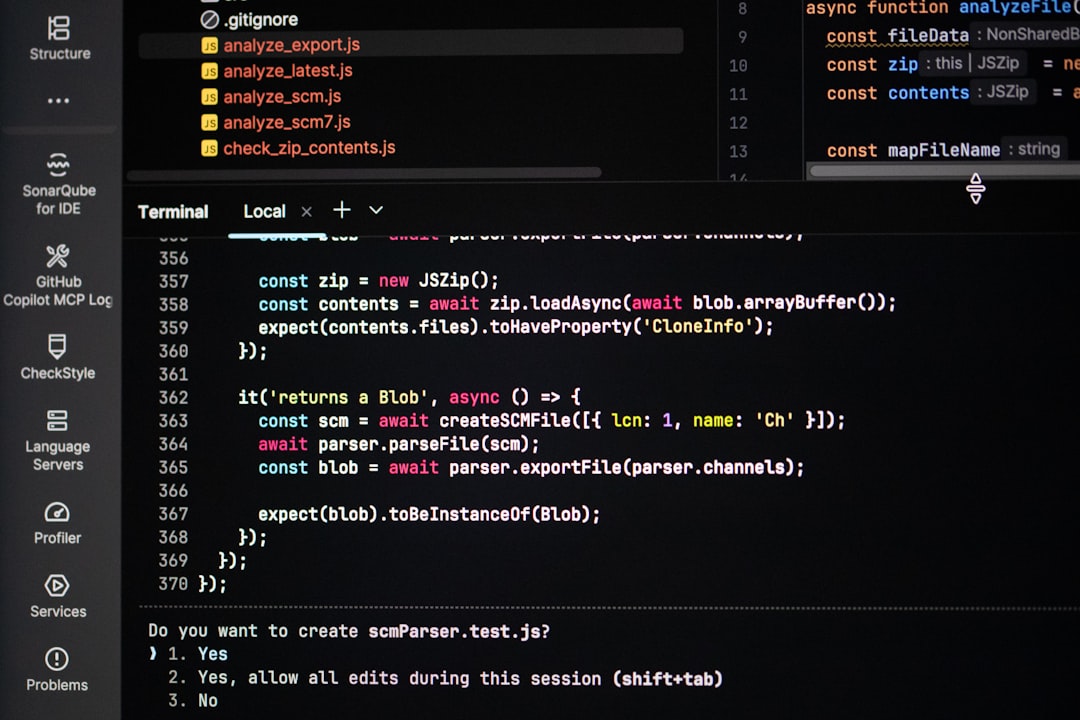
Modern software development moves at lightning speed, and developers are constantly looking for ways to write cleaner code, debug faster, and collaborate more efficiently. While frameworks and programming languages often get the spotlight, the code editor you use can dramatically influence productivity and overall workflow. The right editor doesn’t just help you write code — it helps you think better, organize projects efficiently, and eliminate friction from repetitive tasks.
TLDR: The right code editor can significantly reduce development time by automating repetitive tasks, improving debugging, and enhancing collaboration. Tools like Visual Studio Code, Sublime Text, and JetBrains IDEs offer powerful extensions and smart features that streamline workflows. Lightweight editors such as Vim and Notepad++ excel in speed and efficiency, while GitHub Codespaces supports cloud-based collaboration. Choosing the right editor depends on your workflow, tech stack, and team needs.
Below are six code editors that consistently stand out for their ability to improve workflow and reduce development time.
1. Visual Studio Code (VS Code)

Visual Studio Code has become the go-to editor for developers across nearly every programming language. Lightweight yet powerful, it strikes a near-perfect balance between performance and flexibility.
Why it improves workflow:
- IntelliSense provides smart code completion and context-aware suggestions.
- Built-in Git integration simplifies version control without switching tools.
- Extensive extension marketplace supports thousands of plugins.
- Integrated terminal reduces the need to toggle between applications.
VS Code shines in its customization capabilities. Developers can tailor themes, shortcuts, and extensions to match their exact needs. Whether you’re building web apps, APIs, or mobile applications, this editor reduces friction and keeps everything centralized.
Its real power lies in its ecosystem. With the right extensions, you can add Docker support, database management tools, live server previews, and even AI-assisted coding. Fewer context switches mean faster development cycles.
2. JetBrains IDEs (IntelliJ IDEA, PyCharm, WebStorm)
JetBrains offers a family of specialized IDEs tailored for different programming languages. Unlike lightweight editors, these are full-featured environments designed to handle complex enterprise projects.
Why they improve workflow:
- Advanced code refactoring tools save hours during large-scale changes.
- Deep language intelligence detects errors before execution.
- Built-in testing and debugging tools streamline the development lifecycle.
- Robust framework integration for Spring, Django, React, and more.
If you work on large codebases, JetBrains IDEs can dramatically reduce development time. Their code inspections and automated refactoring tools allow developers to confidently restructure applications without introducing hidden bugs.
Though they consume more system resources than lightweight editors, the time saved in debugging and organizing complex systems often outweighs the cost in performance.
3. Sublime Text
Sublime Text is known for its speed and minimalist design. It launches instantly and handles large files effortlessly, making it a favorite among developers who prioritize responsiveness.
Key productivity features:
- Multiple cursors for editing several lines simultaneously.
- Goto Anything navigation for instant file searching.
- Command palette for quick access to actions.
- Low memory usage even with large projects.
Sublime’s distraction-free editing environment encourages focus. Developers can quickly navigate massive codebases and perform repetitive edits in seconds using multi-selection tools. For front-end developers and quick project iteration, Sublime is exceptionally efficient.
While its plugin ecosystem is smaller compared to VS Code, it remains highly stable and optimized for speed, making it perfect for lean workflows.
4. Vim
Vim is legendary in the developer community. At first glance, it may seem intimidating due to its keyboard-driven interface. But for those who master it, Vim becomes one of the fastest coding environments available.
Why it boosts efficiency:
- Keyboard-centric commands eliminate reliance on the mouse.
- Highly customizable through scripts and plugins.
- Lightweight and terminal-based for remote development.
- Macros for automating repetitive tasks.
Vim is especially powerful for developers working on remote servers or using SSH frequently. Since it runs directly in the terminal, there’s no overhead from graphical interfaces. Tasks that might require multiple clicks elsewhere can be done instantly with keyboard commands.
Though it has a learning curve, many developers find that once muscle memory develops, their coding speed increases significantly.
5. Notepad++
Notepad++ remains a popular choice for Windows users seeking a lightweight, no-frills code editor. It’s particularly useful for quick edits, scripting, and working with configuration files.
Workflow-enhancing features:
- Syntax highlighting for multiple languages.
- Tab-based editing for managing several files.
- Plugin support for extended functionality.
- Fast startup and minimal system impact.
While it may not offer advanced IDE-level debugging tools, Notepad++ is perfect for small projects, quick patches, and rapid iteration. Its simplicity allows developers to jump straight into editing without configuration overhead.
6. GitHub Codespaces
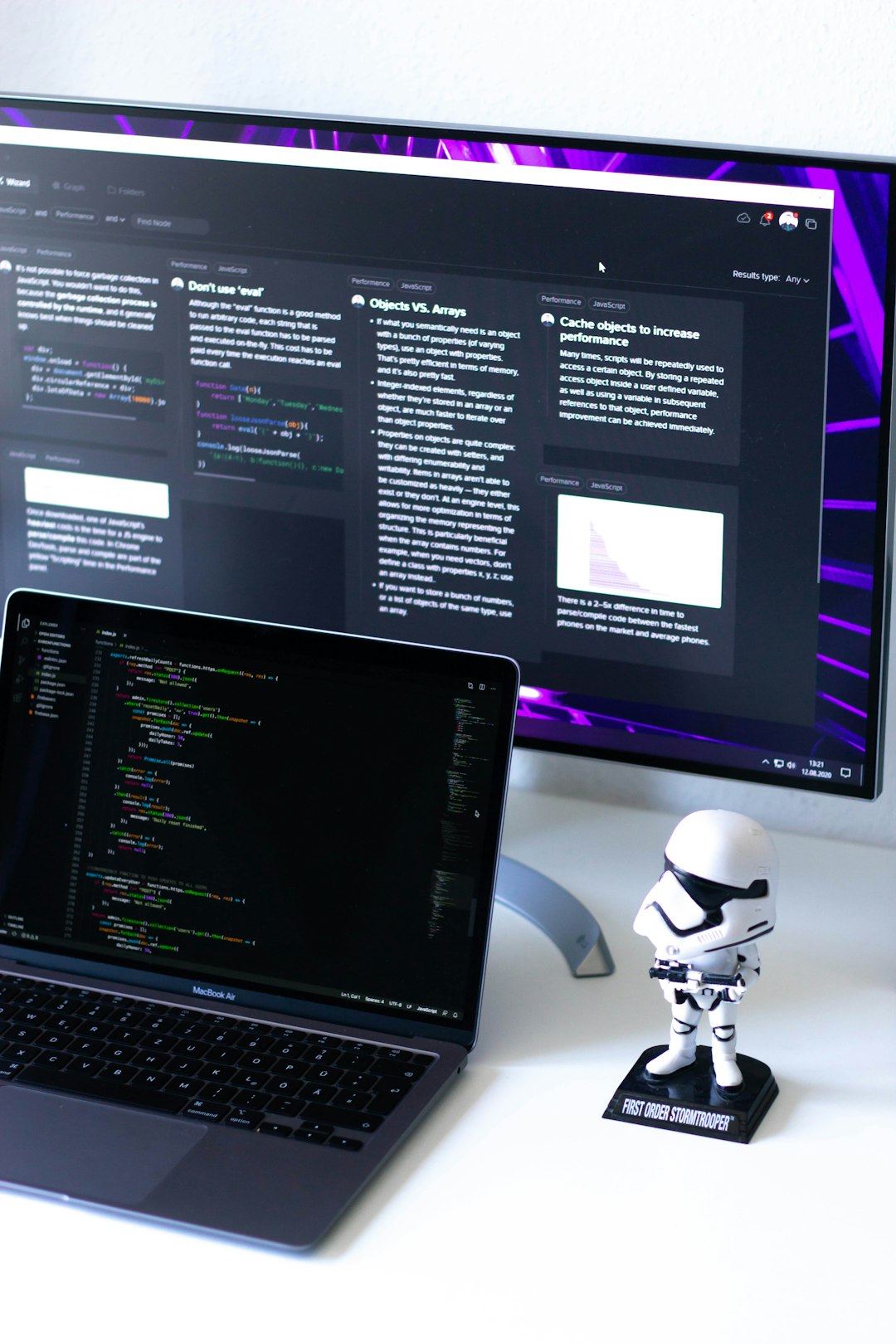
GitHub Codespaces represents the evolution of cloud-based development. It provides a complete development environment directly in the browser.
How it reduces development time:
- Preconfigured environments eliminate setup time.
- Seamless GitHub integration for collaboration.
- Cross-device access from anywhere.
- Consistent development environments across teams.
One of the biggest time-wasters in development is environment configuration. Codespaces removes this obstacle. Developers can spin up standardized environments instantly, reducing “works on my machine” issues.
For distributed teams, this tool can dramatically enhance collaboration and onboarding speed, making it ideal for modern agile workflows.
Comparison Chart
| Editor | Best For | Customization | Performance | Difficulty Level |
|---|---|---|---|---|
| Visual Studio Code | All-purpose development | Very High | High | Beginner-Friendly |
| JetBrains IDEs | Enterprise applications | High | Moderate | Beginner to Advanced |
| Sublime Text | Fast, lightweight editing | Moderate | Very High | Beginner-Friendly |
| Vim | Terminal and remote work | Very High | Extremely High | Advanced |
| Notepad++ | Quick edits and scripting | Low to Moderate | Very High | Beginner-Friendly |
| GitHub Codespaces | Cloud collaboration | Moderate | High | Beginner-Friendly |
How to Choose the Right Editor
While each editor offers distinct advantages, the best choice depends on your workflow. Ask yourself:
- Do you need lightweight speed or enterprise-grade refactoring tools?
- Are you working remotely or primarily in the cloud?
- Do you value customization over structure?
- Is collaboration a major factor in your workflow?
If you’re a solo developer shipping small to mid-sized applications, VS Code or Sublime Text may offer the best mix of speed and flexibility. Enterprise engineers working on massive backend systems might benefit most from JetBrains IDEs. Terminal enthusiasts and DevOps professionals often prefer Vim. Meanwhile, modern distributed teams may find GitHub Codespaces indispensable.
Final Thoughts
The code editor is more than just a writing tool — it’s the foundation of your development workflow. The right editor reduces repetitive tasks, accelerates debugging, improves code quality, and enables seamless collaboration.
Ultimately, productivity isn’t about typing faster. It’s about eliminating friction. Whether that friction comes from switching tools, configuring environments, or navigating complex files, these six code editors provide solutions that save time and mental energy.
Experiment, customize, and refine your setup. When your editor works with you instead of against you, development becomes faster, smoother, and far more enjoyable.
