So, you’re ready to say goodbye to Change.org. Maybe your inbox is full. Maybe you signed one too many petitions at 2 a.m. Or maybe you just want a fresh start. Whatever your reason, canceling or deleting your Change.org account is totally doable. And yes, it’s easier than you think.
TLDR: Log in to your Change.org account. Go to your account settings. Find the option to deactivate or delete your account. Confirm your choice through email if required. You can also simply unsubscribe from emails if you don’t want to fully delete your account.
First Things First: Do You Want to Delete or Just Unsubscribe?
Before you take action, pause for a second.
Ask yourself: Do I want to delete my account completely? Or do I just want fewer emails?
There is a big difference.
- Unsubscribing means you stop getting emails.
- Deleting your account means your profile and activity are removed.
If email overload is your only issue, unsubscribing might be the smarter move. It’s quicker. And you can still sign petitions later.
But if you are done for good, keep reading.
How to Unsubscribe from Change.org Emails
Let’s start with the easy fix.
Here’s how to stop the emails:
- Open your email inbox.
- Find any email from Change.org.
- Scroll all the way down.
- Click the “Unsubscribe” link.
- Confirm your choice if asked.
That’s it.
You may also have options to:
- Reduce email frequency
- Choose certain topics only
- Stop all notifications
This method takes less than two minutes.
But if you want your account completely gone, keep going.
How to Delete Your Change.org Account (Step-by-Step)
Ready? Let’s walk through it together.
Step 1: Log In to Your Account
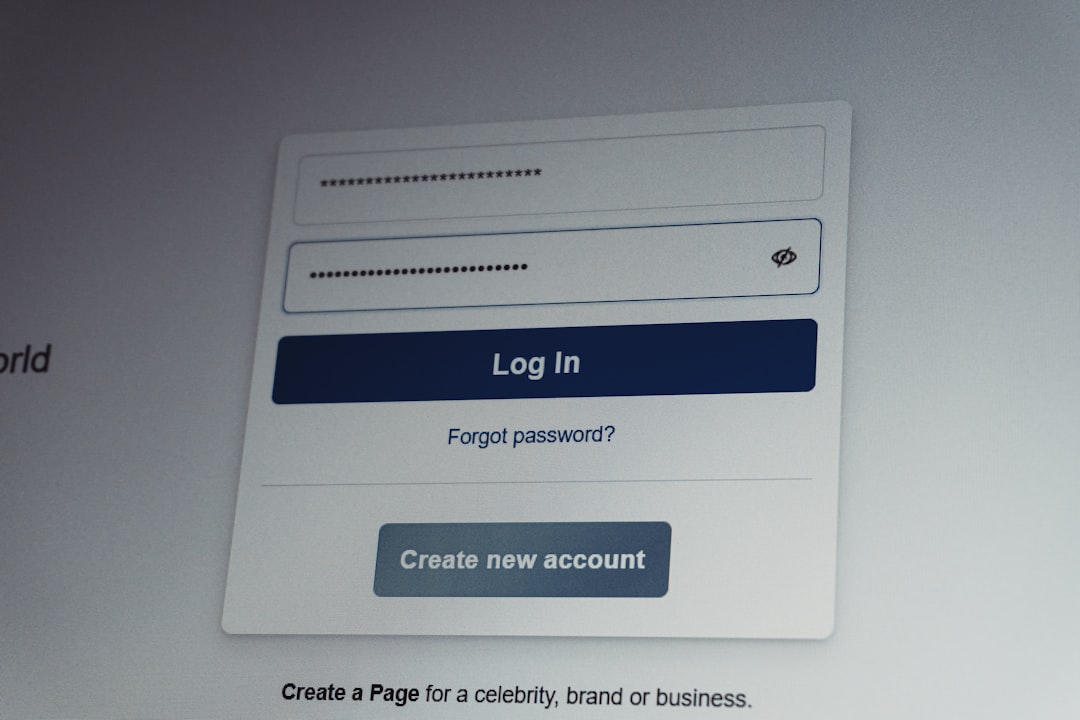
Go to the Change.org website.
Click Log In.
Enter your email and password.
If you signed up using:
- Apple
Use the same method to log back in.
Step 2: Go to Your Profile
Once logged in:
- Click your profile picture or name in the top corner.
- Select Settings from the dropdown menu.
This is your control center.
Step 3: Find Account Settings
Inside Settings, look for something like:
- Account Preferences
- General Settings
- Account Management
Websites change layouts sometimes. So don’t panic if it looks slightly different.
You are looking for the option that mentions:
- Deactivate account
- Close account
- Delete account
Step 4: Click “Delete” or “Deactivate”
When you click it, you may see:
- A warning message
- A confirmation screen
- A short survey asking why you’re leaving
This is normal.
Just follow the prompts.
Step 5: Confirm via Email (If Required)
Some accounts require email confirmation.
Check your inbox.
Click the confirmation link.
Done.
What Happens After You Delete Your Account?
Good question.
Here’s what usually happens:
- Your profile is removed.
- Your name may disappear from petitions.
- You stop receiving notifications.
- You lose access to created petitions.
Important: If you started a petition, think carefully.
If you delete your account, managing that petition becomes difficult or impossible.
If your goal is to step back but keep your petition active, consider transferring ownership instead.
How to Delete a Petition Instead of Your Account
Maybe your account is fine. Maybe it’s just one petition you regret.
No judgment here.

To remove a petition:
- Log in.
- Go to your profile.
- Click on My Petitions.
- Select the petition.
- Look for edit or management options.
Some petitions cannot be fully deleted once signatures are collected. In those cases, you may:
- Close the petition
- Mark it as victory
- Update it with new information
If you’re stuck, contacting support is the next best move.
Can You Cancel Through the Mobile App?
Yes, but it depends.
The Change.org mobile app may not offer full deletion options.
If you do not see the delete option inside the app:
- Open a web browser on your phone.
- Log in through the website instead.
- Access full account settings there.
Mobile apps often simplify things. Sometimes too much.
The desktop site gives you more control.
What If You Forgot Your Password?
No password? No problem.
Here’s what to do:
- Go to the login page.
- Click Forgot Password?
- Enter your email address.
- Check your inbox for reset instructions.
Once you reset it, you can log in and delete your account normally.
Easy fix.
What If You Signed Petitions Without Creating an Account?
Many people don’t realize this.
You can sign a petition without setting a password.
If that’s you, here’s what may be happening:
- You are receiving emails.
- You never created a full account.
In this case, you likely just need to unsubscribe from emails.
If you’re unsure, try resetting your password using your email. If an account exists, you’ll be able to access it.
How to Contact Change.org Support
If nothing works, go straight to support.

Here’s how:
- Visit the Change.org Help Center.
- Search for “delete account.”
- Submit a request if needed.
When contacting them, include:
- Your email address
- A short explanation
- A clear statement that you want your account deleted
Keep it simple.
Example:
“Hello, I would like to permanently delete my Change.org account associated with this email. Please confirm once completed. Thank you.”
Short and polite works best.
Things to Consider Before You Delete
Deleting is permanent in most cases.
Ask yourself:
- Do I need records of my petitions?
- Will I want to create another one later?
- Am I okay losing saved progress?
If you are unsure, try this instead:
- Log out of all devices.
- Unsubscribe from emails.
- Come back in a week.
Sometimes distance is enough.
Quick Recap
Let’s simplify everything.
- Want fewer emails? Unsubscribe.
- Want a full reset? Delete your account in settings.
- Using the app? Switch to the website if needed.
- Forgot password? Reset it first.
- Still stuck? Contact support.
That’s the whole playbook.
Final Thoughts
Canceling your Change.org account is not complicated.
It just hides behind a few menus.
The key is knowing what you really want.
Less noise? Unsubscribe.
Fresh start? Delete.
Either way, you’re in control.
And that’s the best part.
Now go enjoy your cleaner inbox. Or your digital detox. Or both.
You’ve got this.
