
Project management teams today operate in environments defined by rapid change, distributed collaboration, and increasing accountability. While Basecamp has long been a recognizable name in this space thanks to its simplicity and team-focused approach, many organizations find themselves in need of more advanced functionality, deeper customization, or broader integrations. Whether you are scaling operations, managing complex workflows, or requiring detailed reporting, exploring alternatives can help you align your tools with your evolving business needs.
TLDR: Basecamp is a solid collaboration tool, but it may not offer the flexibility, reporting depth, or scalability some teams require. Platforms like Asana, Monday.com, ClickUp, Wrike, Trello, and Notion provide stronger task management, automation, and integration capabilities. Each alternative caters to different team sizes and workflows. Choosing the right solution depends on your project complexity, budget, and growth ambitions.
Below are six robust Basecamp alternatives that cater to modern project management teams seeking reliability, transparency, and operational efficiency.
1. Asana
Best for: Structured workflows and cross-functional collaboration
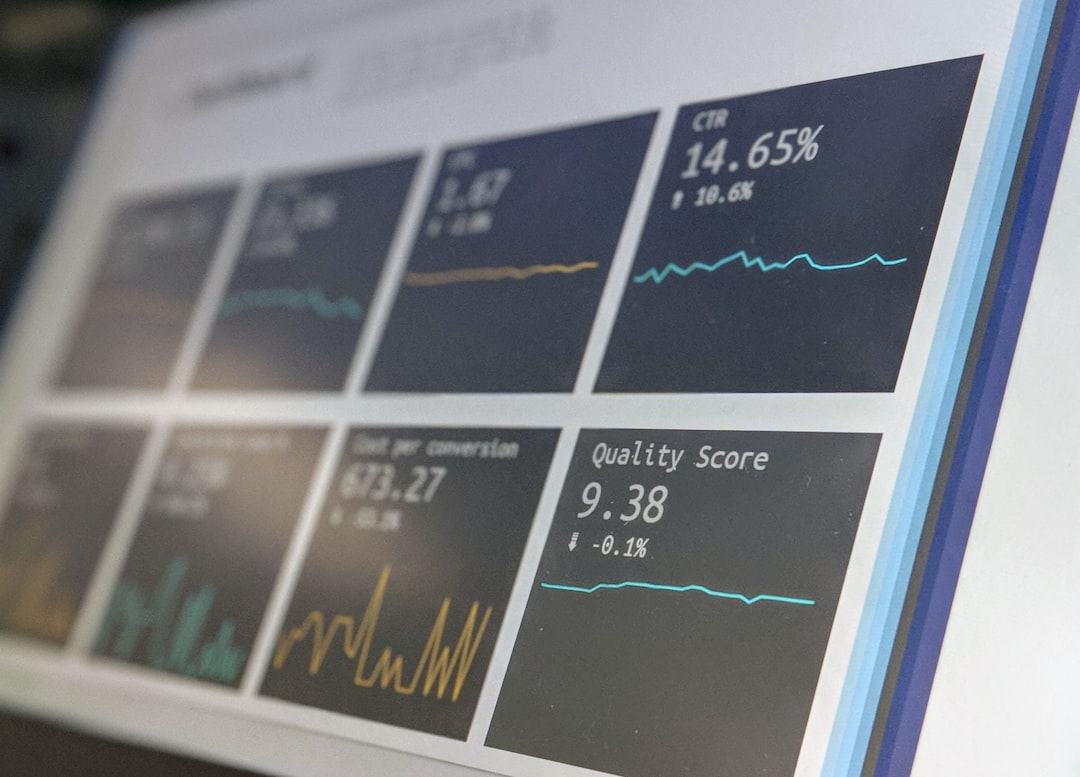
Asana is widely regarded as one of the most comprehensive project management platforms available today. Unlike Basecamp’s relatively streamlined structure, Asana allows for granular task management, advanced automation, and extensive reporting.
Key strengths include:
- Multiple project views (List, Board, Timeline, Calendar)
- Powerful automation rules
- Advanced reporting and portfolio management
- Strong integrations with Slack, Google Workspace, Microsoft Teams
Asana excels for teams managing interdependent projects with clear ownership and milestones. Its flexibility makes it particularly suitable for marketing, product, and operations teams working across departments.
Consideration: Smaller teams looking for extreme simplicity may find Asana slightly overwhelming at first.
2. Monday.com
Best for: Customizable workflows and visual project tracking
Monday.com has built a reputation for its visually intuitive interface and high customization. Where Basecamp maintains a minimalist structure, Monday offers configurable boards that adapt to virtually any workflow.
Notable advantages:
- Highly customizable boards and columns
- Automation templates
- Built-in time tracking
- Strong visual dashboards
Its flexibility benefits teams in industries such as marketing agencies, software development, and professional services. Managers gain access to real-time dashboards that highlight bottlenecks and performance trends.
Consideration: Costs can increase significantly as teams grow and require advanced features.
3. ClickUp
Best for: All-in-one productivity and scalability
ClickUp positions itself as an all-in-one productivity platform. It combines task management, document collaboration, goal tracking, and time management under a single ecosystem. For organizations that have outgrown Basecamp’s simplicity, ClickUp offers significantly deeper functionality.

Core capabilities:
- Custom views including Gantt, Kanban, List, Calendar, Mind Map
- Document collaboration with built-in knowledge base
- Goal tracking and OKR alignment
- Comprehensive permission settings
ClickUp is particularly attractive for fast-growing companies seeking to consolidate multiple tools. Instead of relying on separate apps for documentation, goals, and project tracking, teams can centralize operations.
Consideration: The extensive feature set may require onboarding time to maximize value.
4. Wrike
Best for: Enterprise teams and complex project environments
Wrike offers enterprise-grade project management capabilities. Compared to Basecamp, Wrike provides deeper resource management, advanced analytics, and heightened security controls.
Why enterprise teams choose Wrike:
- Custom request forms
- Advanced reporting and analytics
- Role-based access control
- Resource allocation tools
Large teams managing multiple concurrent initiatives benefit from Wrike’s workload views and performance tracking features. Its scalability ensures that the system remains effective as operational complexity grows.
Consideration: Smaller organizations may find it more complex and expensive than necessary.
5. Trello
Best for: Simple, visual task management
Trello remains one of the most intuitive Kanban-based project management tools on the market. While Basecamp organizes projects into message boards and to-do lists, Trello centers around cards and boards that allow for visual progress tracking.

Key highlights:
- Drag-and-drop Kanban boards
- Power-Ups for added functionality
- Easy onboarding for new team members
- Strong integration ecosystem
Trello suits smaller teams or straightforward workflows where visual tracking is sufficient. It is especially popular among startups and creative teams managing lighter project loads.
Consideration: Limited advanced reporting compared to higher-tier platforms.
6. Notion
Best for: Knowledge management combined with task tracking
Notion occupies a unique position by blending documentation, knowledge management, and task tracking. While Basecamp includes message boards and basic file storage, Notion enables teams to build complete internal wikis alongside their projects.
Primary advantages:
- Highly flexible page structures
- Databases with multiple views
- Embedded documentation and SOPs
- Collaborative editing
Notion works particularly well for remote teams prioritizing documentation transparency. Product teams, research groups, and startups often leverage it to maintain centralized knowledge repositories.
Consideration: It may require thoughtful structuring to avoid disorganization as complexity increases.
Comparison Chart
| Tool | Best For | Customization | Advanced Reporting | Ease of Use | Scalability |
|---|---|---|---|---|---|
| Asana | Cross-functional teams | High | Strong | Moderate | High |
| Monday.com | Visual workflows | Very High | Strong | High | High |
| ClickUp | All in one management | Very High | Strong | Moderate | Very High |
| Wrike | Enterprise projects | High | Very Strong | Moderate | Very High |
| Trello | Simple workflows | Moderate | Limited | Very High | Moderate |
| Notion | Documentation driven teams | Very High | Moderate | Moderate | High |
How to Choose the Right Alternative
Selecting the appropriate Basecamp alternative should be rooted in operational requirements rather than market trends. Consider the following criteria:
- Project Complexity: Do you manage multi-layered projects with dependencies?
- Team Size: Will your team scale significantly in the next two years?
- Reporting Needs: Do stakeholders require detailed performance analytics?
- Integration Ecosystem: How many external systems must interconnect?
- Budget Constraints: What pricing model aligns with your projected growth?
It is wise to conduct pilot programs with shortlisted platforms before committing company-wide. Most providers offer free trials or tiered plans designed for evaluation.
Final Thoughts
Basecamp remains a dependable, streamlined tool for straightforward collaboration. However, as project management demands become more nuanced, organizations often require greater customization, automation, and strategic oversight.
Asana and Monday.com provide strong balance for mid-sized teams.
ClickUp and Wrike serve complex or enterprise-grade needs.
Trello and Notion offer simplicity or documentation-rich collaboration.
Ultimately, the right project management system should enhance transparency, minimize friction, and empower teams to deliver consistently high-quality outcomes. By carefully assessing capabilities, integration options, and long-term scalability, teams can confidently transition to a platform that strengthens operational resilience and performance.
