It can be unsettling to open Google Maps or Street View, type in your address, and discover that your home appears blurred while neighboring houses are crystal clear. You might wonder whether you’ve done something wrong, whether someone is targeting your property, or whether it’s a sign of something more serious. In reality, there are several practical, legal, and technical reasons why a house may be blurred on Google Maps, and most of them are far less dramatic than people assume.
TL;DR: Houses are usually blurred on Google Maps because property owners requested privacy, Google automatically flagged the image, or the location is considered sensitive. Blurring is commonly tied to Street View, not satellite imagery. Government buildings, secure facilities, and private homeowners can all trigger blurring. In most cases, it’s about privacy protection—not suspicion or wrongdoing.
How Google Maps and Street View Work
To understand why your house might be blurred, it helps to know how Google gathers its imagery. Google Maps is built from two main sources:
- Satellite and aerial imagery captured by third-party providers.
- Street View photography collected by Google’s camera-equipped vehicles and devices.
Satellite images are generally taken from high above and show rooftops and land layouts. Street View, on the other hand, captures detailed, ground-level images from public roads.
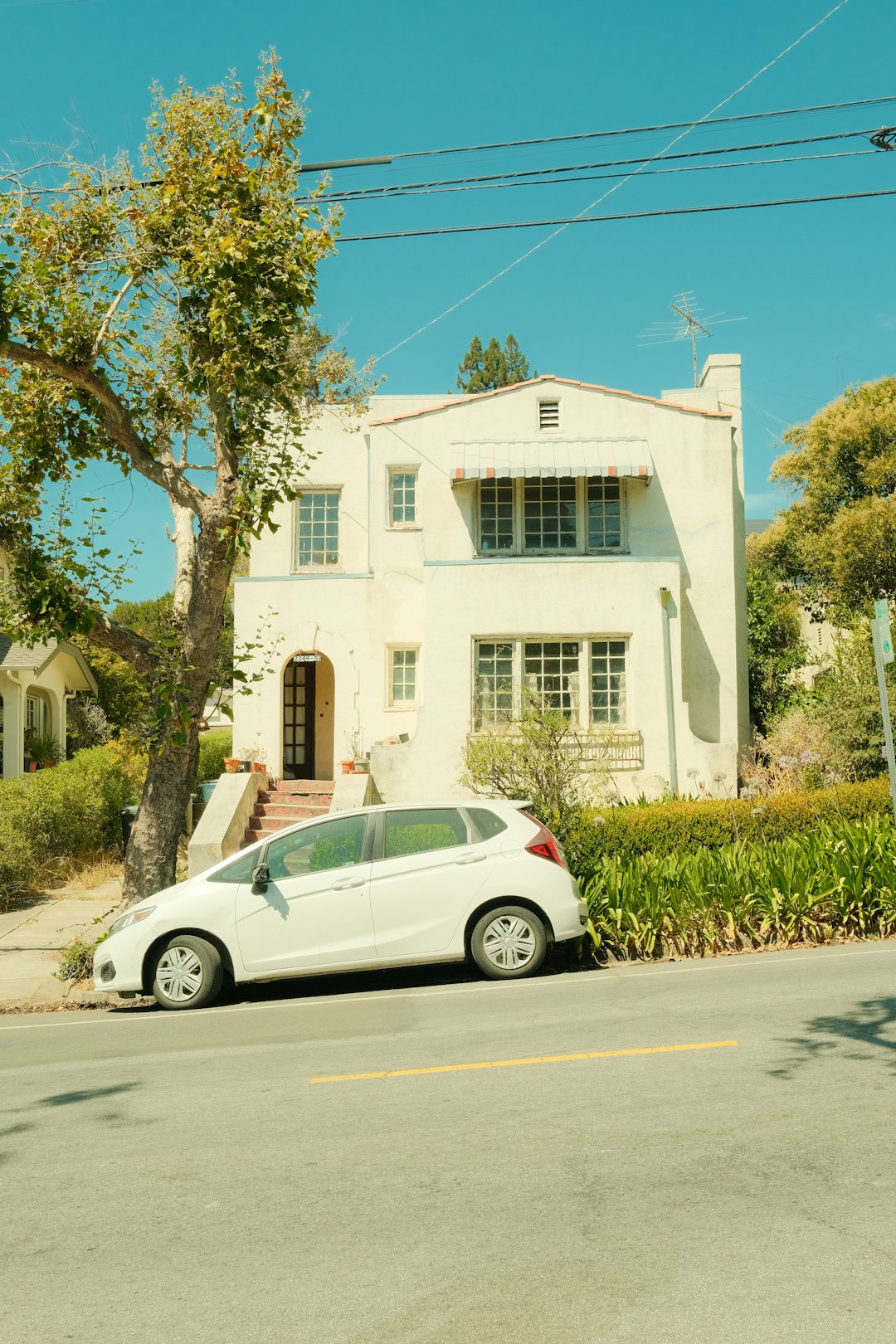
Most home blurring happens on Street View, not on satellite images. If your house appears crisp from overhead but blurry at street level, it’s almost certainly a Street View privacy measure.
The Most Common Reason: A Privacy Request
The number one reason homes are blurred is simple: someone requested it.
Google allows anyone to request the blurring of:
- Their home
- Their face
- A car (especially if the license plate is visible)
If a property owner or tenant submits a privacy request, Google reviews it and typically applies a permanent blur to the structure. Once applied, this blur cannot be reversed.
You may not even realize a request was made. Previous homeowners, renters, or even concerned family members can submit a request. In some cases, individuals in sensitive professions—such as law enforcement officers, judges, celebrities, or public officials—request blurring to minimize security risks.
Security and Safety Concerns
In certain circumstances, blurring isn’t just about privacy—it’s about safety.
Google may blur or obscure properties associated with:
- Domestic violence survivors
- Protected witnesses
- Law enforcement personnel
- Public figures
While Google doesn’t publicly disclose detailed criteria for security reasons, special cases can trigger additional review and action.
This can lead some neighbors to speculate when they see a blurred house on an otherwise clear street. However, it’s important to remember that a blur does not automatically imply criminal activity or secrecy—it often simply reflects a desire for privacy.
Automatic or Accidental Blurring
Sometimes, a house becomes blurred unintentionally. Google uses automated systems that detect identifiable elements such as:
- Faces
- License plates
- Certain patterns
In rare cases, these algorithms may mistakenly blur part or all of a house. Reflective surfaces, unusual architecture, or even signage might confuse detection systems.
Image not found in postmetaAlthough less common, technical glitches or image corruption can also cause visual distortion that looks like intentional blurring.
Government and Sensitive Locations
You may assume that only military bases or intelligence facilities get blurred, but it depends largely on the country.
In some nations, governments restrict or request limited visibility of:
- Military installations
- Critical infrastructure
- Embassies
- Strategic facilities
However, in countries like the United States, most military facilities are viewable via commercial satellite imagery. Street View may still restrict angles or access in highly secure zones.
If your home happens to be near a sensitive site, its proximity might influence how images are captured or displayed.
HOA or Community-Wide Requests
In certain private communities, homeowner associations (HOAs) or gated developments have collectively requested blurring. While Google evaluates requests on a case-by-case basis, some neighborhoods emphasize privacy standards and encourage residents to opt out of Street View visibility.
In these cases, you might notice multiple homes on the same street are blurred similarly.
Legal and Regional Differences
Privacy laws differ widely across countries. In parts of Europe, strong data protection regulations have resulted in more frequent and broader restrictions on Google’s imagery.
For instance:
- Germany has historically seen large numbers of homeowners opt out of Street View.
- Some countries limit real-time or high-resolution imagery.
- In certain regions, Google never launched full Street View coverage due to privacy resistance.
If your house is blurred and you live outside the U.S., local data protection rules could be the explanation.
Can You Unblur a House?
This is one of the most common follow-up questions. The short answer is: No, not typically.
Google states clearly that once a home is blurred at the owner’s request, the action is permanent. Even if property ownership changes, the blur generally remains.
This permanence is designed to protect privacy requests and ensure individuals feel secure making them.
However, if the blur was accidental or the result of a technical error, you may be able to submit feedback through Google Maps and request a review.
How to Blur Your Own House
If you prefer your home not appear on Street View, the process is straightforward:
- Open Google Maps.
- Search for your address.
- Open Street View.
- Click “Report a problem” in the bottom corner.
- Request that your home be blurred.
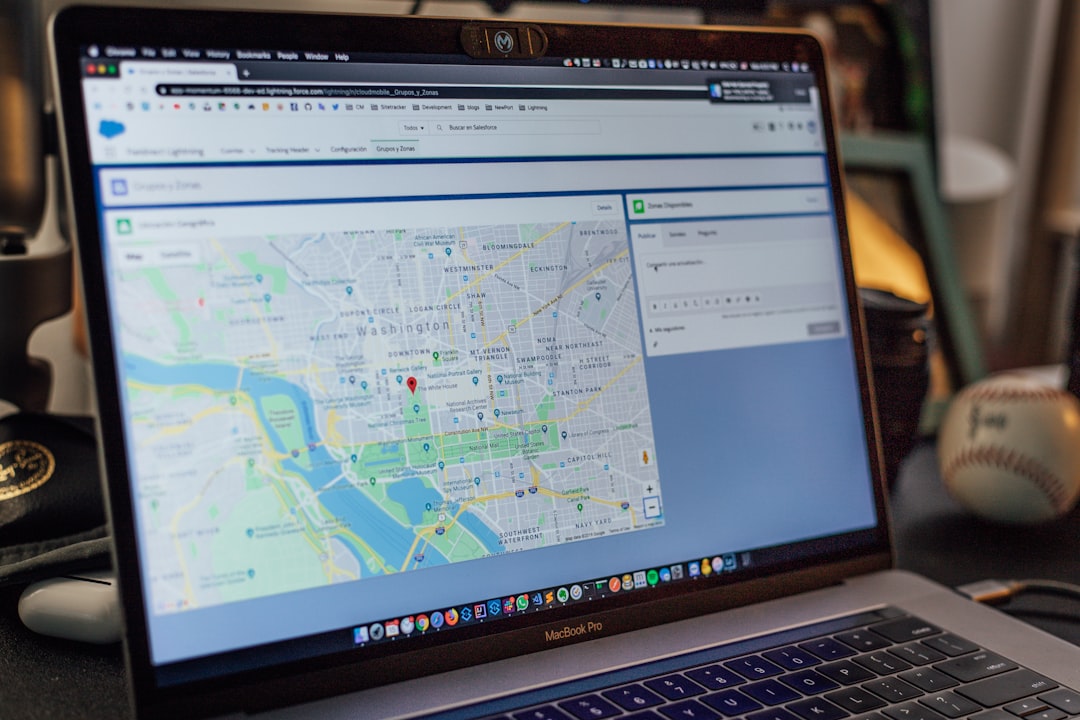
You’ll need to identify the exact area to blur and explain your request. After review, Google typically confirms by email once the blur is applied.
Common Myths About Blurred Homes
Myth #1: Blurred houses are linked to criminal activity.
Reality: The vast majority are simple privacy requests.
Myth #2: The government automatically blurs suspicious homes.
Reality: There is no public evidence supporting routine residential blurring for suspicion alone.
Myth #3: Blurring affects your property value.
Reality: There is no credible data suggesting a blurred Street View image influences real estate pricing.
Speculation often spreads faster than facts, especially online. But in practice, blurred homes are quite ordinary.
Does Blurring Affect Satellite View?
Generally, no. Street View and satellite imagery operate separately.
Your house might be blurred from the street level but fully visible from overhead. Satellite imagery comes from external providers, and requests to blur Street View do not automatically extend to aerial images.
In rare cases involving sensitive government installations, satellite imagery may be intentionally reduced in clarity or substituted with lower-resolution images.
Why Some Houses Are Partially Blurred
You may notice only a garage door, driveway, or specific section of a property is blurred. This often happens when:
- A face was detected near the property.
- A vehicle with visible license plates was parked outside.
- The person submitting the request selected only a specific area.
Selective blurring is more common than full-property concealment.
Should You Be Concerned?
In most situations, seeing your house blurred is not cause for alarm.
Ask yourself:
- Did you or a previous owner request privacy?
- Do you live in a region with strong privacy regulations?
- Are other homes nearby similarly blurred?
If the answer to any of these is yes, the explanation is probably straightforward.
The Bigger Picture: Privacy in a Digital World
The blurred-house phenomenon reflects a larger tension between accessibility and privacy. Digital mapping tools are incredibly useful for navigation, business listings, and real estate—but they also create concerns about personal exposure.
Google’s decision to allow blurring strikes a balance between public access and private control. For many homeowners, simply having the option provides peace of mind.
Ultimately, a blurred house on Google Maps usually signals something reassuring rather than alarming: someone exercised their right to privacy. In an era where personal data circulates constantly, that choice is becoming increasingly common—and understandable.
