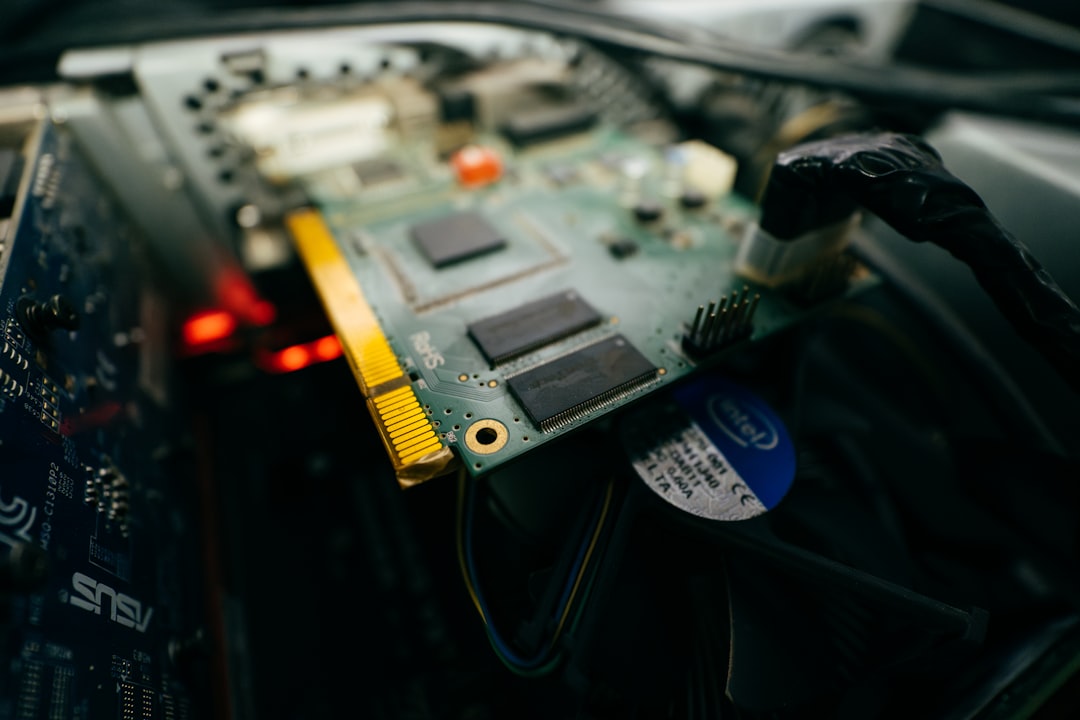
If you’ve ever dug into the specs of a modern motherboard or explored high-performance computing, you may have come across the term Voltage Regulator Module or VRM. These components play a crucial role in powering the brains of our computing systems—especially CPUs and GPUs. But what exactly is a VRM, and why is it so important for system stability and performance? Let’s take a deep dive into the tech behind your hardware’s power delivery system.
TL;DR:
A Voltage Regulator Module (VRM) ensures your CPU or GPU gets a stable and specific voltage, regardless of power supply inconsistencies. It steps down voltage from the PSU to usable levels and adapts to changing load requirements in real time. The design and quality of VRMs directly affect system stability, overclocking potential, and thermal performance. If you’re building a PC or upgrading components, understanding VRMs can significantly impact your hardware choices.
What is a VRM?
A Voltage Regulator Module is an electrical circuit that converts and regulates voltage from the power supply to the precise levels required by other components, particularly CPUs and GPUs. These sensitive chips can’t handle wide voltage swings, so the VRM acts as a guardian, ensuring only suitable voltage reaches them.
Most modern processors require different levels of voltage during different workloads. The VRM adjusts dynamically to meet these demands efficiently and quickly. It’s essentially the unsung hero on your motherboard ensuring everything runs smoothly—even under heavy loads.
Why VRMs Are Critical
At first glance, a VRM may look like just another component on the motherboard, but it has a massive impact on:
- System Stability: A high-quality VRM supplies clean, consistent power which is vital for stable system operations.
- Overclocking Potential: Attempting to overclock on a board with a weak VRM is typically a recipe for instability or even hardware damage.
- Thermal Management: Poor VRMs generate excessive heat, thereby affecting system temperature and lifespan.
How a VRM Works: The Basics
The main job of a VRM is to convert the 12V power from your PSU to lower voltages like 1.1V or 1.3V that the CPU or GPU can use. This voltage conversion involves three primary components:
- Controller: This part communicates with the processor and determines how much power is needed.
- MOSFETs: These are switches that manage the flow of electricity based on the controller’s data.
- Chokes (Inductors) & Capacitors: These smooth out the voltage, reducing fluctuations and noise.
When working in harmony, these components form a tightly coordinated system capable of reacting almost instantaneously to voltage drops or demand spikes. 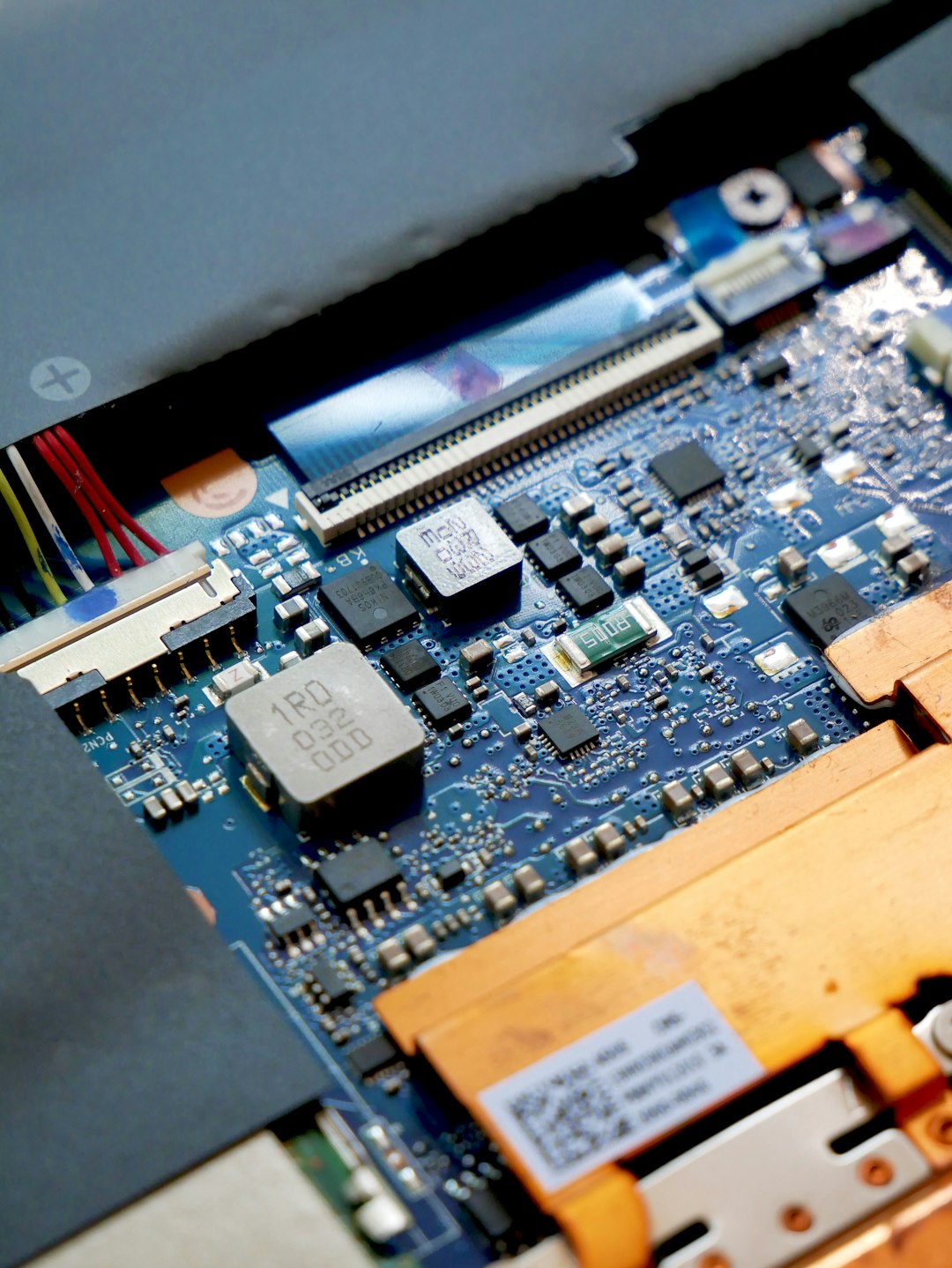
Phases: What Do “8+2 Phase VRM” and Similar Labels Mean?
The term “phase” in VRMs refers to the number of separate circuits or pathways within the module that distribute current. An 8-phase VRM, for example, splits the CPU power load across eight individual pathways. This division helps manage heat and enables smoother power delivery.
Modern motherboards often advertise configurations like “6+2” or “12+1”. Here’s what these mean:
- The first number refers to the VRM phases dedicated to the CPU.
- The second number refers to phases allocated to integrated parts like the memory controller or GPU on APU systems.
More phases typically result in better power efficiency and thermal performance—but the quality of components matters just as much as quantity.
Signs of a Good VRM Design
If you’re planning on building a high-performance or overclocked system, don’t just look at the number of VRM phases. You should also consider:
- Component Quality: Premium MOSFETs, capacitors, and chokes perform better and last longer.
- Thermal Management: Look for motherboards with VRM heatsinks and possibly even heat pipes.
- Power Delivery Layout: Uniform and balanced layout can ensure efficiency and minimal losses.
Many high-end gaming motherboards even add active cooling solutions to VRMs, especially in small form-factor builds where airflow is limited. 
VRMs in GPUs: Are They Different?
GPU VRMs function similarly to CPU VRMs but are often overlooked since they come pre-installed on the graphics card. However, for gamers and crypto miners pushing their rigs hard, quality GPU VRMs make a big difference in overclocking potential and long-term stability.
The major GPU manufacturers—like NVIDIA and AMD—often release reference models with average VRM designs, while third-party manufacturers such as ASUS, MSI, and Gigabyte upgrade the VRMs significantly in their custom models. So, if you’re serious about GPU power, pay attention to more than just the core clock or VRAM size.
Common VRM Issues
Although VRMs are designed to be robust, they are not immune to failure. Common issues include:
- Overheating: Excessive temperature can degrade or kill VRM components.
- Inadequate Cooling: Especially in budget motherboards, where cost-cutting skips proper VRM cooling solutions.
- Power Delivery Bottlenecks: A weak VRM might throttle CPU performance under load to prevent damage.
Signs of VRM problems can be subtle—random shutdowns, high CPU temps, unstable overclocks, or performance throttling under stress testing conditions. Using a tool like HWMonitor or HWiNFO can help you keep track of motherboard power temperatures and voltages.
How to Choose the Right VRM
Here are a few tips for selecting hardware with strong VRM performance:
- Match the VRM design to your CPU: Don’t put a high-end CPU on a low-tier motherboard.
- Read reviews: Tech sites often test VRM temps and stability under load.
- Consider your use case: Gaming, streaming, rendering, or overclocking all have different power demands.
If you’re building a budget PC, you may not need cutting-edge VRMs. But investing in a board with decent VRMs gives more headroom for upgrades and longevity.
Future of VRM Technology
As CPUs and GPUs continue to demand more power and finer voltage tuning, VRM technology evolves accordingly. Expect to see:
- Smarter Digital Controllers: For even faster response to changing workloads.
- More Efficient Components: Like integrated DrMOS and power stages to reduce heat.
- Extreme Cooling Innovations: Including water-cooled VRMs for enthusiast systems.
As motherboards become smarter and more modular, VRM implementations are leaning toward better thermal efficiency and integration with BIOS-level tuning. Overall, the humble VRM is steadily becoming the backbone for optimized performance.
Conclusion
The Voltage Regulator Module may not be the most glamorous spec on your motherboard or GPU box, but its importance can’t be overstated. Whether you’re pushing boundaries with an overclocked CPU or running a quiet, thermally efficient build, a solid VRM configuration ensures your system operates safely and at its full potential.
Next time you’re buying or building a PC, take a closer look at the VRM setup—it might just be the difference between a rock-solid system and a performance bottleneck.
