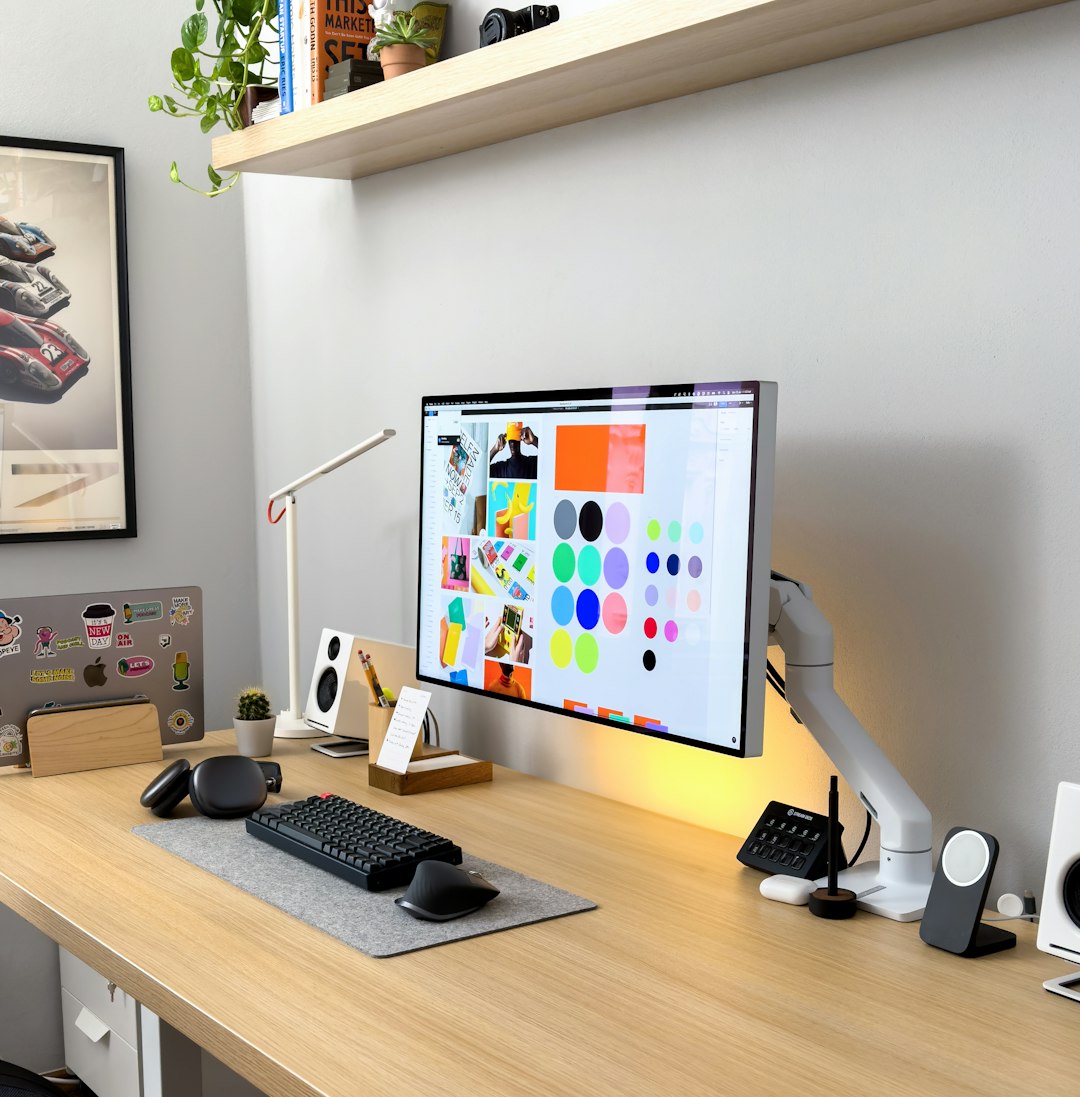
In today’s increasingly visual digital landscape, bloggers and marketers rely heavily on compelling graphics to capture attention, increase engagement, and strengthen brand identity. From featured images and social media posts to infographics and email banners, high-quality visuals are no longer optional—they are essential. Fortunately, powerful graphic design tools are no longer limited to professionals with expensive software. A number of free programs now offer robust features suitable for content creators at every level.
TLDR: Bloggers and marketers can create professional-quality graphics without spending money by using free tools like Canva, GIMP, Adobe Express, Figma, and VistaCreate. Each platform offers unique strengths, from beginner-friendly templates to advanced design capabilities. The best choice depends on skill level, collaboration needs, and the type of content being created. Below is a detailed breakdown along with a comparison chart to help users choose the right fit.
Below are the top five free graphic design programs that stand out for ease of use, versatility, and value.
1. Canva
Canva has become one of the most popular design tools among bloggers and marketers, primarily because of its simplicity and template-driven approach. It is a browser-based platform that requires no prior design experience, making it ideal for beginners.
Key Features:
- Thousands of free templates for blogs, social media, presentations, and ads
- Drag-and-drop interface
- Free stock photos and elements
- Basic photo editing tools
- Brand kit (limited in free plan)
Canva excels at helping users produce polished visuals quickly. Bloggers can create Pinterest pins, blog headers, feature images, and email graphics in minutes. Marketers can design social media campaigns with consistent branding using pre-sized templates.
While the free version is powerful, certain premium images and advanced tools are locked behind a paid plan. However, for many bloggers, the free features are more than sufficient to maintain a professional presence.
Best for: Beginners and those who want fast, ready-made templates.
2. GIMP (GNU Image Manipulation Program)
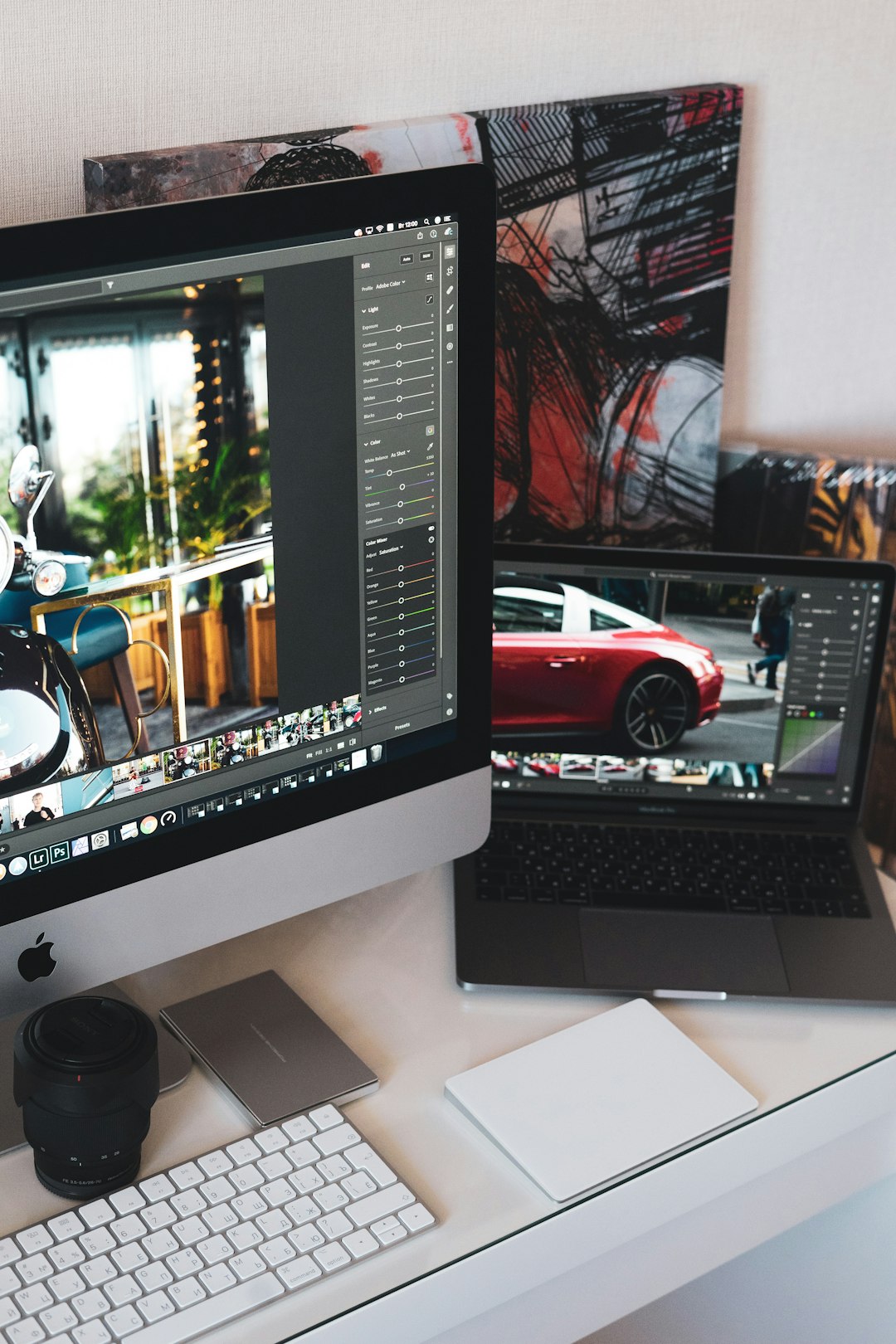
GIMP is a free, open-source image editing software often described as a free alternative to Adobe Photoshop. Unlike Canva, GIMP is not template-focused; instead, it provides advanced design and photo manipulation tools.
Key Features:
- Advanced photo retouching and editing
- Layer-based editing
- Custom brushes and plug-ins
- High level of customization
- Support for multiple file formats
For marketers needing detailed image retouching or bloggers aiming to create unique graphics from scratch, GIMP offers unmatched flexibility among free tools. However, it comes with a steeper learning curve. Those unfamiliar with professional editing software may need time to understand layers and advanced features.
Despite its complexity, GIMP’s capabilities make it a powerful resource for creating original graphics, removing backgrounds, editing product images, and designing web assets.
Best for: Intermediate to advanced users who want full creative control.
3. Adobe Express (Free Version)
Adobe Express offers a streamlined version of Adobe’s design ecosystem tailored for quick content creation. It bridges the gap between template-based simplicity and professional-grade design power.
Key Features:
- Professional-quality templates
- Direct integration with Adobe Stock (limited free assets)
- Social media resizing tools
- Basic animation features
- Cloud-based access
This tool is especially beneficial for marketers running campaigns across multiple platforms. With its resizing feature, a single design can be adapted to Instagram, Facebook, LinkedIn, and more.
The interface is intuitive, similar to Canva, but it carries Adobe’s polished design aesthetic. While the free version is somewhat limited compared to paid Creative Cloud tools, it offers more than enough functionality for most bloggers and small business marketers.
Best for: Marketers seeking a professional look with minimal effort.
4. Figma (Free Plan)
Image not found in postmetaFigma is widely known as a UI/UX design tool, but it has become increasingly popular among marketers and bloggers for collaborative design projects.
Key Features:
- Real-time collaboration
- Vector editing tools
- Cloud-based platform
- Version history tracking
- Component-based design systems
Unlike Canva or Adobe Express, Figma focuses more on structure and scalable design systems. This makes it perfect for teams that require brand consistency across multiple graphics.
Although it may feel overwhelming to complete beginners, Figma’s free plan allows up to three collaborative files and unlimited personal drafts—more than sufficient for solo bloggers or small teams.
Its vector-based design tools are ideal for logos, website graphics, lead magnets, and custom illustrations.
Best for: Teams and collaborative projects requiring consistency and scalability.
5. VistaCreate
VistaCreate (formerly Crello) is another browser-based design tool tailored to social media content creation. It is often compared directly with Canva due to its template-rich ecosystem.
Key Features:
- 50,000+ free templates
- Animated design capabilities
- Royalty-free photos and videos
- Easy drag-and-drop interface
- Pre-sized layouts for ads and social content
VistaCreate stands out because it includes animated templates in its free version. For marketers running video ads or bloggers seeking engaging social posts, this can be a significant advantage.
The platform emphasizes speed and convenience. Users can quickly customize templates with brand colors, fonts, and images.
Best for: Social media marketers and bloggers focused on animated content.
Comparison Chart
| Tool | Ease of Use | Best For | Templates | Collaboration | Advanced Editing |
|---|---|---|---|---|---|
| Canva | Very Easy | Beginners, quick graphics | Extensive | Limited (Free) | Basic |
| GIMP | Moderate to Hard | Advanced editing | None | No | Excellent |
| Adobe Express | Easy | Professional marketing visuals | Strong | Limited | Moderate |
| Figma | Moderate | Teams and branding systems | Limited | Excellent | Strong (Vector) |
| VistaCreate | Very Easy | Animated social posts | Extensive | Limited | Basic to Moderate |
How to Choose the Right Tool
When selecting a free graphic design program, bloggers and marketers should consider:
- Skill Level: Beginners may prefer Canva or VistaCreate, while advanced users may benefit from GIMP.
- Type of Content: Social media graphics, infographics, blog banners, or product photos each require different capabilities.
- Collaboration Needs: Teams may benefit most from Figma’s real-time features.
- Brand Consistency: Some platforms simplify maintaining fonts, colors, and layouts.
The right tool ultimately depends on goals and workflow. Many content creators even combine tools—for example, using GIMP for image editing and Canva for final layout formatting.
FAQ
1. Are free graphic design programs really good enough for professional use?
Yes. Many bloggers and marketers successfully run entire brands using free tools like Canva and Figma. While paid plans offer expanded features, free versions are often sufficient for high-quality visuals.
2. Which program is best for beginners?
Canva and VistaCreate are generally the most beginner-friendly due to their intuitive drag-and-drop interfaces and ready-made templates.
3. Is GIMP better than Canva?
They serve different purposes. GIMP is better for advanced photo manipulation and detailed editing, while Canva excels at quick, template-based designs.
4. Can these tools be used for commercial purposes?
Most of these platforms allow commercial use, but users should always review licensing terms, especially regarding stock images and template elements.
5. Do bloggers need advanced design skills to create professional graphics?
No. Template-based platforms make it possible to create professional-looking graphics without formal design training. However, basic knowledge of color theory and typography can enhance results.
6. Which tool is best for collaborative marketing teams?
Figma is ideal for collaboration due to its real-time editing and cloud-based workflow, making it suitable for distributed teams.
Free graphic design tools have fundamentally changed the way bloggers and marketers create visual content. Whether the priority is speed, collaboration, animation, or advanced editing, there is a free solution available. By selecting the tool that aligns with their needs and workflow, content creators can produce professional visuals that captivate audiences—without stretching their budgets.
