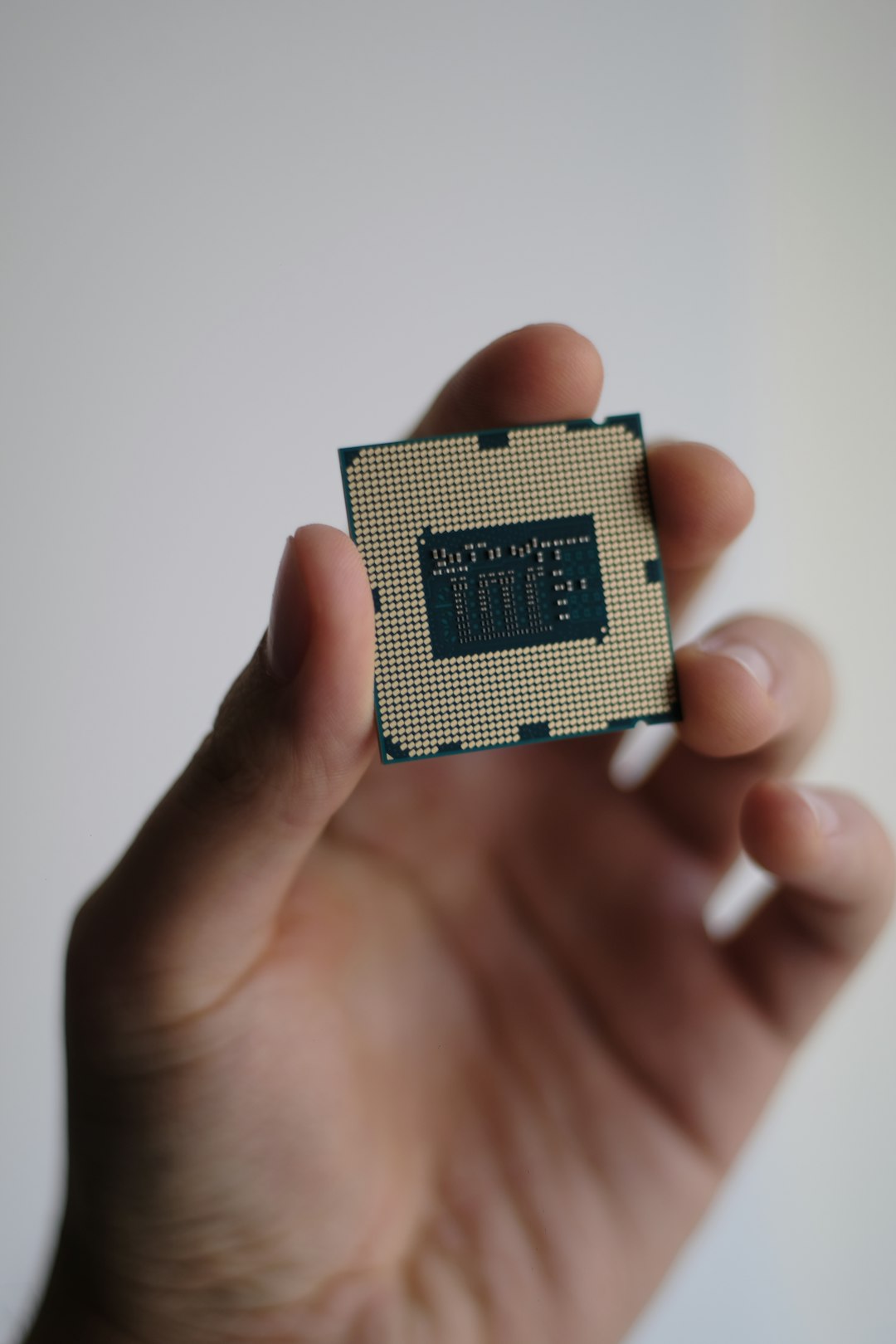
Keeping up with the rapidly evolving landscape of computer processors can be challenging, whether you’re an enthusiast building a high-end gaming PC or a casual user looking for a solid workstation. Tom’s Hardware, a trusted source for PC hardware reviews and benchmarks, maintains a comprehensive and regularly updated CPU hierarchy chart. This CPU tier list helps users easily compare the relative performance of both AMD and Intel processors, making system-building decisions more straightforward.
TLDR:
The Tom’s Hardware Processor Hierarchy ranks CPUs based on real-world performance in gaming, productivity, and synthetic benchmarks. The tier list is regularly updated to reflect the latest releases from AMD and Intel, offering quick insights for builders and upgraders. High-end Ryzen 7000X and Intel Core i9 CPUs dominate the top tiers, while older chips still hold their own in budget categories. The list assists users in finding the best processor for their needs and budget.
The Purpose of a CPU Hierarchy List
Modern CPUs vary dramatically in terms of performance, power consumption, and price. A hierarchy list is an essential tool for users to:
- Compare performance between different generations and models
- Identify price-to-performance sweet spots for gaming, productivity, and general use
- Evaluate upgrade paths for existing systems
Tom’s Hardware evaluates CPUs using a range of benchmarking tools and real-world tests, which culminate in a data-driven, ranked chart. The result is an intuitive overview that sorts processors into tiers—from budget-friendly entry-level chips to flagship monsters aimed at enthusiasts and professionals.
Recent Updates in the Hierarchy
2023 and early 2024 have been particularly busy years in the CPU market. Both AMD and Intel have unleashed fresh lineups, including AMD’s Ryzen 7000 series powered by the new Zen 4 architecture, and Intel’s 13th and 14th Gen Core processors under the Raptor Lake banner. These new PR chips come with significant improvements in both single-thread and multi-thread workloads.
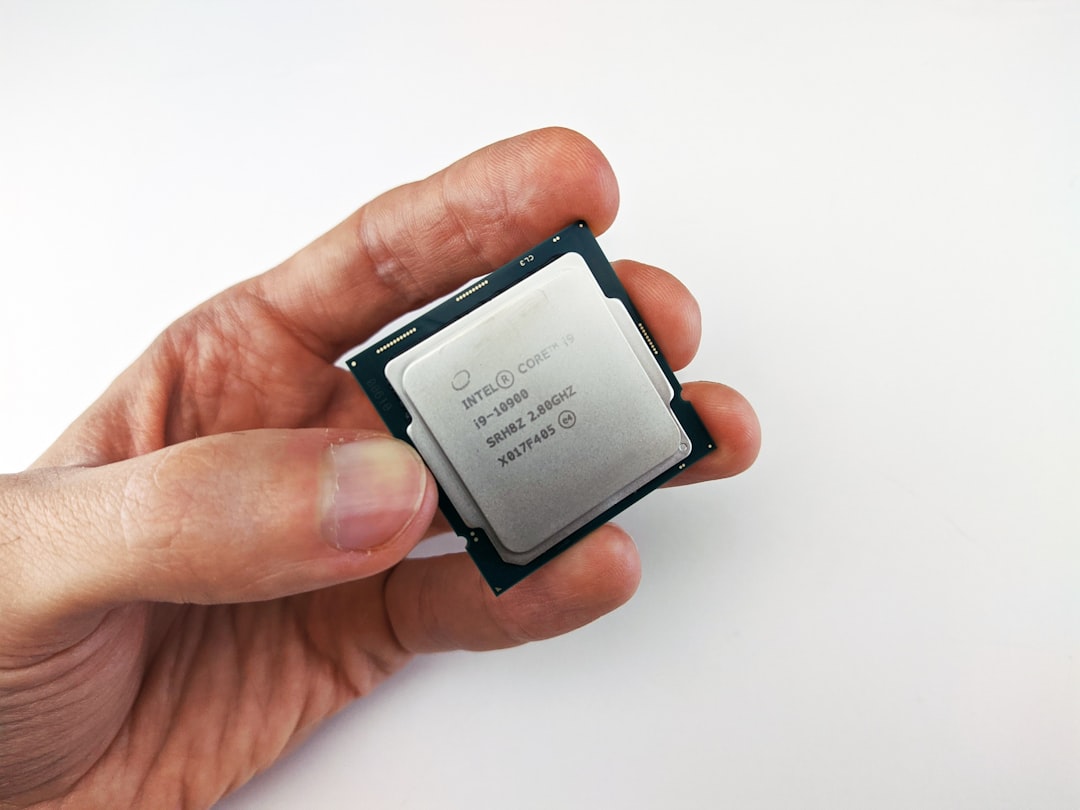
Tom’s Hardware has adjusted its rankings to reflect these new additions. For example, AMD’s Ryzen 9 7950X currently competes neck-and-neck with Intel’s Core i9-13900K and i9-14900K depending on the workload. This reshuffling affects how users plan their builds, especially when optimizing for specific use cases like gaming versus content creation.
The Tier Breakdown
Tom’s Hardware typically organizes CPUs into several performance tiers. While the exact number may vary, readers can expect groupings such as:
Tier 1 – Enthusiast Flagship Performance
This includes the fastest processors on the market, ideal for those who want the best possible performance for gaming, streaming, 3D rendering, and more.
- AMD Ryzen 9 7950X / 7950X3D
- Intel Core i9-13900K / 14900K
Tier 2 – High-End Performance
This tier offers excellent performance for gamers and serious multitaskers, albeit at a slightly lower price point than the flagships.
- AMD Ryzen 9 7900X / 7900
- Intel Core i7-13700K / 14700K
Tier 3 – Mid-Range Value
Balanced processors that handle most modern games and productivity tasks well. These are often the go-to for mainstream builds.
- AMD Ryzen 5 7600X
- Intel Core i5-13600K / i5-13400F
Tier 4 – Budget and Entry-Level
Perfect for low-cost builds, basic productivity, and light gaming. While not topping charts, they’re still capable.
- AMD Ryzen 3 4100 / Ryzen 5 5500
- Intel Core i3-12100 / Pentium Gold
Tier 5 – Legacy and Outclassed
Here you’ll find older generation chips that are no longer competitive for most modern workloads but can be used in niche or legacy systems.
- Intel Core i7-7700K
- AMD FX-8350, Ryzen 5 1600
Gaming Performance Overview
One of the most valuable aspects of Tom’s Hardware’s CPU hierarchy is the emphasis on gaming performance, as many users build PCs specifically for modern AAA titles or high-refresh-rate eSports games. CPUs with 3D V-Cache technology, like the Ryzen 7 7800X3D or the Ryzen 9 7950X3D, are specifically lauded for their edge in gaming scenarios.
Intel CPUs, especially from the 13th and 14th gen lines, also deliver top-tier gaming performance with their hybrid architecture, combining performance and efficiency cores. However, Intel’s power consumption and thermal output are generally higher than AMD’s Zen 4 counterparts.
Gamers on a budget can also find strong performers in the Core i5-12400 or Ryzen 5 5600, which, coupled with a decent GPU, can provide a remarkably solid experience without breaking the bank.
Productivity and Multi-Core Workloads
For users interested in video editing, software compilation, 3D modeling, or other multi-threaded applications, raw core and thread counts come into play. Here, the Ryzen 9 7950X and Intel’s Core i9-13900K shine brightly. These chips offer robust multi-core performance, making them top choices for professionals who also want to game on the side.
Interestingly, more affordable CPUs like the Ryzen 9 7900 or Intel’s i7-13700F can deliver close-to-flagship performance for a lower price, making them attractive options for budget-conscious creatives.
Efficiency vs. Performance
While raw performance is crucial, power consumption and thermal output are also critical factors, especially for small form factor builds and laptops. AMD’s recent iterations with Zen 4 and its 5nm process node are notably more efficient compared to Intel’s Raptor Lake chips, which tend to draw more power and generate more heat under load.
Efficiency is not just about lower power bills; it also impacts cooling requirements, fan noise, and overall system longevity.
Using the List Effectively
The CPU hierarchy list is structured so users can jump in and quickly pinpoint which processor level suits their needs. If you’re building a gaming rig, check performance tiers focused on FPS benchmarks. If you’re doing heavy multitasking or video work, lean toward processors in the higher multi-threaded performance bands. It’s also worth cross-referencing with your GPU, RAM, and storage so your CPU isn’t the performance bottleneck.
Tom’s Hardware typically complements its hierarchy list with detailed benchmark tables and update notes. Users are encouraged to read the footnotes and comments which often provide insight into test methodologies and any caveats pertaining to specific chips.
Conclusion
Tom’s Hardware CPU hierarchy is an invaluable resource for anyone navigating the complicated world of processor selection. By organizing CPUs based on performance tiers and real-world use cases, it streamlines the decision-making process for builders at all budget levels. With the constant evolution of silicon technology, tools like these are essential for staying up to date and building a system that delivers great value and performance.
FAQ
-
Q: How often is Tom’s Hardware CPU hierarchy updated?
A: Usually once a month, or whenever a major new processor line is released from AMD or Intel. -
Q: Are laptop CPUs included in the hierarchy?
A: No, the hierarchy focuses solely on desktop processors. Laptop CPUs are evaluated in separate charts. -
Q: Which CPU is best for gaming right now?
A: High-end options like the Ryzen 7 7800X3D and Core i9-13900K are top choices, but the best choice depends on your GPU and budget. -
Q: Should I always choose the higher-tier CPU?
A: Not necessarily. Consider your use case. A mid-tier CPU may offer a better balance of cost and performance for your needs. -
Q: Where can I view the full updated list?
A: You can always find the latest version of the CPU hierarchy on the official
