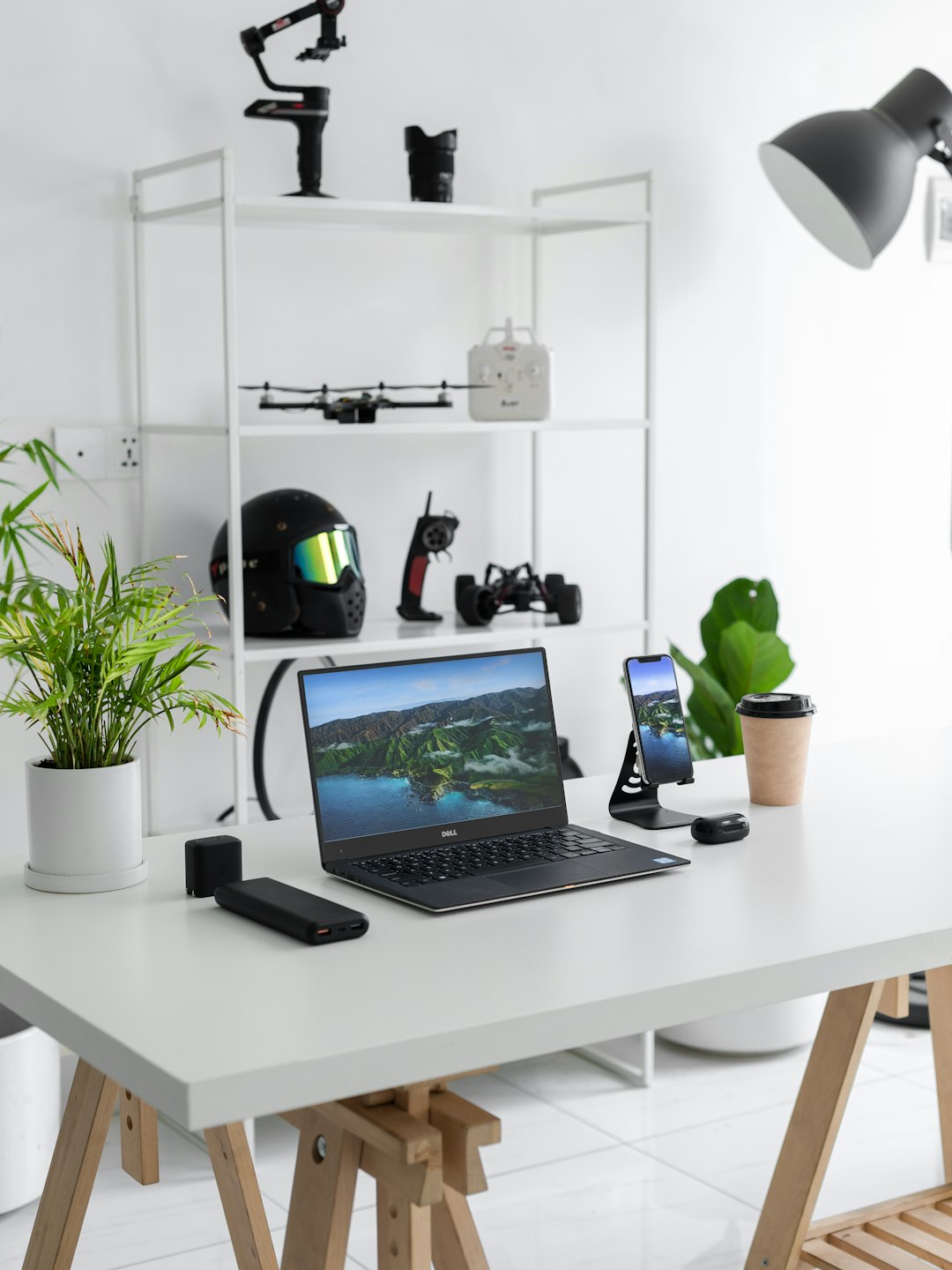
In a world where work is no longer confined to a single office desk, professionals rely on flexible digital solutions to remain productive from anywhere. Whether working from home, traveling abroad, or collaborating across time zones, staying connected to office systems is essential for efficiency and continuity.
TLDR: Remote desktop software allows users to securely access their office computers and files from anywhere in the world. These tools improve flexibility, enhance collaboration, and support business continuity. With strong encryption, cross-platform compatibility, and user-friendly interfaces, they make remote work seamless. Choosing the right solution depends on security needs, team size, and required features.
Remote desktop software enables users to view and control a computer or server from another location through the internet. Instead of transferring files manually or carrying hardware between locations, employees can simply log in and access everything as if they were physically present at their desk.
Why Remote Desktop Software Matters More Than Ever
The modern workplace has evolved dramatically. Businesses now embrace hybrid and fully remote models, and workers expect flexibility without sacrificing productivity. Remote desktop solutions support this shift by providing:
- Full access to office computers from any location
- Enhanced collaboration across distributed teams
- Secure file access without physical transfer
- Reduced downtime during travel or emergencies
- IT troubleshooting capabilities without onsite visits
For both small businesses and large enterprises, these advantages translate into cost savings, operational resilience, and improved employee satisfaction.

How Remote Desktop Software Works
At its core, remote desktop technology establishes a secure connection between two devices. One device acts as the host (the office computer), while the other functions as the client (the remote device). Once authenticated, the user sees the host computer’s screen and can interact with it in real time.
Most platforms use:
- End-to-end encryption to protect data in transit
- Multi-factor authentication for identity verification
- Cloud-based routing servers to simplify connectivity
- Cross-platform compatibility for Windows, macOS, Linux, iOS, and Android
This setup allows professionals to open files, run software, print documents, and even reboot systems from across the globe.
Key Features to Look For
Not all remote desktop tools are created equal. Organizations should evaluate software based on the following critical features:
1. Security Protocols
Strong encryption standards such as AES-256, secure socket layer (SSL) protocols, and two-factor authentication ensure sensitive company data remains protected.
2. Performance and Speed
Low latency connections, adaptive display settings, and bandwidth optimization help maintain smooth performance—even on slower networks.
3. Multi-Device Support
Modern professionals switch between laptops, tablets, and smartphones. The software must support seamless transitions across devices.
4. File Transfer Capabilities
Built-in drag-and-drop file sharing and synchronized clipboard functionality simplify document management.
5. Collaboration Tools
Some platforms offer screen sharing, session recording, and multi-user access for team collaboration and training.
Popular Remote Desktop Software Solutions
Several remote desktop tools dominate the market, each offering unique strengths. Below is a comparison of leading solutions commonly used by individuals and organizations.
| Software | Best For | Security Features | Platform Support | Notable Advantage |
|---|---|---|---|---|
| TeamViewer | Small to large businesses | AES-256 encryption, 2FA | Windows, macOS, Linux, Mobile | Easy setup and global access |
| AnyDesk | High-performance needs | TLS encryption, device authorization | Cross-platform | Lightweight with fast speeds |
| Chrome Remote Desktop | Individuals and small teams | Google account authentication | Browser-based, Mobile | Free and simple to use |
| Microsoft Remote Desktop | Windows environments | Network level authentication | Windows, macOS, Mobile | Native integration with Windows |
| SplashTop | IT support and educators | Device verification, 2FA | Cross-platform | Strong performance for multimedia |
Benefits for Businesses
Remote desktop software offers measurable benefits for organizations aiming to remain competitive and agile.
Improved Business Continuity
Natural disasters, travel restrictions, or unexpected office closures no longer halt operations. Staff members can continue working with minimal disruption.
Cost Efficiency
Reduced need for travel, physical office space, and onsite IT interventions lowers operational costs.
Enhanced IT Support
IT professionals can troubleshoot and resolve technical issues remotely, saving time and reducing downtime.
Scalability
Organizations can onboard new users quickly without investing heavily in additional infrastructure.
Best Practices for Secure Remote Access
While remote desktop tools are powerful, security must remain a top priority. Companies should adopt these best practices:
- Enable multi-factor authentication for all users
- Limit access permissions based on employee roles
- Regularly update software to patch vulnerabilities
- Use strong passwords and password management tools
- Monitor connection logs for suspicious activity
By combining robust software with responsible security policies, businesses minimize risks while maximizing flexibility.
Remote Desktop Software for Different Use Cases
Different professions leverage remote connectivity in unique ways:
- Freelancers access powerful desktop workstations while traveling.
- Corporate teams collaborate across international offices.
- IT departments provide real-time customer support.
- Educators manage classroom systems and deliver demonstrations remotely.
- Healthcare administrators securely retrieve systems without physical presence.
The adaptability of remote desktop technology ensures that nearly every industry can benefit from its implementation.
The Future of Remote Desktop Technology
As cloud computing, 5G connectivity, and artificial intelligence continue to advance, remote desktop software is becoming faster and more intuitive. Emerging innovations include AI-powered session optimization, zero-trust security frameworks, and deeper integration with cloud-hosted virtual desktops.
Virtual desktop infrastructure (VDI) and Desktop-as-a-Service (DaaS) models are also expanding. These solutions host desktops entirely in the cloud, removing dependence on physical office computers. For many organizations, this represents the next evolution of workplace connectivity.
In the years ahead, seamless remote access will shift from being a convenience to becoming a standard business requirement.
Frequently Asked Questions (FAQ)
1. Is remote desktop software safe to use?
Yes, when reputable providers and strong security settings are used. Features like end-to-end encryption and multi-factor authentication significantly enhance safety.
2. Does remote desktop software require fast internet?
While high-speed internet improves performance, many tools optimize bandwidth to function reasonably well even on moderate connections.
3. Can remote desktop software work across different operating systems?
Most leading platforms support multiple operating systems, allowing access between Windows, macOS, Linux, and mobile devices.
4. What is the difference between VPN and remote desktop software?
A VPN provides secure network access, while remote desktop software allows users to control a specific computer remotely. Some businesses use both together for enhanced security.
5. Is free remote desktop software enough for businesses?
Free versions may work for individuals or small teams, but businesses often require advanced security, management controls, and technical support found in paid plans.
6. Can multiple users access the same computer simultaneously?
Certain platforms allow multi-user sessions, making them suitable for collaboration or training purposes, depending on licensing and configuration.
Remote desktop software has transformed the definition of the workplace. By enabling secure, reliable access to systems and files from virtually anywhere, it empowers professionals to remain productive and connected in an increasingly digital world.
