
The safest way to change your Bumble location is to use Bumble Travel Mode, not GPS spoofing. Travel Mode is built into Bumble Premium, lets you appear in another city, and reduces the risk of account problems. If you need more control, some dating apps offer better manual location settings, especially if you are planning dates before a move or trip.
TLDR: Use Bumble Travel Mode if you want a simple, official way to meet people in another city before you arrive. For example, someone flying from Chicago to Austin next week can set Austin as their Bumble location and start matching several days early. In practice, planning ahead can matter: even a 10% higher reply rate before a trip can mean 2 or 3 extra real conversations if you usually send 20 to 30 good openers. If you want free or more flexible location control, compare Bumble with Hinge, Tinder Passport, OkCupid, or other location-based dating apps.
How Bumble Location Works
Bumble normally uses your phone’s location services to show you people nearby. Your location updates when you open the app, not every second in the background. This is useful for privacy and battery life, but it also means Bumble may show your last active city until you reopen the app somewhere else.
That can be annoying if you just landed, opened the app, and still see matches from the airport city you left. Usually, closing and reopening Bumble after checking phone location permissions fixes it. If not, expect to waste a few minutes checking app settings, phone permissions, and whether a VPN is confusing other services.
Image not found in postmetaHow to Change Bumble Location With Travel Mode
Bumble Travel Mode is the official feature for changing your location before you are physically there. It is usually part of Bumble Premium, though pricing and bundles can vary by country and over time.
To use it, follow these steps:
- Open the Bumble app.
- Go to your profile or settings area.
- Find Travel Mode under Premium features.
- Search for the city you want.
- Select it and confirm.
- Start swiping in that city.
Bumble typically shows that you are using Travel Mode. That is fair. People deserve to know whether you are local, visiting, or planning to move. You may still get matches if your profile is clear and serious. It is better to say, “Visiting Lisbon next month for two weeks” than to act like you already live there.
Bumble Travel Mode: Main Benefits
- It is allowed by Bumble. You are not trying to trick the app.
- It is easy to set up. No technical work is needed.
- It helps with trip planning. You can match before arrival.
- It works well for relocations. You can test the dating pool before moving.
- It is clearer for other users. The Travel Mode label reduces confusion.
For business travelers, remote workers, and people moving to a new city, this is the cleanest option. A person moving from Boston to Denver in 30 days can start building conversations early instead of losing the first week after arrival to basic matching.
The Drawbacks of Bumble Travel Mode
The catch is that Travel Mode is not always cheap if you only need it once. Paying for Premium just to test one city can feel excessive. It also does not make you invisible as a visitor. Some users skip profiles in Travel Mode because they assume the person is only passing through.
There is another practical issue: matching far ahead does not always convert into dates. If you set your location three months before a trip, many conversations will fade. A better window is often 3 to 14 days before arrival. That is soon enough to feel real, but early enough to plan.
Should You Use GPS Spoofing for Bumble?
No, not if you care about your account. GPS spoofing apps claim they can fake your phone location. Some may work for a while. Still, they can break after phone updates, trigger suspicious activity flags, or cause strange mismatches between GPS, Wi-Fi, and IP data.
Honestly, it feels like a bad trade. You save a subscription fee, then risk losing an account with real matches and conversations. You may also create trust problems. If someone thinks you are five miles away and later learns you are 900 miles away, the conversation often dies right there.
If Bumble location is wrong because of a real technical issue, do this instead:
- Check that location permissions are set to While Using the App or equivalent.
- Turn precise location on if your phone offers that setting.
- Restart Bumble.
- Restart your phone.
- Update the app.
- Contact Bumble support if the problem remains.
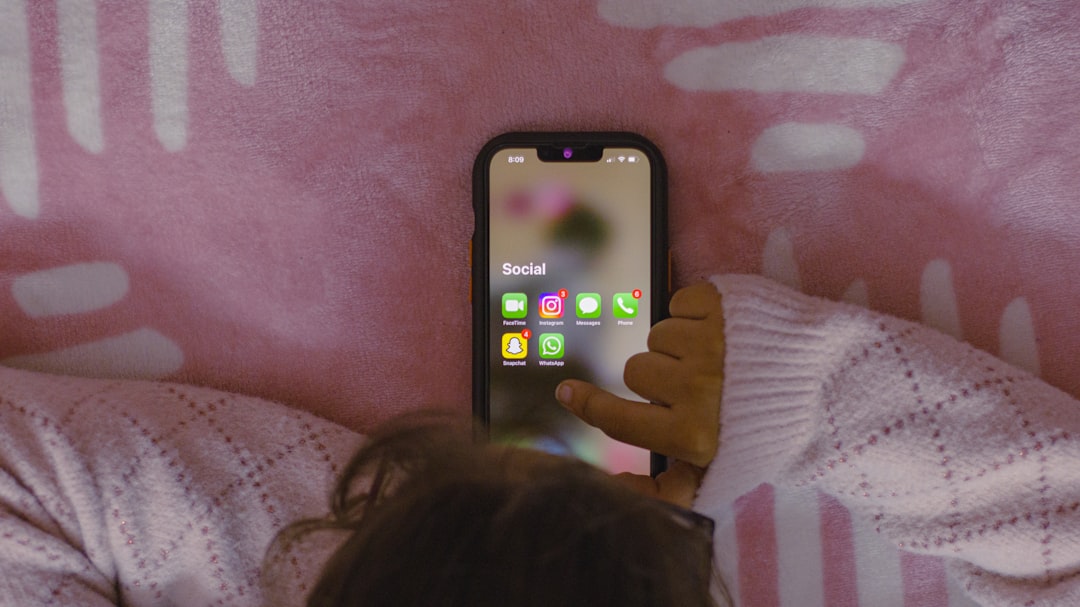
Bumble Travel Mode vs Dating App Alternatives
Bumble is not the only option if location control matters. Different apps handle location in different ways, and that can change the whole experience.
Tinder Passport
Tinder Passport is one of the closest alternatives to Bumble Travel Mode. It allows paid users to choose another location and swipe there. Tinder has a large user base in many cities, so it can be useful for travel. The downside is that competition can be high, and casual intent may be more common in some areas.
Hinge
Hinge is often better for people who want intentional dating and manual location control. In many regions, users can set or adjust their dating location without needing to be physically there. This makes Hinge useful for relocations. Check your own app version, though, because features can vary.
OkCupid
OkCupid gives more profile detail and search flexibility than many swipe-first apps. It can work well if you want compatibility questions, lifestyle filters, and longer bios. It may have fewer active users than Bumble or Tinder in smaller cities, so results depend heavily on location.
Feeld, Grindr, and Other Niche Apps
Feeld, Grindr, and similar apps may offer location or exploration tools, often tied to paid plans. These apps can be strong for specific communities and dating styles. Read the feature list before paying. Some apps let you view another area but limit who you can message or how visible you are.
Which Option Should You Choose?
Use this quick guide:
- Choose Bumble Travel Mode if you already like Bumble and want the safest official option.
- Choose Tinder Passport if you want a larger pool and do not mind a faster, more casual app feel.
- Choose Hinge if you are moving soon and want more relationship-focused conversations.
- Choose OkCupid if detailed filters and long profiles matter to you.
- Avoid GPS spoofing if you want to protect your account and avoid trust issues.

Profile Tips When Dating in Another City
Changing your location is only half the job. Your profile has to explain why you are there. Be direct, but not stiff.
Good examples include:
- “Moving to Seattle in June. Visiting twice before then.”
- “In Madrid next week. Looking for good conversation and museum tips.”
- “Splitting time between New York and Miami for work.”
Keep your distance settings realistic. If you set a huge radius, you may match with people too far away to meet. Also avoid mass-swiping. A smaller number of thoughtful likes usually performs better than a pile of lazy ones.
Final Recommendation
Bumble Travel Mode is the best first choice for changing Bumble location because it is official, simple, and transparent. It works best for short trips, business travel, and upcoming moves. If you need broader location freedom or do not want to pay for Bumble Premium, test Hinge, Tinder Passport, or OkCupid instead.
Do not overcomplicate it. Pick the app that fits your goal, state your travel plans clearly, and start conversations close enough to your arrival date that meeting feels realistic.
