Are you starting a nonprofit and need a logo? Or maybe your current logo feels outdated? No worries! Today, we’re diving into the best logo-making apps out there—perfect for nonprofits that want to stand out, build trust, and share their mission with the world.
TLDR:
If you’re part of a nonprofit and need a logo, you’re in luck! There are amazing apps out there that make it easy, even if you’re not a designer. We’ll show you tools that help you look professional and communicate trust. Think free options, drag-and-drop features, and lots of templates!
Why a Good Logo Matters for Nonprofits
Your logo is more than just art. It’s your first handshake. It tells people what your nonprofit is about and why they should care. A strong logo builds *trust*, inspires action, and makes you easy to remember.
Especially for nonprofits, where credibility and mission are everything—a clear, clean logo is a must.
What to Look for in a Logo App
Before we talk apps, let’s talk features. Here’s what to look for when choosing a logo maker:
- Ease of use: You shouldn’t need to learn design.
- Free or affordable: Most nonprofits work with tight budgets.
- Templates: Great starting points are key.
- High-quality exports: You’ll need the logo in different file formats.
- Custom fonts and icons: So your logo reflects your unique mission.
Top Logo-Making Apps for Nonprofits
1. Canva
Canva is the superstar in the design world. It’s simple. It’s powerful. And for nonprofits—it’s FREE (just sign up for their nonprofit program).
You can start with a template, drag and drop elements, and even upload your own icons. Want to add your mission as a tagline? Easy.
- Pros: Tons of templates, nonprofit discount, works in browser
- Cons: Some premium elements cost extra

2. Looka
If you don’t even want to think about design choices, Looka’s AI will do it for you. Just enter your name, choose some styles, and boom! A logo.
It’s fun. It’s fast. And it gives you branding kits too—great if you want to create letterheads, business cards, or social posts later.
- Pros: Fast results, AI-powered, branding kit included
- Cons: Higher price, free version has limitations
3. Hatchful by Shopify
This one was made for small businesses but works great for nonprofits too. You enter your industry, vibe, and colors—and it gives you instant logo ideas.
Perfect if you want something without a lot of fuss. And yes, it’s completely free.
- Pros: Free, mobile app available, no sign-up needed
- Cons: Limited customization after generation
4. LogoMakr
Love the idea of getting hands-on? LogoMakr gives you more control. You can move shapes, change fonts, and get creative from scratch.
It’s browser-based and simple enough for beginners. Plus, it offers free downloads if you credit them (or do a one-time small payment).
- Pros: High customization, easy to use, cheap high-res version
- Cons: Slightly older interface
5. Ucraft Logo Maker
Another browser-based option that’s especially clean and modern. Ucraft gives you a simple workspace with icons, shapes, and easy text tools.
It’s great for nonprofits that need a modern look with minimal effort. Logos can be downloaded as vectors, which is a plus.
- Pros: Free vector export, simple UI, good for minimal logos
- Cons: Not a lot of templates
6. Tailor Brands
This one is a bit more premium. But it’s all about creating a *brand*, not just a logo. Enter your info and let the AI go to work.
It’ll give you logos, fonts, and even website layouts. If your nonprofit is looking to level up fast, this is worth checking out.
- Pros: All-in-one branding tools, polished output
- Cons: Mostly paid, not ideal if you only want a logo
Tips for Designing a Logo That Builds Trust
Even the best tool can only take you so far. You need a logo that speaks to your cause. Here are some quick design tips made just for nonprofits:
- Keep it simple: Less is more, especially on social media.
- Choose colors wisely: Blue and green suggest trust, calm, and care.
- Be literal or symbolic: Hands, hearts, and trees are classic nonprofit symbols.
- Use a readable font: Mission comes first—make sure people can read it fast.
- Test for versatility: Try your logo in black/white, small sizes, and on real materials.
Examples of Powerfully Simple Nonprofit Logos
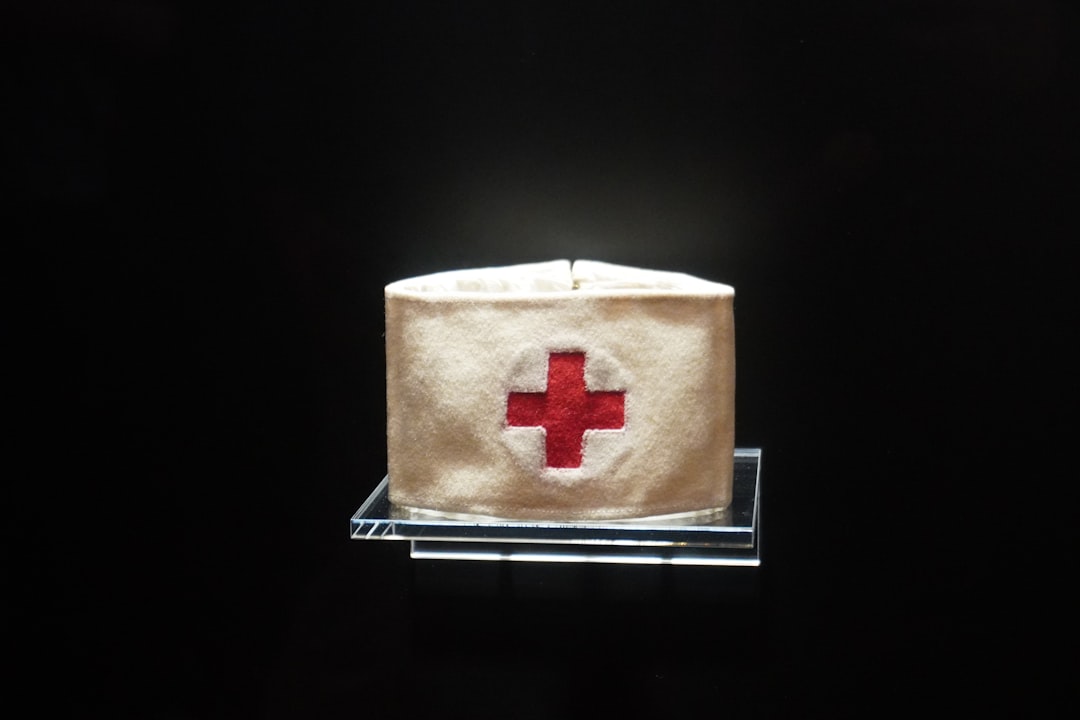
Great nonprofit logos are often super simple. Think of the Red Cross. Or WWF’s panda. These logos are:
- Easy to remember
- Easy to reproduce
- Meaningful in their symbolism
You don’t need to be flashy. You just need to be clear.
What Happens After You Make Your Logo?
Once you’ve got your logo, what comes next? Here’s a tiny branding checklist for nonprofits:
- Use it on your website and emails
- Print it on flyers, shirts, and signs
- Update your social media profiles
- Include it in your fundraising materials
Remember, your brand is more than just your logo—but your logo is where it starts.
Final Thoughts
Designing a logo might sound big—but these tools make it simple and even fun. Whether you use Canva for ease, Looka for speed, or LogoMakr for control, there’s something perfect for your nonprofit.
Choose an app that fits your style, keep your design honest and simple, and let your logo speak your mission loud and clear.
You’ve Got This!
A great nonprofit needs a great logo—and now, you know exactly how to create one. Get inspired, trust the process, and go make your mark!
