
Managing your money can feel overwhelming. Spreadsheets, numbers, and financial jargon often scare people away. But with Selma Finance, personal finance becomes simple, smart, and maybe even fun. Yes, we said it—fun!
TL;DR: Selma Finance is an easy-to-use digital financial adviser. It helps you manage your budget, invest your money, and reach your goals. This guide will walk you through how to use Selma step-by-step. By the end, you’ll feel confident about managing your personal finances like a pro.
What is Selma Finance?
Selma is your friendly robo-adviser. She (yes, Selma) uses smart algorithms to guide your financial journey. Think of her like a personal trainer—but for your wallet instead of your muscles. 🎯
Selma helps you:
- Track your income and spending
- Build a personalized investment plan
- Reduce tax costs
- Stay on track toward your financial goals
You can access Selma via her easy web platform. And yes, there’s an app too, so you can check your finances on the go! 💼
How to Get Started with Selma
Signing up is smooth and fast. No need for long bank appointments or piles of paperwork.
- Go to Selma.finance and click “Get started.”
- Answer a few questions. Selma asks about your income, spending, goals, and risk comfort.
- Connect your bank account. This helps Selma track your transactions in real time.
- Review your dashboard. Boom—you’re in!
Selma uses your info to create a completely personalized money strategy. And she updates it regularly as your life changes.
Understanding the Dashboard
Your dashboard is like your financial home base. It’s full of simple charts, suggestions, and updates from Selma.
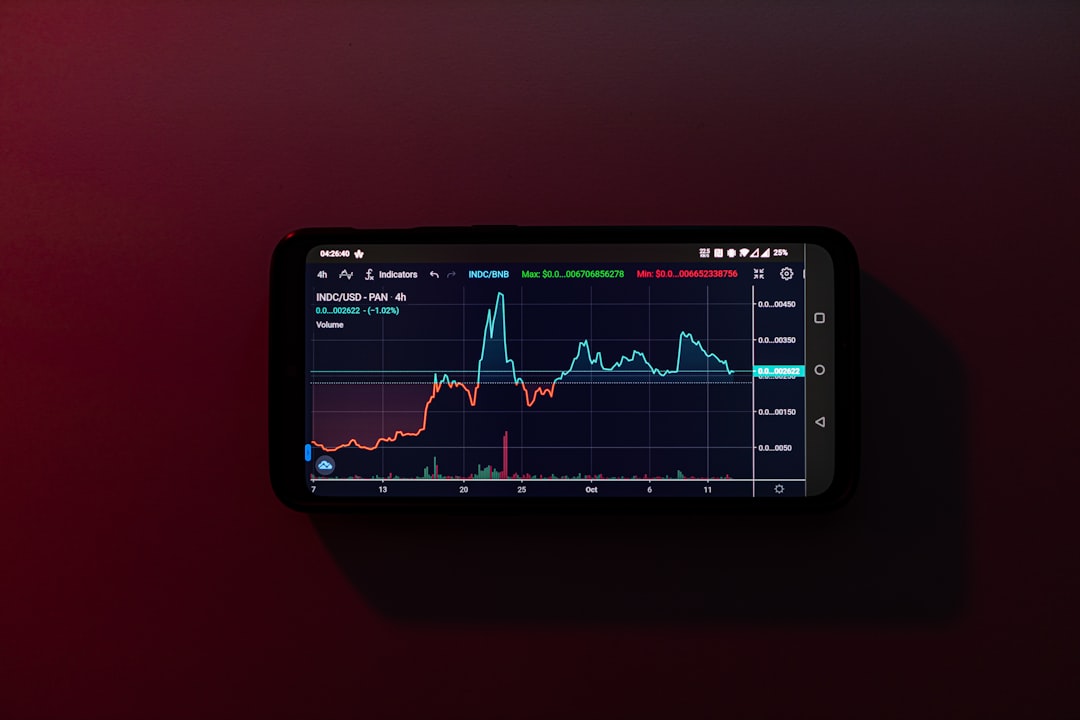
You’ll find:
- Your net worth: That’s all your money, assets, and investments put together.
- Spending by category: Find out where your money goes—groceries, rent, tacos?
- Investment overview: See how your money is growing and where it’s invested.
Everything is displayed clearly. No HR-speak. No complicated pie charts (unless you like pie charts).
Budgeting with Selma
Selma helps you create a practical budget you can stick to. No need to give up all your favorite things—Selma understands you have a life!
Here’s how budgeting works:
- Track income and expenses: Selma automatically pulls data from your bank and splits spending into categories.
- Set spending goals: Want to cut back on Uber rides or spend less on takeout? Set goals, and Selma will gently nudge you if you go off course.
- Review monthly summaries: Each month, get an overview. Where were you a rockstar? Where could you save more?
Selma doesn’t scold. She motivates. So budgeting becomes something you actually want to do.
Investing Made Simple
This is where Selma really shines. She’s a top-notch investment strategist (without a fancy suit).
What does Selma invest in?
- Exchange Traded Funds (ETFs)
- Global stocks and bonds
- A mix based on your risk preferences
Here’s the cool part: Selma diversifies your investments smartly. That means she spreads your money across different areas to lower risk.

And don’t worry. No need to read the stock pages or watch late-night trading shows. Selma handles it all.
How to start investing with Selma:
- Answer Selma’s questions to find your “Investor Profile.”
- Connect your investment account through the platform.
- Set your monthly investment amount—or go big with a one-time lump sum.
Selma does the rest. She monitors the market, adjusts your portfolio as needed, and even helps minimize taxes.
Building Financial Habits
Selma isn’t just about tracking and investing. She’s also here to build strong money habits that stick.
Here’s how she keeps you sharp:
- Monthly insights: Get an email or app notification with updates and helpful tips.
- Progress tracking: See how close you are to your goals—like a vacation fund or buying your own place.
- Friendly reminders: If you forget to invest one month, Selma gives you a gentle nudge.
It feels more like a friend giving you advice than a robot telling you what to do. 😊
Security and Privacy
Okay, this part might not sound fun, but it’s super important. Selma takes your data seriously.
- Bank-grade encryption to keep info private
- Regulated by Swiss financial authorities
- No selling your data or showing ads
Your secrets are safe with Selma. Even if it’s that weird impulse purchase from last weekend… 👀
Who is Selma For?
Really—almost anyone can use Selma. But she’s especially good for:
- Young professionals who want to start investing
- People tired of tracking expenses manually
- Couples planning for big goals like weddings or buying a home
- New parents saving for their kiddo’s future
You don’t have to be wealthy or a finance geek. If you want to make smarter money moves, Selma’s for you.
Pricing and What You Get
Selma keeps it transparent and fair with simple pricing.
- No signup fee
- Free trial available
- Annual management fee: Typically around 0.68% of your managed assets
There are no hidden costs. You don’t pay for trades, reports, or banking connections. What you see is what you get.
Tips to Make the Most of Selma
Want to get the best bang for your financial buck? Try these:
- Be honest in your questions: The more Selma knows, the smarter her advice.
- Check your dashboard weekly: Get a quick financial health boost.
- Commit to consistent investing: Even small amounts add up big over time.
Financial peace of mind isn’t just a dream—it’s a series of small steps. And Selma walks them with you.
Final Thoughts
Selma Finance takes the stress out of budget management and investing. She’s not flashy, but she’s powerful. With simple tools, clear advice, and a smart plan tailored just for you, you’ll be in control of your money like never before.
So, ready to let Selma handle the math stuff while you focus on living life? 🎉
