Smart lighting is no longer just a cool gadget. It is a simple way to save energy, money, and time. With the right app, your lights can turn on by themselves, dim when needed, and even change color to match your mood. The best part? You can control everything from your phone.
TLDR: Smart lighting apps help you automate your lights and cut down on energy use. They let you schedule, dim, and control lights from anywhere. Some apps even learn your habits and adjust automatically. Below are five smart lighting apps that make your home brighter and your bills lighter.
Why Smart Lighting Apps Matter
Lighting makes up a big part of your electricity bill. Old-school bulbs waste energy. Even modern LEDs use more power than needed if they stay on too long.
Smart lighting apps fix this problem.
- Set schedules. Lights turn off when you forget.
- Use motion sensors. Lights turn on only when someone is there.
- Dim automatically. Less brightness equals less power used.
- Control remotely. Turn off lights from anywhere.
It is simple. Use less power. Save more money.
1. Philips Hue App
The Philips Hue app is one of the most popular smart lighting apps out there. And for good reason. It is beginner-friendly. But also powerful.
What makes it smart?
- Custom schedules for every room
- Sunrise and sunset automation
- Motion-based controls
- Energy-efficient LED integration
You can program your lights to slowly brighten in the morning. It feels natural. Like waking up with the sun. At night, they dim automatically. That saves energy and helps you sleep better.
The app also tracks which rooms use more lighting. That helps you adjust habits.
Automation Highlight: Geofencing. Your lights turn off when you leave home. They turn back on when you return.
It works with voice assistants too. So you can say, “Turn off the kitchen lights,” and it happens instantly.
Best for: Full-home lighting setups with lots of customization.
2. LIFX App
LIFX bulbs do not require a hub. That makes setup easy. Plug them in. Connect to Wi-Fi. Done.
The LIFX app shines when it comes to energy savings.
- Built-in energy monitoring
- Automatic dimming schedules
- Daylight detection
- Deep sleep mode for minimal standby power
You can see how much electricity each bulb uses. That data is powerful. It helps you understand your patterns.
Love bright colors? LIFX offers vibrant scenes. But you can also create low-power modes with softer white tones. Lower brightness equals lower energy use.
Automation Highlight: If natural sunlight is strong, lights auto-dim. The app adjusts brightness depending on time of day.
It is flexible. And fun to use.
Best for: People who want bright color control and smart energy tracking without extra hardware.
3. Google Home App
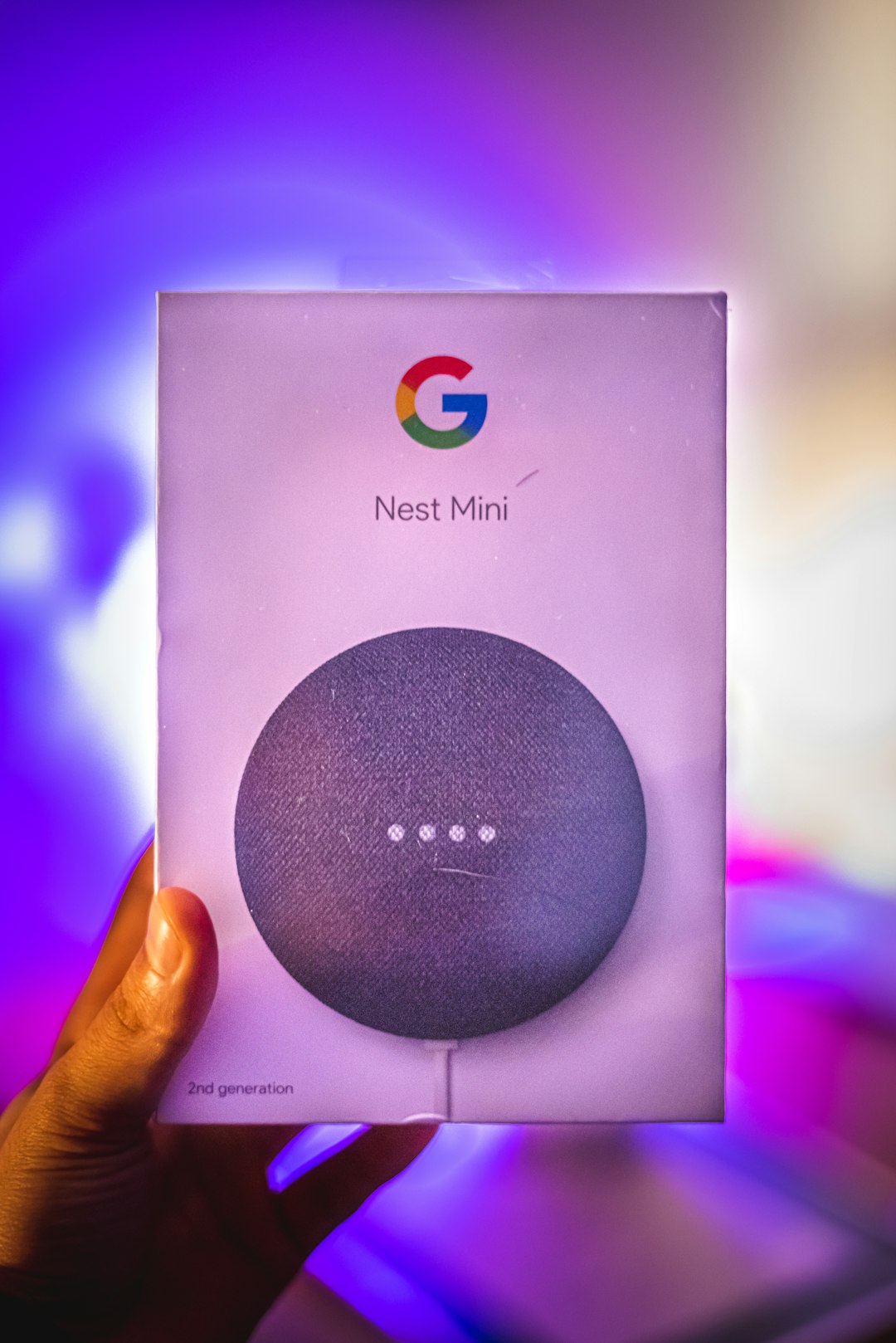
Google Home is more than just a lighting app. It connects your whole smart home. But when it comes to lights, it is incredibly useful.
You can group lights by room. Or even by activity.
For example:
- Movie Time: Dim living room to 30%
- Dinner: Warm white over dining table
- Goodnight: Turn everything off
One tap controls many lights at once.
Energy-Saving Features:
- Scheduled shut-offs
- Voice control to prevent overuse
- Presence sensing
The presence sensing feature is clever. If everyone leaves the house, lights shut off automatically.
You can also create routines. For instance, lights switch off with a simple “Hey Google, I’m leaving.”
It reduces human error. That means no more forgotten lights burning all day.
Best for: Homes already using Google Assistant devices.
4. Apple Home App
If you live in the Apple ecosystem, this app feels natural. Clean design. Easy controls.
It works with HomeKit-enabled lights. And automation is where it stands out.
Smart Energy Controls:
- Time-based automation
- Location triggers
- Sensor-based rules
- Adaptive lighting color adjustment
Adaptive lighting is a game changer. It adjusts color temperature during the day. Cooler during daylight. Warmer at night.
This is not just cozy. It is efficient.
Lights are brighter only when needed. Softer when they can be.
Automation Highlight: Combine lights with motion sensors. Walk into a room. Lights turn on. Leave. They turn off after a set time.
Everything runs quietly in the background.
Best for: iPhone users who want seamless automation and privacy.
5. SmartThings App
SmartThings by Samsung is powerful. It connects lights from different brands. That means you are not locked into one system.
This flexibility makes it great for advanced users.
What makes it energy smart?
- Custom automation rules
- Energy usage tracking
- Scene-based controls
- Device grouping
You can create complex rules.
Example:
- If motion is detected after 11 PM,
- Turn on hallway lights at 20% brightness,
- Turn off after 5 minutes.
That tiny rule saves power. Every single night.
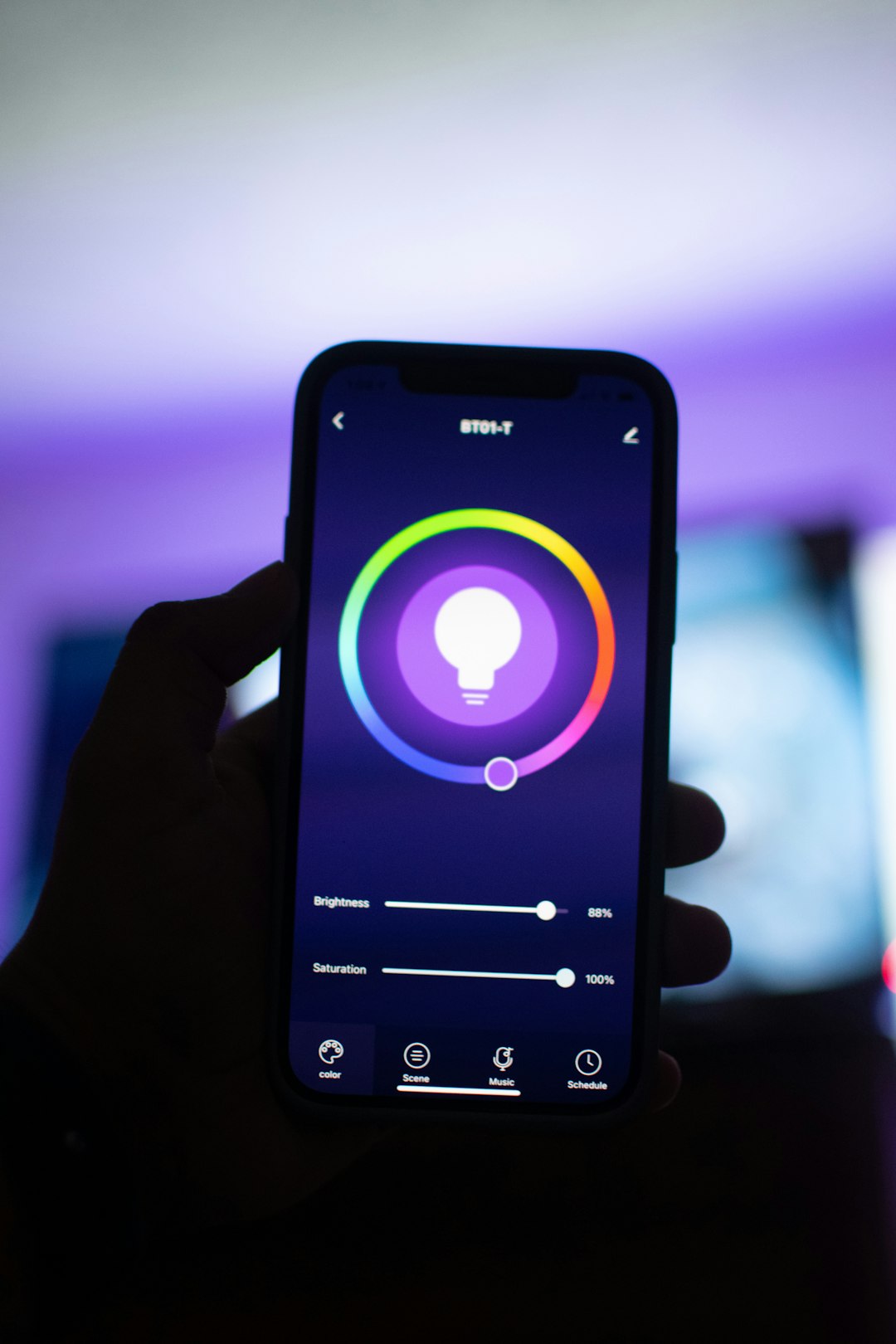
The app also shows which devices consume the most power. You can then tweak settings to reduce waste.
Best for: Tech-savvy users who want full control and cross-brand compatibility.
Simple Ways to Maximize Energy Savings
Even the best app needs smart usage habits. Here are quick tips:
- Use dimming often. 50% brightness uses much less energy.
- Set sleep timers. Especially in bedrooms and kids’ rooms.
- Use motion sensors in hallways and bathrooms.
- Enable vacation mode. Save power while you are away.
- Switch to LED smart bulbs only. They are already efficient.
Small changes add up. Over months and years, the savings become real.
Are Smart Lighting Apps Worth It?
Let’s keep it simple.
Yes.
Here is why:
- Lower electricity bills
- Less wasted power
- More convenience
- Better home security
- Longer bulb lifespan
Automation removes the need to remember. That alone saves energy.
And smart lighting does not mean complicated. Most apps guide you step by step. Setup often takes less than 30 minutes.
Choosing the Right App for You
Not every app fits every home.
Ask yourself:
- Do I already use Google, Apple, or Samsung devices?
- Do I want simple controls or advanced automation?
- Do I care about color lighting or just energy savings?
- Do I want energy monitoring data?
If you want simple and pretty, go with Philips Hue.
If you want bold colors and no hub, choose LIFX.
If you live in Google’s world, use Google Home.
If you love Apple simplicity, pick Apple Home.
If you want total control, SmartThings is your friend.
Final Thoughts
Smart lighting apps are not just trendy tools. They are practical energy savers.
They turn lights off when you forget. They dim automatically. They adapt to your life.
And they make your home feel alive.
Imagine walking into a softly lit room after work. No switches touched. No wasted power.
That is the beauty of smart lighting.
Less effort. Lower bills. Smarter living.
And it all starts with an app in your pocket.
