Modern content teams operate in an environment where speed, consistency, and collaboration define success. As publishing demands grow across blogs, landing pages, product descriptions, and multimedia posts, organizations increasingly rely on efficient tools to maintain quality without sacrificing productivity. One of the most impactful advancements in recent years has been WordPress editor integration, which connects content creation directly with optimization, design, collaboration, and publishing workflows.
TLDR: WordPress editor integration streamlines content workflows by centralizing drafting, collaboration, SEO optimization, and publishing within a single environment. It reduces bottlenecks, improves team communication, and minimizes errors caused by switching between tools. Integrated editors enhance real-time editing, content previews, and automation. As a result, teams publish faster while maintaining consistency and higher quality standards.
At its core, WordPress editor integration means embedding essential tools directly into the WordPress environment rather than relying on disconnected external platforms. This includes integrations for SEO, grammar checking, media management, analytics, page building, and workflow approvals. By eliminating unnecessary steps, teams gain greater control, transparency, and efficiency.
The Evolution of Content Workflow in WordPress
In earlier versions of WordPress, content creation often involved multiple external tools. Writers drafted in word processors, designers created visuals separately, SEO specialists provided recommendations via shared documents, and developers implemented final layouts. The result was a fragmented sequence prone to:
- Version control issues
- Communication delays
- Formatting inconsistencies
- Increased publishing errors
The introduction of block-based editing and API-driven integrations transformed this model. Instead of siloed processes, WordPress now enables a more collaborative and unified system where contributors work within a shared visual framework.

Centralized Content Creation and Editing
One of the most significant advantages of WordPress editor integration is centralized creation. Writers can draft, edit, and optimize in the same interface where the article will be published. This eliminates formatting surprises and ensures that what is seen in the editor closely resembles what appears live.
Key benefits include:
- Real-time visual editing – Block editors allow immediate preview of layouts.
- Reusable blocks and templates – Teams maintain brand consistency.
- Inline formatting tools – Faster editing without switching screens.
- Autosave and revision history – Reduced risk of content loss.
By integrating styling, structure, and publishing functions, WordPress reduces redundant adjustments typically made after uploading content from external platforms.
Improved Collaboration Across Teams
Content rarely belongs to a single contributor. Marketing strategists, writers, editors, SEO specialists, and designers all contribute. Integrated editor capabilities allow smoother coordination through:
- Role-based permissions
- Commenting and inline suggestions
- Status tracking (Draft, Pending Review, Published)
- Scheduled publishing tools
This shared workspace allows editors to leave feedback directly inside the post rather than through lengthy email threads or separate project management software. Miscommunication drops significantly when contextual comments are attached to precise blocks of text.
SEO and Optimization at the Point of Creation
Integrated SEO tools represent a major improvement in workflow efficiency. Instead of optimizing content after drafting, writers receive real-time guidance as they write. This proactive approach ensures:
- Better keyword distribution
- Proper heading structure
- Optimized meta descriptions
- Improved readability scores
By embedding optimization directly within the editor, WordPress reduces the risk of overlooking critical SEO elements. Writers adapt immediately, rather than revising lengthy documents later.
Media and Asset Management Integration
Visual content is essential for engagement. Integrated media libraries simplify adding and organizing assets without disrupting workflow. Contributors can upload, edit, tag, and reuse images or video blocks directly inside the post editor.
Benefits include:
- Drag-and-drop image placement
- Alt text editing for accessibility
- Embedded galleries and video players
- Centralized file storage
This streamlined integration reduces dependency on external hosting services and ensures consistent formatting standards across all posts.
Automation and Workflow Customization
Automation further enhances productivity when integrated within WordPress editors. Teams can establish pre-configured workflows such as:
- Automatic notifications when drafts are ready for review
- Auto-generated internal linking suggestions
- Category and tag recommendations
- Scheduled social media sharing
These automated features eliminate repetitive tasks and allow content professionals to focus on strategy and creativity rather than administrative duties.
Popular Editor Integrations and Their Impact
Several integrations commonly enhance WordPress workflows. Below is a comparison chart outlining how different categories of tools contribute to efficiency.
| Integration Type | Primary Function | Workflow Benefit | Best For |
|---|---|---|---|
| SEO Plugins | On-page optimization guidance | Real-time keyword and readability analysis | Marketing teams |
| Grammar and Writing Tools | Proofreading assistance | Cleaner drafts with fewer revisions | Content writers |
| Page Builder Integrations | Advanced layout control | Reduced developer dependency | Design-focused teams |
| Analytics Dashboards | Performance tracking | Data-driven content adjustments | Growth strategists |
| Workflow Management Plugins | Editorial approvals and tracking | Transparent publishing pipelines | Large editorial teams |
Consistency and Brand Governance
When editors, designers, and writers work independently, brand inconsistencies often arise. Integrated WordPress editors allow organizations to enforce design templates, typography settings, and style components.
Reusable blocks ensure that:
- Call-to-action sections remain uniform
- Author bios follow structured layouts
- Legal disclaimers are consistently displayed
- Brand colors and fonts remain standardized
This structural control is essential for organizations managing large content libraries or multiple contributors.
Reduced Technical Barriers
Another major workflow improvement comes from minimizing technical obstacles. Integrated editors with drag-and-drop blocks empower non-technical contributors to manage layouts independently. Teams no longer require developer intervention for basic structural adjustments.
The result is:
- Faster turnaround time
- Lower development costs
- Greater publishing autonomy
Reducing the dependency chain allows businesses to respond quickly to trends, news updates, and marketing campaigns.
Enhanced Content Performance Through Integrated Analytics
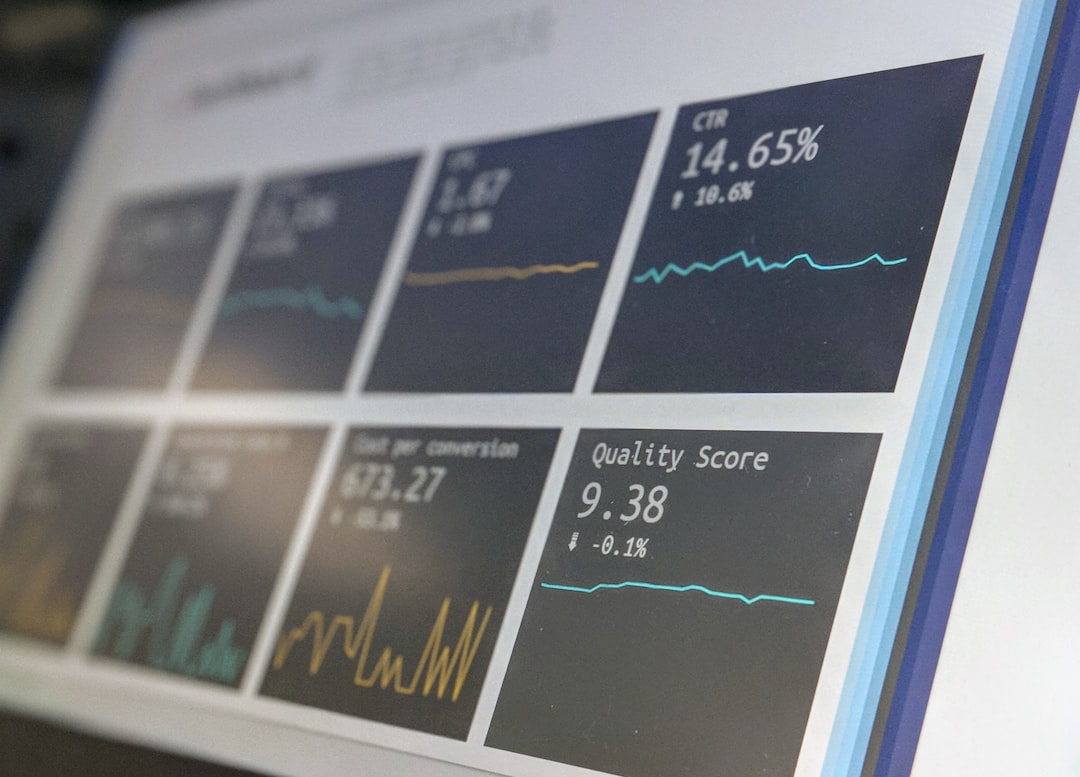
Many editor integrations now provide live performance insights inside the WordPress dashboard. Writers and marketers can monitor traffic, engagement metrics, and bounce rates without leaving the platform.
Embedding analytics promotes:
- Immediate content optimization decisions
- Clear ROI measurement
- Strategic planning based on data trends
When teams can see performance indicators directly connected to each post, optimization becomes an ongoing process rather than a periodic audit.
Future Outlook of WordPress Editor Integration
The future of WordPress editor integration likely includes deeper AI-powered assistance, predictive optimization, and smarter automation. Intelligent systems may soon suggest content expansions, recommend multimedia placements, or automatically adjust layouts based on user behavior patterns.
As digital publishing continues to evolve, integrated editors will remain central to improving creative efficiency while maintaining high-quality user experiences.
Conclusion
WordPress editor integration significantly enhances content workflow by consolidating writing, optimization, collaboration, and publishing into a unified environment. Centralized processes reduce friction, eliminate repetitive tasks, and strengthen communication across teams. By combining automation, SEO tools, media management, and analytics within a single interface, organizations accelerate production without compromising quality.
In an increasingly competitive digital landscape, streamlined workflows are no longer optional. Integrated WordPress editors provide the structural backbone modern content teams need to deliver timely, polished, and effective digital experiences.
Frequently Asked Questions (FAQ)
1. What is WordPress editor integration?
WordPress editor integration refers to embedding external tools and features—such as SEO plugins, writing assistants, analytics, and workflow management tools—directly inside the WordPress editing environment to streamline content production.
2. How does integration improve content workflow?
It reduces the need to switch between multiple platforms, centralizes communication, automates repetitive tasks, and enables real-time optimization, resulting in faster and more accurate publishing.
3. Does editor integration require technical expertise?
Most integrations are designed to be user-friendly. While initial setup may require basic configuration, daily use typically does not demand advanced technical knowledge.
4. Can small teams benefit from WordPress editor integration?
Yes. Small teams often benefit significantly because integration reduces manual workload and enables contributors to manage multiple responsibilities more efficiently.
5. Are integrated workflows better for SEO?
Yes. Real-time SEO feedback during content creation ensures that posts meet optimization standards before publishing, improving visibility and search performance.
6. What should organizations look for in an editor integration?
They should prioritize ease of use, compatibility with existing tools, automation features, scalability, and ongoing support to ensure long-term workflow improvements.
