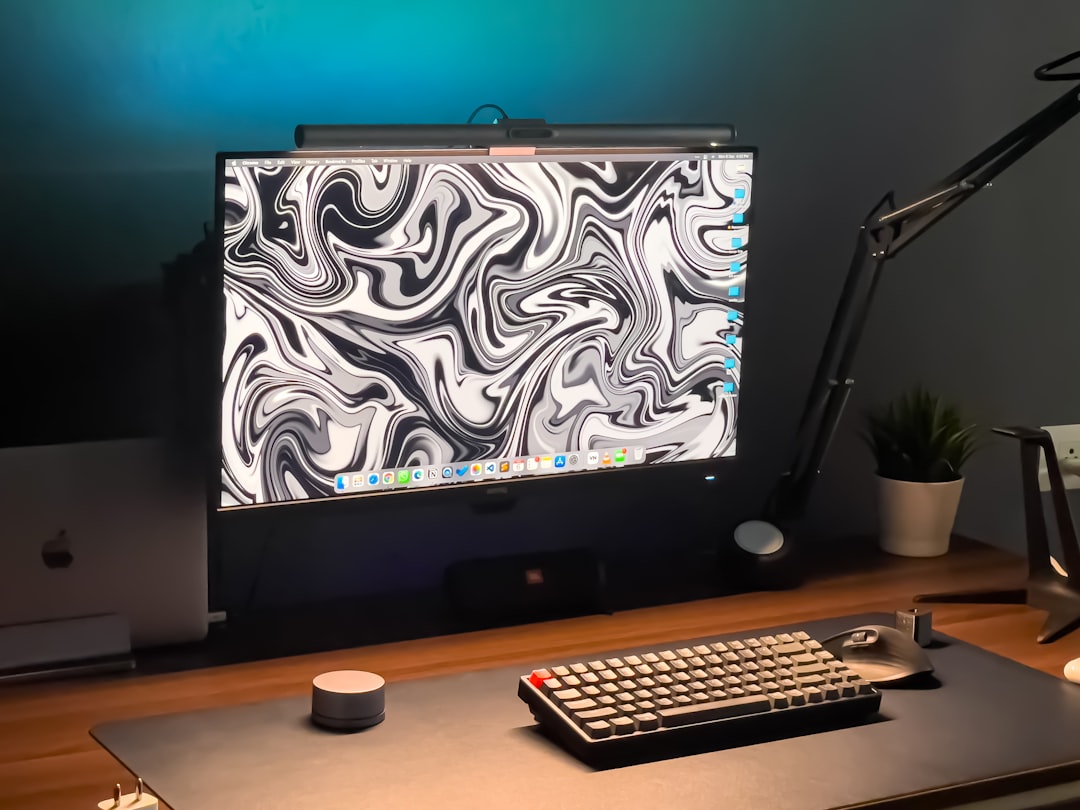
Let’s be honest—your Mac deserves better than the same dusty desktop background you’ve had for years. Choosing the right wallpaper not only makes your screen look cool but can also give your mood a little boost every day. Whether you love minimalist art, vibrant nature views, or snazzy animations, there’s an app out there for you.
TLDR: Too Long, Didn’t Read
Feeling bored with your Mac desktop? Wallpaper tools can bring a fresh look to your screen fast. This list includes the top Mac wallpaper apps that offer everything from live backgrounds to curated art collections. Perfect if you want to make your Mac look like it belongs in a design studio!
1. Wallpaper Wizard 2 – Where Style Meets Variety
Wallpaper Wizard 2 is for people who want constant change without doing much work. You get access to over 25,000 HD wallpapers curated from photographers and designers around the globe.
- Clean and beautiful interface.
- Auto-change timer keeps your desktop fresh.
- High-resolution images that look amazing on Retina displays.
It’s like having a magazine art gallery pop onto your screen every hour.
2. Unsplash Wallpapers – Pure Simplicity
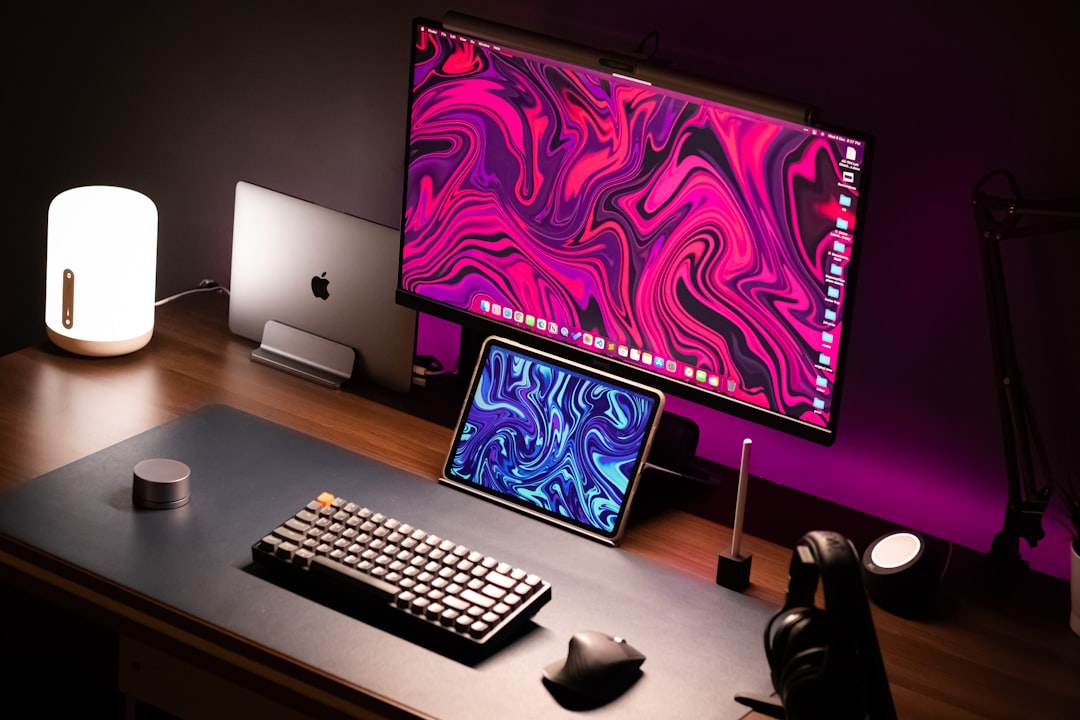
Sometimes, simple is best. Unsplash Wallpapers hooks right into the Unsplash image collection—one of the best free photo libraries in the world.
- Daily auto updates from top photographers.
- Lightweight and easy to use.
- 100% free to download and use.
Just launch the app, hit “next,” and boom—new wallpaper magic.
3. Dynaper – Make Your Own Dynamic Wallpapers
This one’s perfect for lovers of Apple’s special dynamic wallpapers—you know, the ones that shift with the time of day. Dynaper lets you turn your own photos into these cool transitions.
- Create dynamic scenes based on sunrise, sunset, or custom time frames.
- Use any image you like, even your own photography!
- Drag, drop, done. Super fun and very Mac-friendly.
Great for creative folks who enjoy customizing every last detail.
4. Irvue – Beautiful Walls, Automatically
Irvue is another app that uses Unsplash as a wallpaper source, but it adds a little more control and style to the process.
- Set wallpapers to update at your chosen intervals.
- Choose specific categories or artists you love.
- Menu bar app, so it’s always one click away.
It’s also smart—it won’t change the wallpaper when you’re in a Zoom call. How thoughtful!
5. Live Desktop – Wallpapers That Move
Want your wallpaper to move and wow everyone who looks over your shoulder? Live Desktop might be just the thing. It offers high-quality animated wallpapers that bring your Mac to life.
- Abstract patterns, flowing landscapes, cityscapes, and weather scenes.
- Built-in clock and widgets if you’re into multitasking.
- Doesn’t hog system resources, surprisingly!
It’s a bit like having a living photo frame where your wallpaper used to be.
6. Artpaper – Turn Your Mac Into a Museum
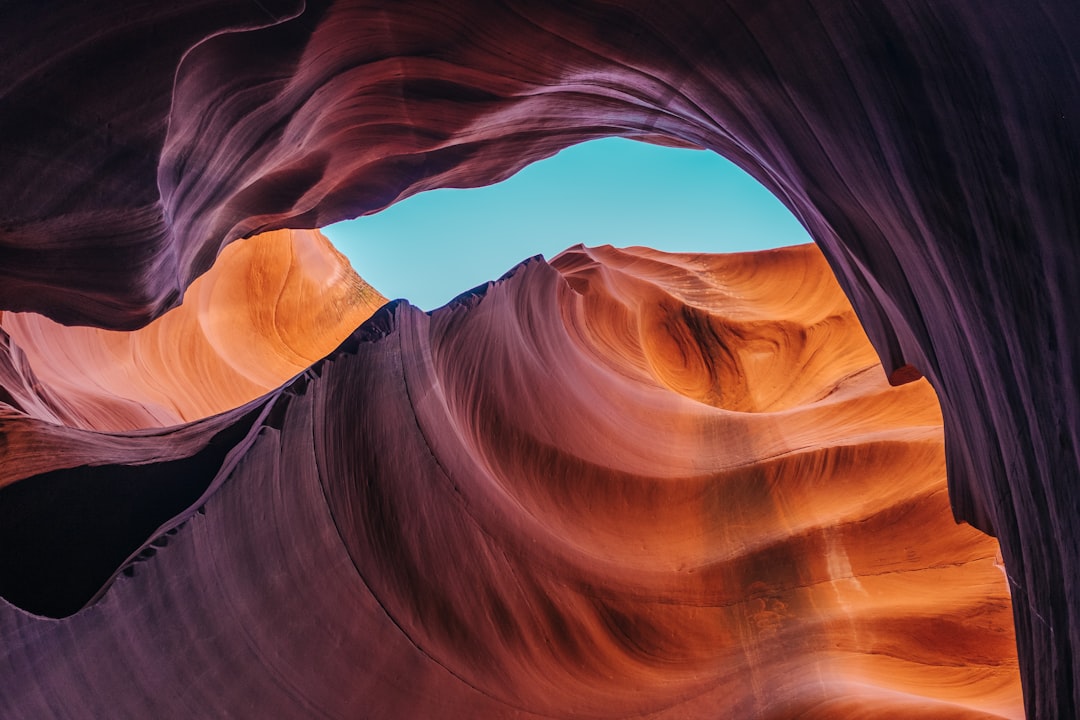
If you’re a fan of the classics—Renoir, Monet, Van Gogh—you’ll want to try Artpaper. It brings high-res classic art wallpapers straight to your screen.
- Features pieces from top museums worldwide.
- Auto-update makes your Mac an ever-changing gallery.
- Dark mode friendly.
Feels elegant, cultured, and you don’t even have to wear a beret to enjoy it.
7. Picta – AI Picks Just for You
Picta is an intelligent wallpaper app that looks at what you use, what you like, and what fits your mood.
- Uses AI to choose wallpapers based on your activity and visual tastes.
- Can detect the time of day, weather, and more to suggest the perfect fit.
- Simple controls, beautiful picks.
It’s like having a fashion stylist, but for your screen layout!
8. Earth View by Google – See the Planet in HD
Need a moment to escape your routine? Earth View grabs satellite images from around the planet and turns them into breathtaking backgrounds.
- Images updated regularly thanks to Google Earth.
- Stunning views of oceans, deserts, forests, and cities.
- Minimal UI and super lightweight app.
Great for travel lovers or anyone craving a touch of wanderlust.
9. HiddenMe – Keep It Clean
This isn’t a wallpaper picker per se—but it’s great if you want your desktop to always look ultra-clean.
- Hides all your desktop icons instantly.
- Perfect for screenshot lovers and neat freaks.
- Combine with any wallpaper app for a minimalist look.
Tidy and classy all the way.
10. Clarity – Wallpapers with Words
Sometimes, a few words on a beautiful background can motivate more than a to-do list. Clarity adds inspirational quotes to your wallpaper artfully.
- Curated wallpapers with motivational quotes.
- Fully customizable fonts and themes.
- Great for laptop warriors who need a daily pep talk.
Stylish, inspiring, and sure to spark productivity—or at least a smile.
Tips for Picking the Best Wallpaper App
Not sure which one to try first? Here are a few quick tips:
- Low on storage? Go for cloud-based apps like Unsplash or Irvue.
- Love creativity? Dynaper and Clarity let you personalize like a pro.
- Need refreshment? Choose an app with regular auto-updates like Wallpaper Wizard 2.
Wrap-Up
Your Mac’s wallpaper isn’t just background stuff—it sets the vibe for your work, your play, and your everyday scrolls. Whether you want art, nature, animation, or AI-enhanced picks, there’s an app on this list that will transform your desktop into something spectacular.
So go ahead—give your Mac a makeover. A good-looking desktop isn’t just a treat for the eyes, it’s soul food for your screen.
