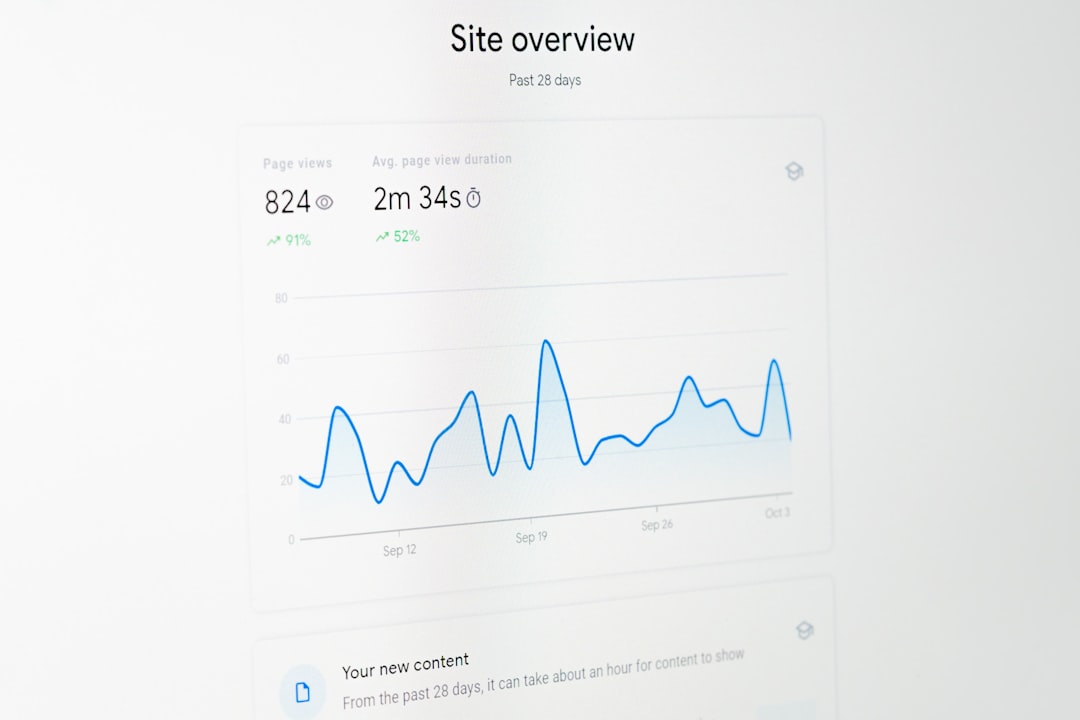
Running a small online shop is hectic. You’re juggling inventory, marketing, customer service—and somehow still have to figure out what’s going wrong when people bail at checkout. Good news? Event tracking tools can help you see what shoppers do on your site, especially where they drop off. Even better? Some small-business-friendly trackers won’t break the bank or melt your brain.
TL;DR
Too many visitors are leaving your shopping cart before buying. You need simple tools to watch how users act and spot where they leave. We’ve rounded up four event trackers that do just that—without the steep price tags and setup of enterprise systems. They’re easy, affordable, and made for shops like yours.
What’s an Event Tracker Anyway?
Think of an event tracker as your shop’s secret camera. It watches shoppers click, scroll, and freeze when they’re unsure. Instead of guessing where your site might be confusing, it shows you what’s really happening. These tools log user actions like:
- Clicking “Add to Cart”
- Reaching the checkout page
- Leaving before finishing payment
With this data, you can see where people hesitate or quit. Then, you can tweak layouts, fix confusing steps, or test new designs to improve sales.
Why Small Shops Need Lightweight Trackers
Big companies use tools like Adobe Analytics or Mixpanel. But they’re expensive and need special skills to set up. Small businesses? You want plug-and-play simplicity with a budget price—and no headaches.
So here are the top 4 trackers that are perfect for small online shops diving into event tracking!
1. Fathom Analytics – Clean, Simple, and Privacy-Friendly
Best for: Shops that want essential data, fast, and care about privacy laws.
Why we love it:
- No cookies, so no annoying banners needed
- Super light and speedy
- Can track goals like ‘Started Checkout’ or ‘Completed Purchase’ in a few clicks
Fathom is minimalistic. You won’t find heatmaps or click-by-click visuals here. But what you get is clean reports that are enough to figure out leaks in your checkout flow. It also won’t overload your site speed.
Pricing: Starts at around $15/month after a trial period.
2. Hotjar – Visuals That Speak Louder Than Numbers
Best for: Visual learners who want to see what shoppers do.
Why we love it:
- Heatmaps to show which buttons get attention
- Session recordings to watch users pause or click angrily
- Surveys you can add right on the page
Hotjar is excellent for spotting weirdness—like if everyone clicks “Apply Coupon” then leaves. Or if users scroll halfway, then bounce. You’ll literally see it.
It’s easy to install and their free plan is generous enough to get started. You don’t need to write code unless you want to go deeper.
Pricing: Free up to 35 daily sessions. Paid plans start at $39/month if you go bigger.
3. Plausible Analytics – Open Source and Lovely to Look At
Best for: Businesses that love open-source tools and need real-time checkout data.
Why we love it:
- Privacy-first, no cookie banners needed
- Events are easy to set up
- Reports are simple and colorful (in a good way)
Plausible is the nerdy-but-pretty cousin of Fathom. If you’re comfy exploring settings, you can track exact steps like when someone hits your cart but doesn’t reach payment.
Since it’s open source, developers will love customizing it. But regular store owners can still use it right out of the box.
Pricing: Starts at $9/month for low-traffic sites.
4. Heap Analytics – Automatic Tracking from Day One
Best for: Store owners who want all the data but zero setup effort.
Why we love it:
- Automatically captures every click, page visit, and scroll
- No need to define events in advance
- Retroactive data—track new funnels using old data
Heap is magic. You just install a single line of code and it starts recording everything. You don’t even need to tell it what to look for at first. When you’re ready to analyze, it already has the data.
This is a dream for testing out different versions of a checkout funnel. You can slice the data however you want and learn which path converts better.
Pricing: Free up to 10,000 sessions/month. Paid plans start higher, so use it as long as you’re under the cap!
How to Choose the Right One for You
Still wondering which one to try? Here’s a quick breakdown to match your style and store size.
| Tracker | Best Feature | Skill Level | Starts At (Monthly) |
|---|---|---|---|
| Fathom | No cookies, legal safe | Beginner | $15 |
| Hotjar | Heatmaps & Recordings | Beginner – Intermediate | Free/$39+ |
| Plausible | Open source simplicity | Intermediate | $9 |
| Heap | Auto event capture | Beginner – Advanced | Free/$0 until scale |
Tips for Using Event Trackers the Smart Way
Once you pick a tool, don’t go installing everything and drowning in numbers. Here’s a smart way to use them:
- Start with 2 or 3 key conversion steps—like checkout and cart view.
- Set clear goals (example: 80% of cart visitors should go to checkout).
- Watch trends weekly. If you see drops, test small changes.
- Don’t chase every user. Focus on patterns, not outliers.
Keep things simple. The goal isn’t to stare at dashboards all day—it’s to sell more with less guesswork.

Final Thoughts
You don’t need enterprise tools to get smart about your checkout flow. These four tools—Fathom, Hotjar, Plausible, and Heap—make it easy for even the busiest business owners.
Start with one. Watch what real visitors are doing. Then tweak your site with confidence and stop losing sales to ghost carts.
Because when small shops act on smart data, big things happen.
