
Artificial intelligence has rapidly transformed how software teams write, review, and ship code. What once required hours of manual debugging, documentation searches, and back-and-forth Slack messages can now be streamlined with intelligent automation embedded directly inside modern code editors. For distributed teams in particular, AI-powered development environments are becoming essential for maintaining consistency, reducing friction, and accelerating delivery timelines.
TLDR: AI code editors are redefining team collaboration by offering real-time code suggestions, shared context awareness, and automated code reviews. Tools like GitHub Copilot, Cursor, and Codeium stand out for their collaboration-friendly features and workflow integrations. Each platform approaches team productivity differently, from AI pair programming to contextual chat and enterprise-level governance. Choosing the right tool depends on team size, security needs, and integration preferences.
Below is a closer look at three leading AI code editors that are reshaping collaborative development environments. This review highlights their strengths, weaknesses, and overall value for teams working on shared repositories.
1. GitHub Copilot for Business
GitHub Copilot has become one of the most recognizable AI coding assistants. While originally marketed as an individual productivity tool, its Business and Enterprise tiers position it as a strong collaborative solution for development teams.

Key Collaboration Features
- Context-aware suggestions based on entire repositories
- Integration with GitHub pull requests and code reviews
- Policy management tools for administrators
- Support across multiple IDEs including VS Code and JetBrains
One of Copilot’s strongest collaborative advantages is its deep integration with GitHub. Because many teams already host code in GitHub repositories, Copilot benefits from direct repository context. It can generate suggestions aligned with existing coding styles and patterns used across the project.
For team leads, administrative controls provide visibility into usage and centralized governance. Organizations can set policies regarding public code suggestions, reducing the risk of licensing conflicts.
Strengths
- Seamless GitHub integration
- Strong enterprise-level controls
- High-quality autocomplete suggestions
- Widely adopted and regularly updated
Potential Drawbacks
- Less interactive conversational editing compared to newer competitors
- May require GitHub-centric workflows for maximum value
- Limited advanced multi-file refactoring capabilities
Overall, GitHub Copilot for Business is ideal for teams deeply embedded in GitHub’s ecosystem and looking for reliable AI-powered coding assistance with built-in governance.
2. Cursor
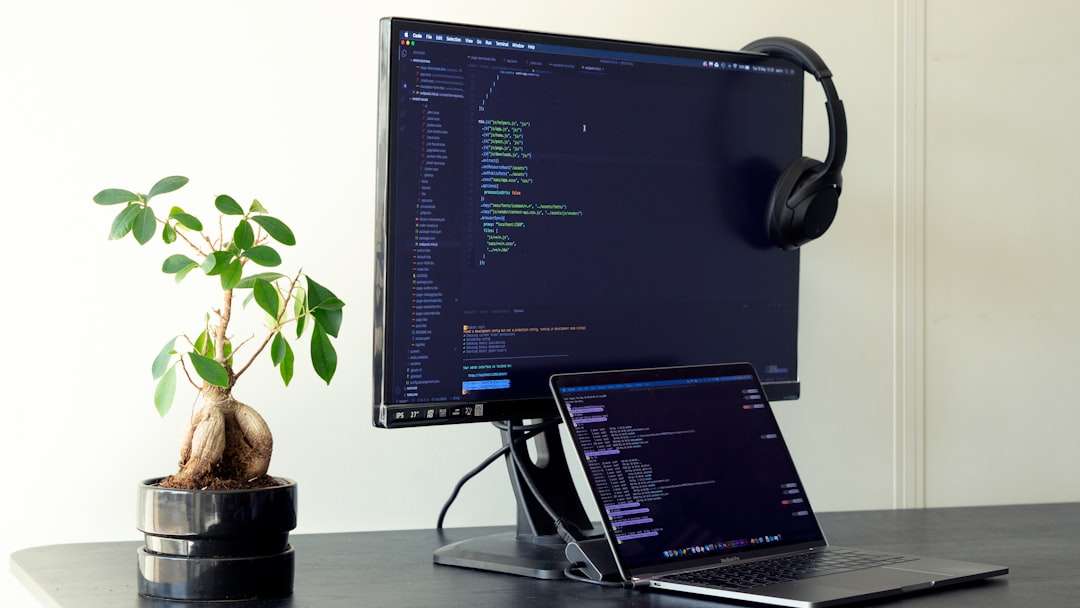
Cursor has gained rapid popularity as an AI-first code editor designed from the ground up to integrate conversational AI into software development. Unlike extensions layered onto traditional IDEs, Cursor reimagines how engineers interact with code collaboratively.
Key Collaboration Features
- Built-in AI chat connected to the entire codebase
- Multi-file editing and large-scale refactoring through natural language
- Shared code context across teams
- Inline explanations for onboarding junior developers
Cursor’s collaborative advantage lies in its conversational depth. Developers can ask the AI to refactor entire modules, generate documentation for teammates, or explain legacy sections of code. This lowers onboarding barriers and encourages shared understanding across departments.
Teams working on complex systems benefit from Cursor’s ability to analyze interconnected files at once. For instance, when implementing a new feature affecting authentication, routing, and UI layers, Cursor can suggest synchronized updates across all impacted components.
Strengths
- Advanced multi-file reasoning
- Strong conversational AI integration
- Effective for refactoring and documentation tasks
- Supports rapid prototyping
Potential Drawbacks
- Newer product with evolving enterprise features
- May require workflow adjustments for traditional IDE users
- Performance can depend on codebase size
Cursor excels in collaborative environments where teams frequently iterate on shared modules and rely on collective knowledge. It serves as a virtual pair programmer capable of bridging experience gaps.
3. Codeium for Teams
Codeium positions itself as a fast, lightweight, and privacy-conscious AI coding assistant. Its team-focused offerings emphasize speed, security, and affordability—making it appealing for startups and mid-sized engineering teams.

Key Collaboration Features
- Real-time autocomplete across dozens of languages
- Enterprise self-hosting options
- Centralized admin dashboards
- Broad IDE compatibility
Codeium stands out for its flexibility. Teams concerned about sensitive code exposure can explore self-hosted deployments, offering greater control over proprietary repositories. This makes it especially attractive in regulated industries such as fintech or healthcare.
Although its suggestion depth may not match Cursor’s conversational refactoring, its speed and minimalistic interface help reduce distractions during live collaboration sessions.
Strengths
- Cost-effective pricing
- Strong privacy controls
- Lightweight and fast performance
- Broad language support
Potential Drawbacks
- Less advanced contextual understanding
- Fewer conversational editing capabilities
- Smaller ecosystem compared to GitHub
Codeium works best for growing teams seeking straightforward AI autocomplete functionality paired with flexible deployment options.
Comparison Chart
| Feature | GitHub Copilot for Business | Cursor | Codeium for Teams |
|---|---|---|---|
| Repository Context Awareness | High (GitHub Integrated) | Very High (Multi-file conversational) | Moderate |
| Conversational AI | Limited | Advanced | Basic |
| Enterprise Controls | Strong | Developing | Strong (Self-host option) |
| IDE Compatibility | Multiple IDEs | Standalone Editor | Extensive IDE support |
| Best For | GitHub-centered enterprises | AI-first collaborative teams | Startups and privacy-focused teams |
How Teams Should Choose an AI Code Editor
When selecting an AI code editor for collaborative environments, decision-makers should evaluate:
- Integration with existing workflows
- Security and compliance requirements
- Codebase complexity
- Team size and experience levels
- Budget constraints
For enterprises heavily invested in GitHub, Copilot may provide the smoothest adoption path. Teams seeking advanced AI-driven refactoring tools may find Cursor transformative. Meanwhile, cost-conscious startups may see Codeium as a balanced option.
Ultimately, the best tool is the one that complements existing collaboration habits rather than forcing disruptive workflow overhauls.
Frequently Asked Questions (FAQ)
1. Are AI code editors safe for proprietary projects?
Most leading tools now offer enterprise-grade security controls. Solutions like GitHub Copilot for Business and Codeium provide policy management and private deployment options. Teams should still review vendor security documentation and compliance certifications before adoption.
2. Do AI code editors replace developers?
No. These tools act as augmented assistants, improving productivity and reducing repetitive tasks. Strategic architecture decisions and creative problem-solving remain human responsibilities.
3. Which AI editor is best for remote teams?
Cursor often stands out for remote collaboration due to its conversational interface and ability to explain and refactor shared codebases. However, GitHub Copilot also integrates seamlessly with distributed GitHub workflows.
4. Can AI editors help junior developers?
Yes. AI-generated explanations, inline documentation, and contextual suggestions significantly accelerate onboarding. Junior developers can better understand coding standards and legacy patterns within shared repositories.
5. What is the main limitation of AI code editors?
The primary limitation is contextual reasoning beyond the visible codebase, such as business logic nuances or undocumented architectural decisions. Human oversight is still essential for quality assurance and strategic alignment.
As development teams continue to embrace distributed collaboration, AI code editors are quickly becoming foundational productivity tools. Whether prioritizing integration depth, conversational intelligence, or enterprise security, today’s leading platforms offer powerful solutions designed to enhance — not replace — human collaboration.
