
Launching a website no longer requires advanced coding skills, a large budget, or weeks of development time. Modern website builders have transformed the process into something intuitive, fast, and beginner-friendly. With drag-and-drop editors, customizable templates, built-in hosting, and marketing tools, almost anyone can create a professional-looking website in a single afternoon. Once your site is up and running, tools like Bulk WP can further streamline your workflow by saving hours through automated bulk operations, whether you need to delete posts, pages, users, or custom fields based on specific conditions. The key is choosing the right platform for specific goals, whether that is blogging, eCommerce, freelancing, or building a business presence.
TL;DR: Website builders make it easy for beginners to launch professional websites without coding skills. The best platforms offer drag-and-drop editors, responsive templates, built-in hosting, and scalable pricing. This guide compares 10 beginner-friendly website builders, highlights their strengths, and includes a simple comparison chart. A short FAQ at the end answers common questions to help new users get started quickly.
Below are ten of the easiest website builders for beginners who want speed, simplicity, and strong results.
1. Wix
Best for: Creative control and flexibility.
Wix is often the first name beginners encounter, and for good reason. Its drag-and-drop interface allows users to place elements anywhere on a page without restrictions. With hundreds of templates available, beginners can launch websites for portfolios, restaurants, freelancers, and small businesses with minimal effort.
- Pros: Large template library, intuitive editor, strong app marketplace.
- Cons: Templates cannot easily be switched after publishing.
Wix also includes built-in SEO tools, booking systems, and eCommerce functionality, making it a versatile choice.
2. Squarespace
Best for: Sleek and modern design.
Squarespace is known for its clean, professional templates. Beginners who value aesthetics often gravitate toward this platform. The interface is structured but easy to understand, which reduces decision fatigue.
- Pros: Visually polished templates, strong blogging tools, all-in-one platform.
- Cons: Slight learning curve compared to simpler builders.
It is particularly popular among photographers, creatives, and small boutiques.
3. Weebly
Best for: Simple, no-frills websites.
Weebly keeps things straightforward. Its editor is structured and beginner-friendly, making customization simple without overwhelming users. It is ideal for personal websites and small businesses that don’t need complex features.
- Pros: Easy interface, affordable pricing, built-in eCommerce options.
- Cons: Limited advanced customization.
4. Shopify
Best for: Beginners launching an online store.
Shopify is a powerful yet accessible solution for eCommerce. While it is more specialized than some general website builders, it simplifies product management, payments, and shipping integration.
- Pros: Secure checkout, inventory management, extensive app ecosystem.
- Cons: Monthly cost can increase with apps.
For beginners focused on selling physical or digital products, Shopify removes many technical barriers.
5. WordPress.com
Best for: Blogging and scalability.
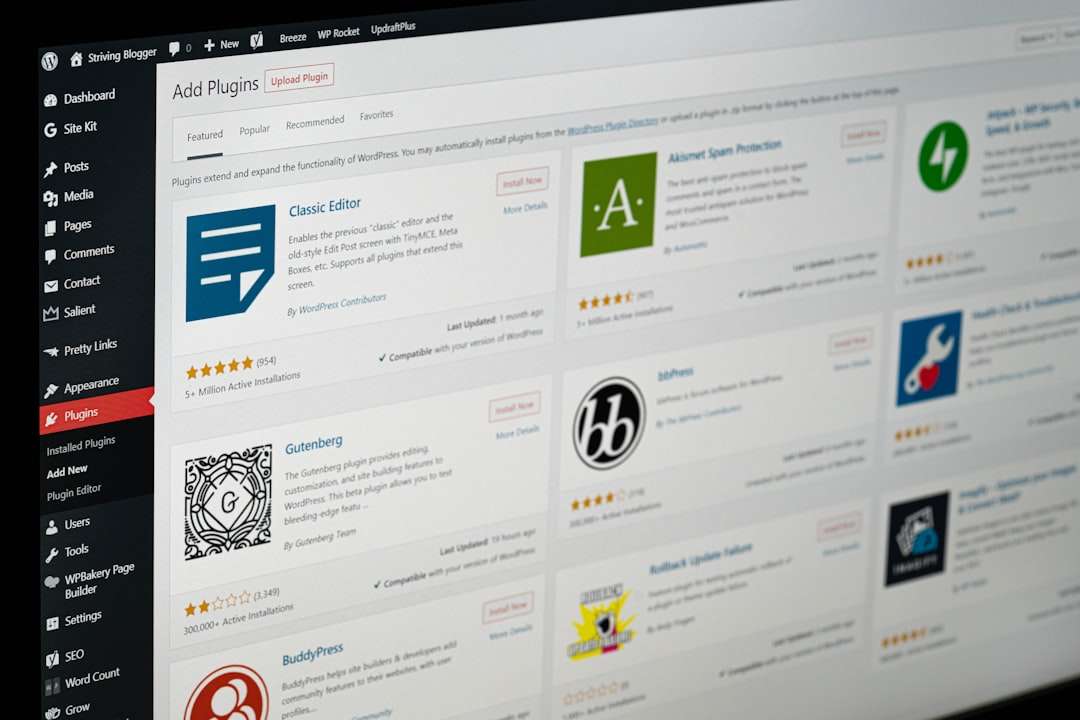
WordPress.com offers a more guided experience compared to self-hosted WordPress. It allows beginners to start quickly while still offering room to grow.
- Pros: Strong blogging tools, large theme selection, scalable features.
- Cons: Advanced customization may require higher-tier plans.
Those who plan to expand content over time often appreciate its flexibility.
6. GoDaddy Website Builder
Best for: Fast setup.
GoDaddy’s website builder focuses on speed. Users answer a few questions, and the platform automatically generates a site layout that can be customized.
- Pros: Quick setup process, beginner guidance, integrated marketing tools.
- Cons: Limited creative flexibility.
This builder works well for entrepreneurs who want to get online in under an hour.
7. Zyro
Best for: Budget-conscious beginners.
Zyro offers affordable plans without sacrificing essentials. Its clean interface and AI-powered tools assist with content generation and layout suggestions.
- Pros: Affordable pricing, easy editor, AI tools.
- Cons: Fewer third-party integrations.
8. Webflow
Best for: Beginners willing to learn design fundamentals.
Webflow sits between beginner and advanced platforms. While it has a steeper learning curve, it offers unmatched design control compared to traditional drag-and-drop builders.
- Pros: Custom design flexibility, professional-grade output.
- Cons: More complex interface.
Creative professionals often choose Webflow to build highly customized sites without writing code.
9. SITE123
Best for: Absolute beginners.
SITE123 emphasizes simplicity above all. Users follow guided steps, and the platform reduces customization complexity.
- Pros: Extremely easy setup, multilingual support.
- Cons: Less design freedom.
10. Jimdo
Best for: AI-assisted website creation.
Jimdo uses AI to create a basic website after asking users a few questions. Beginners can quickly personalize the generated layout.
- Pros: Quick AI setup, mobile optimization.
- Cons: Limited advanced functionality.
Comparison Chart
| Website Builder | Ease of Use | Best For | Free Plan | eCommerce |
|---|---|---|---|---|
| Wix | Very Easy | Flexible websites | Yes | Yes |
| Squarespace | Easy | Design-focused brands | No | Yes |
| Weebly | Very Easy | Small businesses | Yes | Yes |
| Shopify | Moderate | Online stores | No | Yes (Advanced) |
| WordPress.com | Moderate | Blogging | Yes | Yes |
| GoDaddy | Very Easy | Quick launches | Yes | Yes |
| Zyro | Very Easy | Budget users | No | Yes |
| Webflow | Moderate | Custom design | Yes (Limited) | Yes |
| SITE123 | Extremely Easy | Beginners | Yes | Limited |
| Jimdo | Very Easy | AI websites | Yes | Yes |
How to Choose the Right Builder
Beginners should consider a few important factors before selecting a website builder:
- Purpose: Is the website for blogging, selling products, or showcasing a portfolio?
- Budget: Consider long-term costs, not just introductory pricing.
- Customization: Determine how much design control is necessary.
- Scalability: Ensure the platform can grow with the project.
Starting with a free plan can help users explore a platform before committing financially.

Final Thoughts
Website builders have democratized online presence. What once required developers, hosting arrangements, and technical maintenance can now be achieved by beginners in just hours. Whether prioritizing speed, design, eCommerce functionality, or affordability, there is a suitable option available.
The most important step is simply getting started. With intuitive interfaces and step-by-step guidance, these platforms remove the fear traditionally associated with building a website. For beginners in 2026 and beyond, launching fast is no longer just possible—it is expected.
Frequently Asked Questions (FAQ)
1. Do beginners need coding skills to use website builders?
No. Most modern website builders use drag-and-drop editors and visual customization tools that do not require any coding knowledge.
2. Are free website builder plans enough?
Free plans are useful for testing and small personal projects. However, businesses typically benefit from paid plans that remove ads and allow custom domains.
3. How long does it take to launch a website?
With beginner-friendly platforms, a basic website can be live in a few hours. More complex projects may take several days.
4. Can a website builder handle eCommerce?
Yes. Platforms like Shopify, Wix, and Squarespace offer built-in tools for managing products, payments, and shipping.
5. Can users switch website builders later?
Switching is possible, but it may require rebuilding the site manually. It is best to choose a platform that supports long-term growth from the beginning.
6. Are website builders good for SEO?
Most modern builders include built-in SEO tools such as meta tags, mobile optimization, and sitemap generation, which are sufficient for beginners.
